7 Best Free Social Media Schedulers in 2026 (Tested)
Here's the frustrating truth about free social media schedulers: most of them aren't actually free anymore.
Hootsuite killed its free plan. TweetDeck requires an X Premium subscription. Even tools that still have a free tier bury you in limits that make the tool barely usable.
I tested every free social media scheduler I could find to figure out which ones are worth using and which ones are just free trials pretending to be free plans. Here's what actually works in 2026.
Quick picks:
- Buffer - best overall free scheduler (3 channels, 10 posts/queue)
- Metricool - best free plan with analytics (50 posts/month)
- Meta Business Suite - best for Facebook + Instagram only (unlimited, truly free)
- Publer - solid free alternative (3 accounts, 10 posts each)
- Later - best free visual planner for Instagram (12 posts/channel)
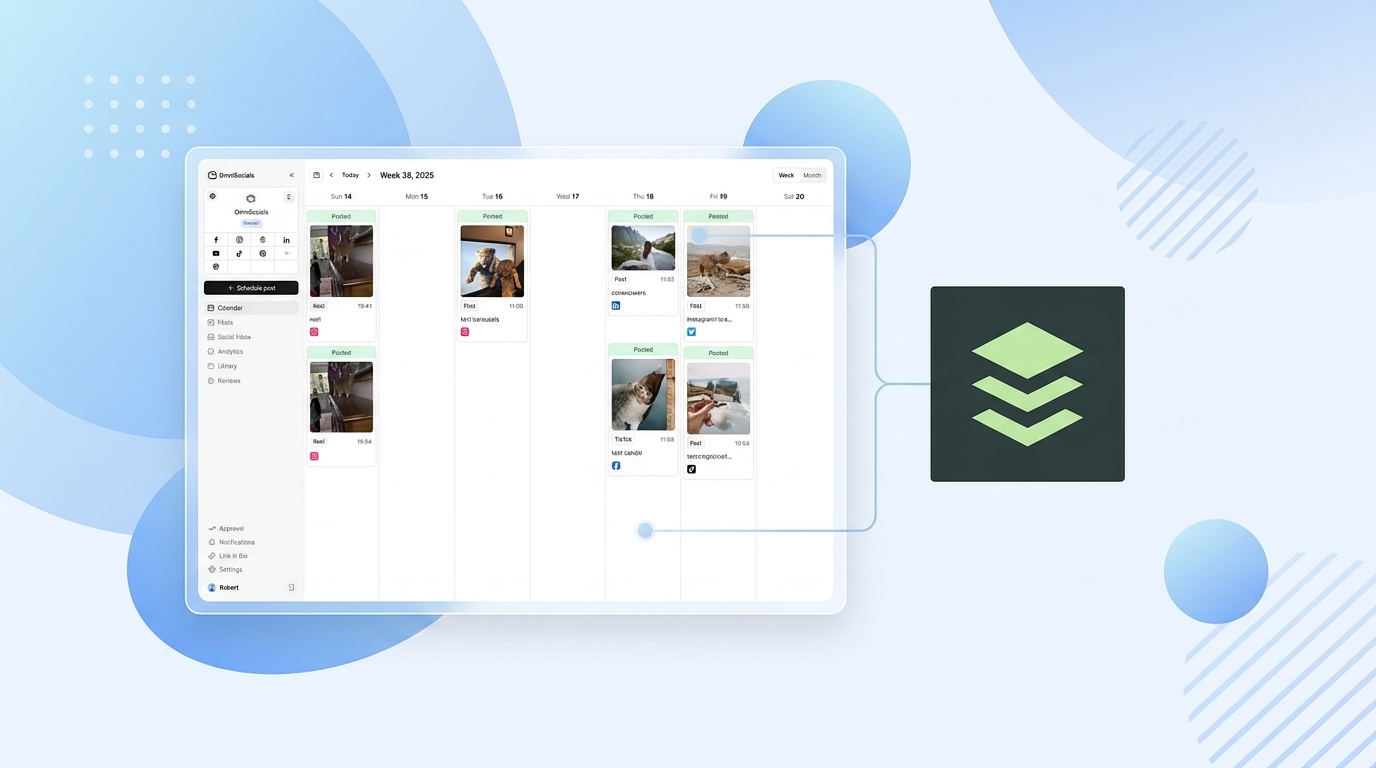
- OmniSocials - best budget pick when free isn't enough ($10/mo, 11 platforms)
- Notion / Google Sheets - best for manual planning (free, no auto-posting)
What Do Free Social Media Schedulers Actually Offer?
A free social media scheduler lets you plan and auto-publish posts across social platforms without paying. Most free plans include basic scheduling and a content calendar but limit the number of channels, posts, or features you can access. Expect 2-3 channels and 10-50 posts per month on most free tiers.
Here's what you need to know before picking one.
Every free plan has trade-offs. You'll hit limits on at least one of these:
- Channel count (how many social accounts you can connect)
- Post volume (how many posts you can schedule per month or queue)
- Features (analytics, team collaboration, and inbox are usually paid-only)
- Platform support (newer platforms like Bluesky and Threads are rarely included)
The key question: are those limits a dealbreaker for your workflow? If you're a solopreneur posting 3x per week to 2-3 platforms, a free plan works fine. If you're managing 5+ channels or need analytics, you'll outgrow free fast.
Best Free Social Media Schedulers Compared
| Tool | Free Channels | Post Limit | Auto-Publish | Analytics | Best For |
|---|---|---|---|---|---|
| Buffer | 3 | 10/queue | Yes | No | Overall simplicity |
| Metricool | 11 | 50/month | Yes | Yes (3 months) | Analytics on free |
| Meta Business Suite | 2 (FB + IG) | No limit | Yes | Yes | Facebook + Instagram |
| Publer | 3 | 10/account | Yes | No | Multi-format posts |
| Later | 8 | 12/channel | Yes | No | Instagram visual planning |
| OmniSocials | 11 (trial) | Unlimited | Yes | Yes | Budget multi-platform |
| Notion | 0 | Unlimited | No | No | Manual planning |
1. Buffer: Best Free Social Media Scheduler Overall
Buffer is the most well-known free social media scheduler, and for good reason. The free plan gives you 3 social channels with up to 10 scheduled posts per channel queue.
The interface is about as simple as scheduling tools get. Connect your accounts, write a post, pick a time, done. No learning curve. Buffer has been doing this since 2010 and the simplicity shows.
One thing that catches people off guard: Buffer's free limit isn't monthly. It's queue-based. You can have 10 posts queued per channel at any time. Once a post publishes, a slot opens up. So if you're posting daily, you're essentially limited to planning 10 days ahead.
Pros:
- 3 channels for free, forever
- Simplest interface of any scheduler
- Great browser extension for quick sharing
- Supports Facebook, Instagram, LinkedIn, X, Pinterest, TikTok, Mastodon, YouTube
Cons:
- 10-post queue limit per channel feels tight
- No analytics on the free plan
- No unified inbox for comments or DMs
- Per-channel pricing on paid plans ($6/channel) adds up fast
- Lifetime limit of 8 unique channel connections on free
Best for: Beginners who want dead-simple scheduling for 2-3 platforms.
2. Metricool: Best Free Scheduler with Analytics
Metricool is a bit of a hidden gem. The free plan gives you 50 posts per month across up to 11 social channels, plus 3 months of analytics history. That's more generous than most paid tools.
What I particularly like about Metricool is that you get real analytics on the free tier. Most tools lock analytics behind paid plans. Metricool gives you engagement data, follower growth, and basic performance reports at no cost.
You also get an AI assistant, inbox management, and competitor analysis (up to 5 competitors) on free. That's a lot.
The catch? X (Twitter) scheduling costs an extra €5/month add-on, even on paid plans. And LinkedIn posting isn't available on the free tier.
Pros:
- 50 posts/month across 11 channels
- Analytics included with 3 months of history
- AI assistant for content creation
- Competitor analysis (5 competitors on free)
- Inbox management included
Cons:
- X (Twitter) costs extra (€5/month add-on)
- No LinkedIn on the free plan
- 50 posts/month feels limiting if you post daily to multiple platforms
- Interface isn't as polished as Buffer
Best for: Solo creators who want free analytics with their scheduling.
3. Meta Business Suite: Best Free Scheduler for Facebook and Instagram
Meta Business Suite is completely free and has no post limits. If Facebook and Instagram are your only platforms, this is the obvious choice.
You can schedule posts, Stories, and Reels for both Facebook and Instagram. You get a unified inbox, basic analytics, and recommended posting times. Meta even added Reels scheduling, which not every third-party tool supports well.
The downside is that it only works with Meta platforms. No LinkedIn, no TikTok, no X. And the interface can feel clunky compared to dedicated scheduling tools. But it's 100% free with no caps.
Pros:
- Completely free with no post limits or channel limits
- Scheduling for posts, Stories, and Reels
- Unified inbox for Facebook + Instagram
- Built-in analytics and recommended posting times
- Direct from Meta, so API support is never an issue
Cons:
- Facebook and Instagram only (no other platforms)
- Interface is clunky and slow at times
- Can't schedule interactive Story features (polls, questions)
- No team collaboration features
- 75-day maximum scheduling window
Best for: Small businesses that only use Facebook and Instagram.
4. Publer: Solid Free Multi-Platform Scheduler
Publer offers a free plan with 3 social accounts and 10 pending scheduled posts per account. You also get 25 saved drafts and a built-in photo editor.
Publer stands out for supporting multiple post formats well. You can create text posts, image posts, carousels, and videos. The Canva integration on the free plan is a nice touch for creating visuals without leaving the tool.
The main limitation: X (Twitter) is not available on the free plan. If you need Twitter scheduling for free, Buffer is a better choice.
Pros:
- 3 accounts with 10 pending posts each
- Built-in photo editor and Canva integration
- Link in Bio page included free
- Supports multiple post formats
- 25 saved drafts for content planning
Cons:
- No X (Twitter) on free plan
- 10 posts per account is restrictive
- No analytics on the free tier
- 24-hour post history only
- Limited compared to Buffer's platform support
Best for: Visual content creators who want Canva integration at no cost.
5. Later: Best Free Visual Planner for Instagram
Later gives you 8 social channels and 12 scheduled posts per channel on the free plan. That's more channels than Buffer, though the per-channel post limit is only slightly better.
Later's strength is the visual planner. You can see exactly how your Instagram grid will look before posts go live. If brand aesthetics matter to your business, that feature alone makes Later worth considering.
The free plan also includes a Link in Bio page, which is useful for driving traffic from Instagram. It's a nice bonus if you need a simple landing page for your Instagram bio link.
Pros:
- 8 channels on the free plan (more than Buffer)
- Visual grid planner for Instagram
- Link in Bio page included
- Supports Instagram, Facebook, TikTok, Pinterest, LinkedIn, X, YouTube, Snapchat
Cons:
- 12 posts per channel limit is still tight
- No analytics on free
- No bulk upload or team features
- Platform support is wide but not deep (limited features per platform)
Best for: Instagram-focused brands that care about grid aesthetics.
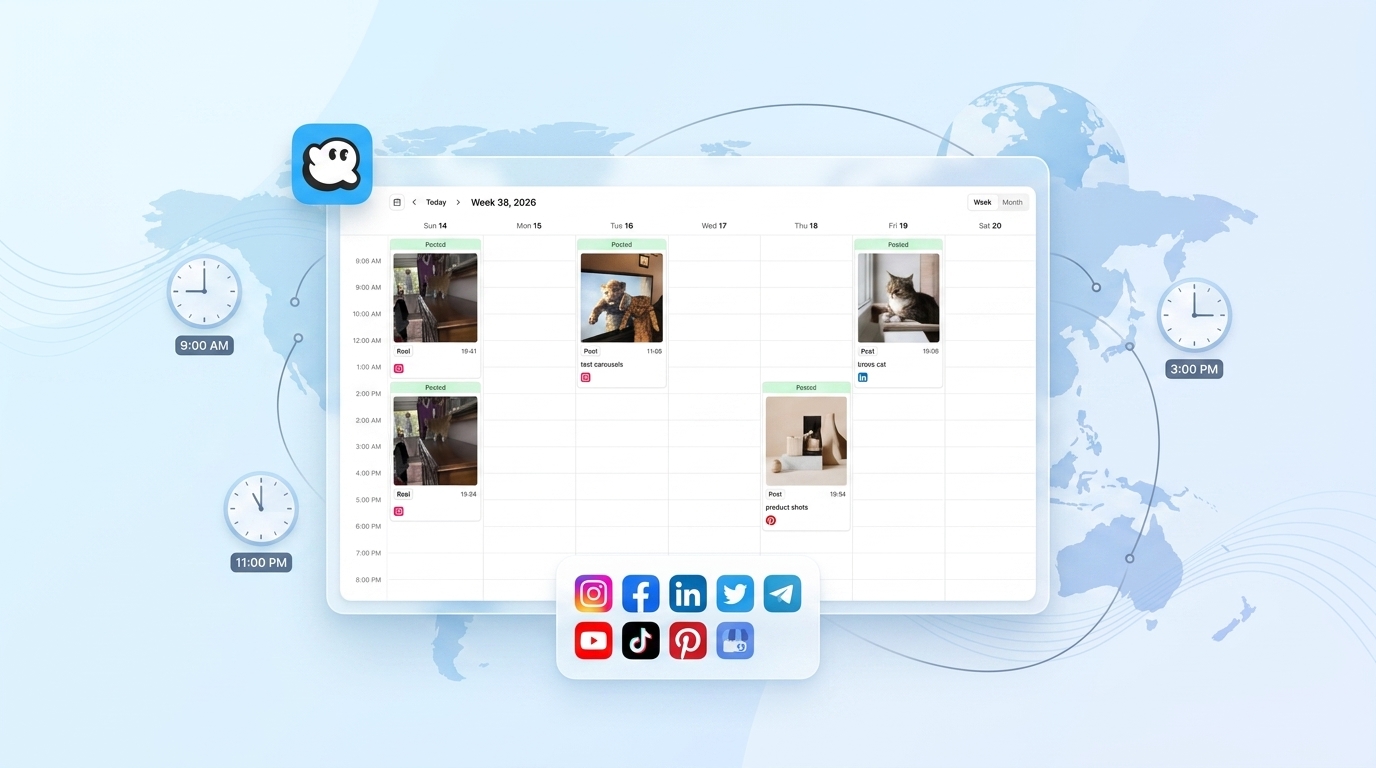
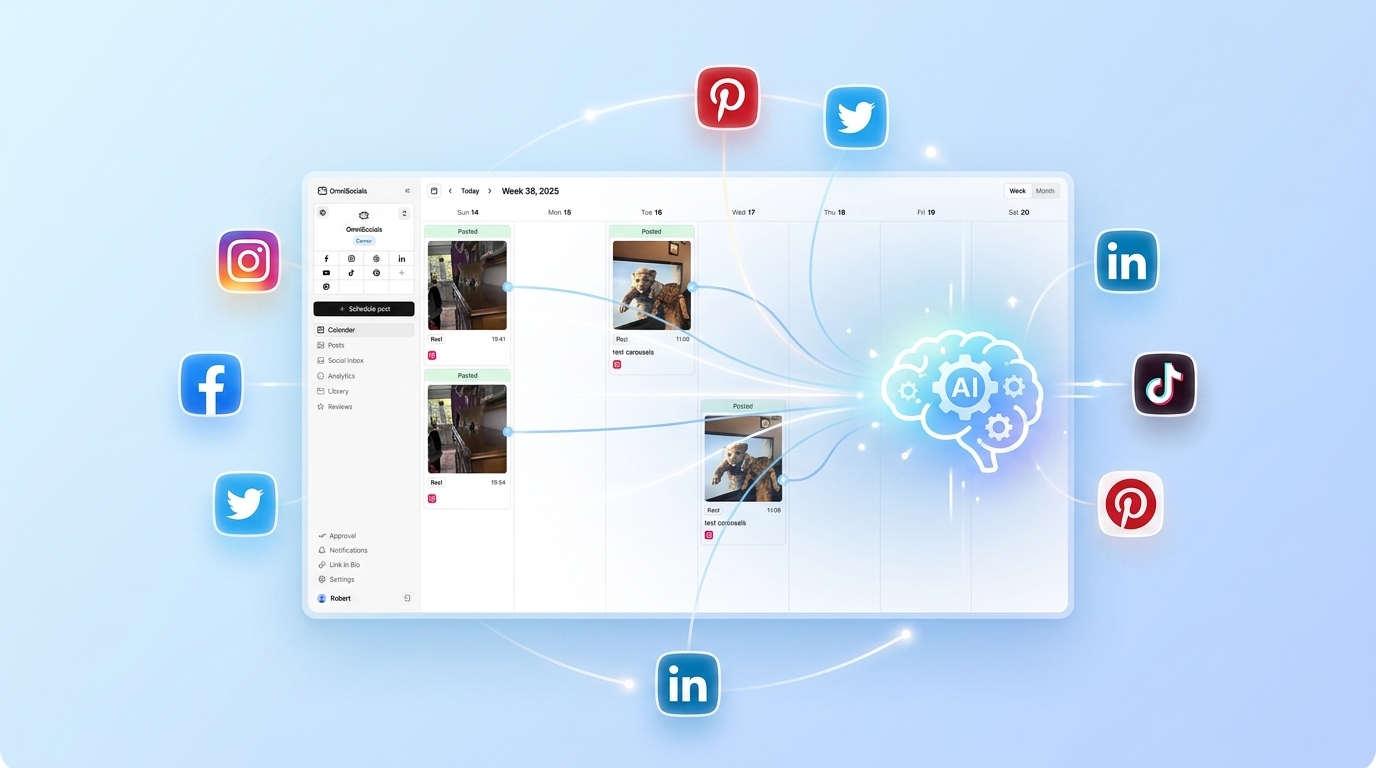
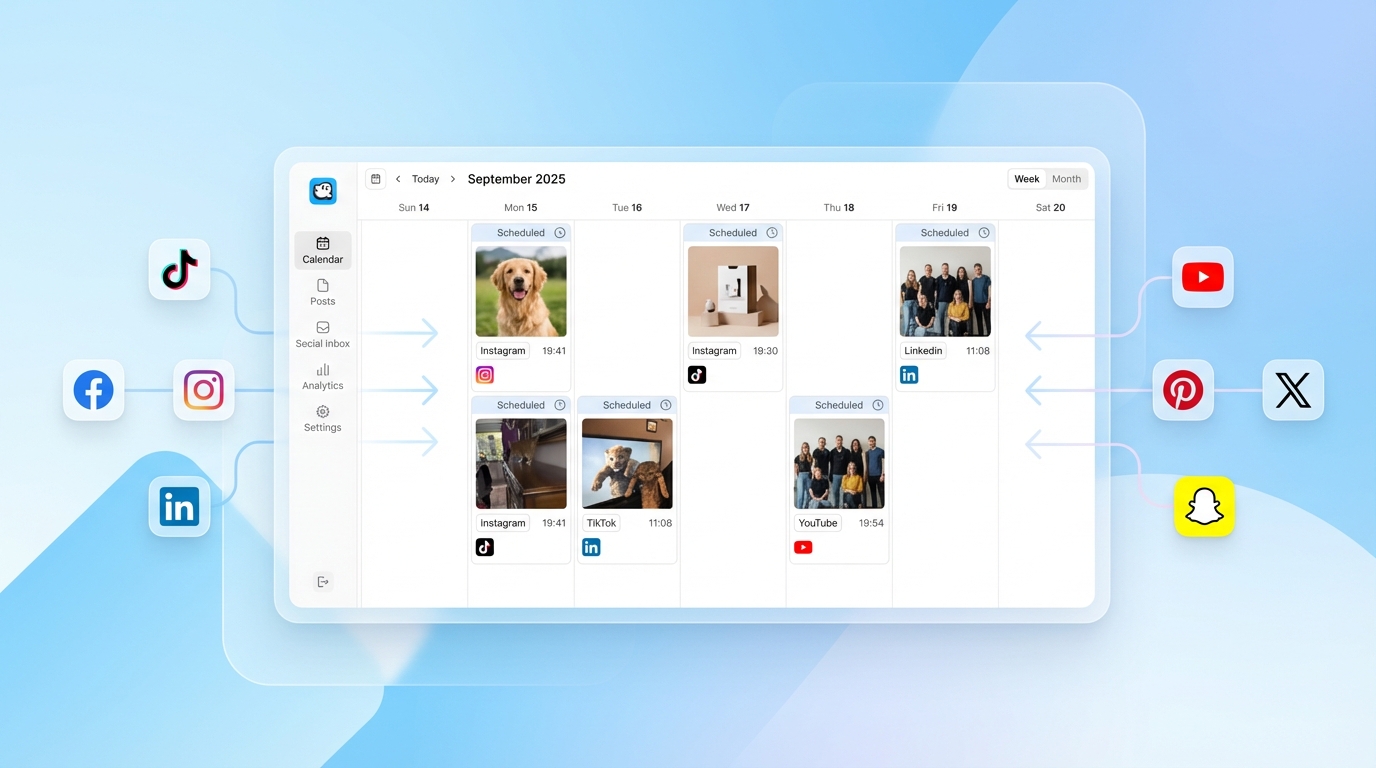
6. OmniSocials: Best Budget Option When Free Isn't Enough
OmniSocials isn't free, but at $10/month flat for 11 platforms, it's the cheapest social media management tool that doesn't compromise on features.
I'm including it because if you've tried free schedulers and keep hitting limits, this is where the math works out. Buffer's paid plan for 5 channels costs $30/month. Later starts at $25/month. Hootsuite is $99/month. OmniSocials gives you everything for $10.
You get unlimited scheduled posts, a unified inbox, analytics, approval workflows, and a media library with stock photo integration. No features are locked behind higher tiers because there's only one tier.
The 14-day free trial gives you full access. If you're outgrowing free plans, this is the logical next step.
Pros:
- $10/mo flat for all features and all 11 platforms
- Includes Bluesky, Threads, and Mastodon (rare)
- Unified inbox, analytics, and approval workflows included
- No per-channel or per-seat pricing
- 14-day free trial
Cons:
- No free forever plan
- Newer tool with a smaller user community
- Analytics aren't as deep as Sprout Social or Hootsuite
Pricing: $10/mo (annual) or $12/mo (monthly).
Try OmniSocials free for 14 days → 11 platforms, unlimited posts.
7. Notion or Google Sheets: Best Free DIY Planner
If you don't need auto-publishing and just want to plan your content, Notion and Google Sheets are completely free with no limits.
Notion's template gallery has dozens of social media calendar templates. You can plan posts by platform, track drafts, and organize your content pipeline. Google Sheets works the same way with a more traditional spreadsheet layout.
The clear downside: you have to manually copy-paste and publish every post yourself. That's manageable at 2-3 posts per week. It becomes painful at 5+ posts across multiple platforms.
Pros:
- 100% free, no limits at all
- Completely customizable
- Great for planning before committing to a tool
- Shareable with team members
Cons:
- No auto-scheduling or publishing
- No analytics or performance tracking
- Manual posting is time-consuming at scale
- Easy to fall behind without automated reminders
Best for: People just starting out who want to plan before investing in software.
Free Plans That No Longer Exist
If you've seen these recommended as "free" elsewhere, save yourself the click:
- Hootsuite removed its free plan in 2023. The cheapest option is now $99/month.
- TweetDeck (now X Pro) requires an X Premium subscription at $8/month.
- RecurPost recently removed its free plan. Starts at $9/month.
- Canva has a content scheduler, but it requires Canva Pro at $12.99/month.
A lot of "best free schedulers" articles still list these tools. They're not free anymore.
Tired of hitting free plan limits? OmniSocials gives you 11 platforms for $10/mo → No per-channel fees. No feature gates.
Frequently Asked Questions
Is there a truly free social media scheduler?
Yes. Buffer, Metricool, Meta Business Suite, and Publer all offer free-forever plans with real scheduling. Buffer gives you 3 channels with 10 scheduled posts per queue. Metricool offers 50 posts per month. Meta Business Suite is completely free for Facebook and Instagram. Each has limitations, but they work for light scheduling needs.
What is the best free social media scheduling tool?
Buffer is the best free social media scheduler for most people. You get 3 channels, a clean interface, and basic scheduling at no cost. If you only use Facebook and Instagram, Meta Business Suite is better because it has no post limits. For more channels and analytics, Metricool's free plan offers 50 posts per month across up to 11 platforms.
Is Hootsuite still free?
No. Hootsuite removed its free plan in 2023. The cheapest Hootsuite plan now starts at $99/month (Professional). If you're looking for a free alternative to Hootsuite, Buffer and Metricool both offer free plans. For a budget option with more platforms, OmniSocials covers 11 platforms for $10/month.
Can I schedule posts for free on Instagram?
Yes. Meta Business Suite lets you schedule Instagram posts, Stories, and Reels for free with no post limits. Buffer's free plan also supports Instagram scheduling for up to 10 posts in your queue. Later offers 12 scheduled Instagram posts on its free plan with a visual grid planner.
What's the cheapest social media management tool?
The cheapest paid social media management tool is OmniSocials at $10/month flat for 11 platforms with no per-channel fees. Buffer's paid plans start at $6/month per channel. If you only need Facebook and Instagram, Meta Business Suite is completely free with scheduling, inbox, and basic analytics included.