Programmatic Social Media Posting in 2026
If you want to post to Instagram, LinkedIn, and Bluesky from your code, you have two options. You can work through each platform's native API separately, dealing with different OAuth flows, app review queues, and rate limits for each one. Or you can send a single API request to a unified layer and be done in 30 lines of code.
This article covers how programmatic social media posting works, where native platform APIs create friction, and how to use the OmniSocials API to handle cross-platform publishing cleanly.
What Is Programmatic Social Media Posting?
Programmatic social media posting is the practice of creating, scheduling, and publishing social media content through code and APIs rather than through manual dashboard interactions. Instead of logging into Instagram or LinkedIn to post, your application sends an HTTP request to an API, which handles the publishing on your behalf.
Developers use it for content pipelines, SaaS tools that post on behalf of users, marketing automation workflows, and internal tools that sync blog articles or product launches to social channels automatically.
Why Native Platform APIs Are Painful
The idea is simple. The execution is not.
Instagram requires a Facebook Developer account, an approved app with the right permissions, a Business or Creator account linked to a Facebook Page, and a two-step media upload process before you can publish a single image post.
LinkedIn has a separate OAuth flow, different media upload endpoints, and an API version that changes regularly enough to break production code without warning.
TikTok's Content Posting API is invite-only as of 2026, with an approval process that can take weeks.
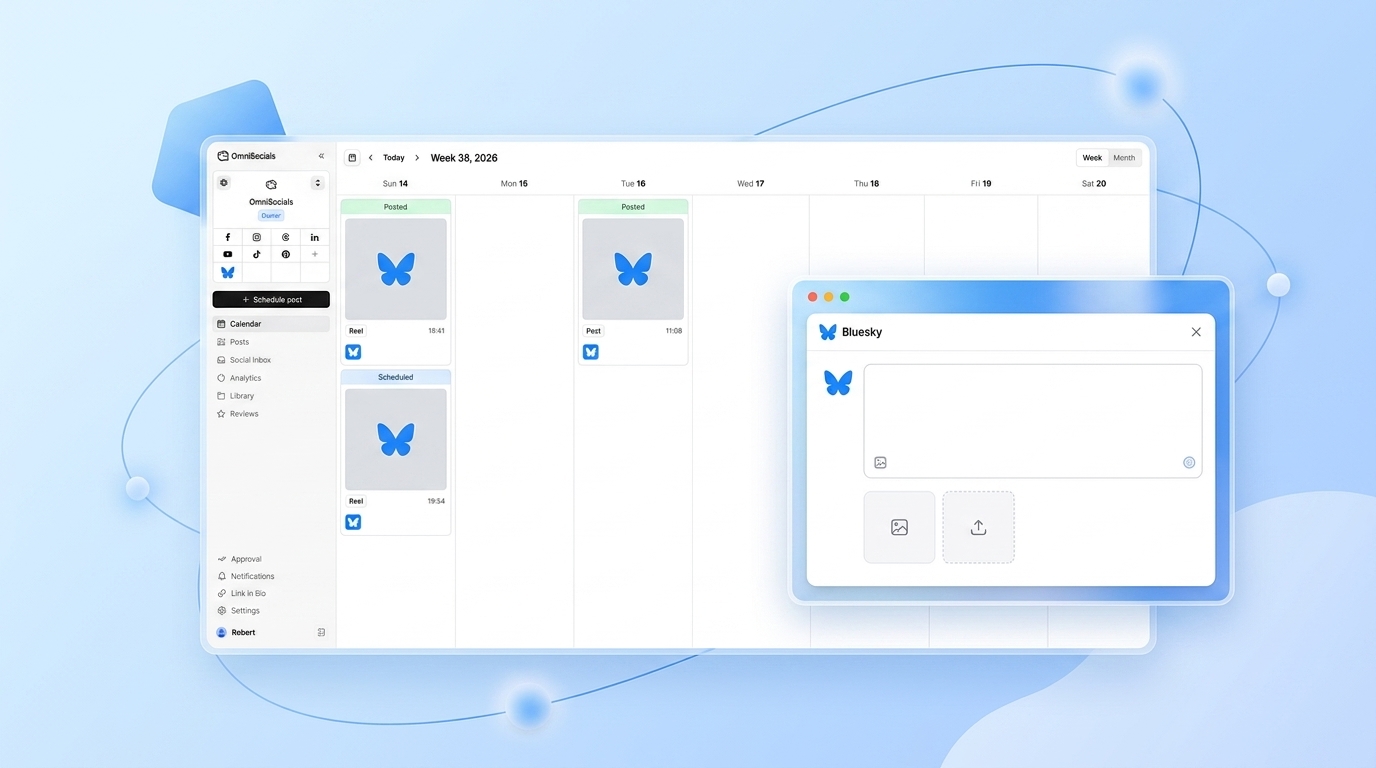
Bluesky uses the AT Protocol, which is entirely different from REST APIs the other platforms use.
The result: if you want to post to five platforms programmatically, you're maintaining five separate integrations, five OAuth token refresh flows, and five sets of error handling. That's before you handle media resizing, character limits, and platform-specific formatting.
The Simpler Approach: One API for All Platforms
The OmniSocials API wraps all of this into a single, consistent interface. You connect your social accounts once through the OmniSocials dashboard, and from that point on, your code only ever talks to one endpoint.
Base URL: https://api.omnisocials.com/v1
Auth: Bearer token from Settings > API in your dashboard
Rate limit: 100 requests/minute per API key
Here's what it looks like to post to Instagram, LinkedIn, and Bluesky in a single request:
// JavaScript: Post to three platforms with one request
const response = await fetch('https://api.omnisocials.com/v1/posts', {
  method: 'POST',
  headers: {
    'Authorization': 'Bearer YOUR_API_KEY',
    'Content-Type': 'application/json',
  },
  body: JSON.stringify({
    text: 'We just shipped programmatic scheduling. Here is how it works.',
    media: ['https://yourcdn.com/announcement.jpg'],
    platforms: ['instagram', 'linkedin', 'bluesky'],
    scheduled_at: '2026-04-10T09:00:00Z', // omit this to publish immediately
  }),
});

const { data } = await response.json();
// data.id: "post_abc123"
// data.status: "scheduled"
// data.platforms: { instagram: "queued", linkedin: "queued", bluesky: "queued" }
# Python: Same request
import requests

response = requests.post(
    'https://api.omnisocials.com/v1/posts',
    headers={'Authorization': 'Bearer YOUR_API_KEY'},
    json={
        'text': 'We just shipped programmatic scheduling. Here is how it works.',
        'media': ['https://yourcdn.com/announcement.jpg'],
        'platforms': ['instagram', 'linkedin', 'bluesky'],
        'scheduled_at': '2026-04-10T09:00:00Z',
    }
)
post = response.json()['data']
print(post['id'])  # post_abc123
No per-platform OAuth. No separate media upload steps. No reformatting content per platform. The API handles resizing and format requirements on the backend.
How Scheduling Works
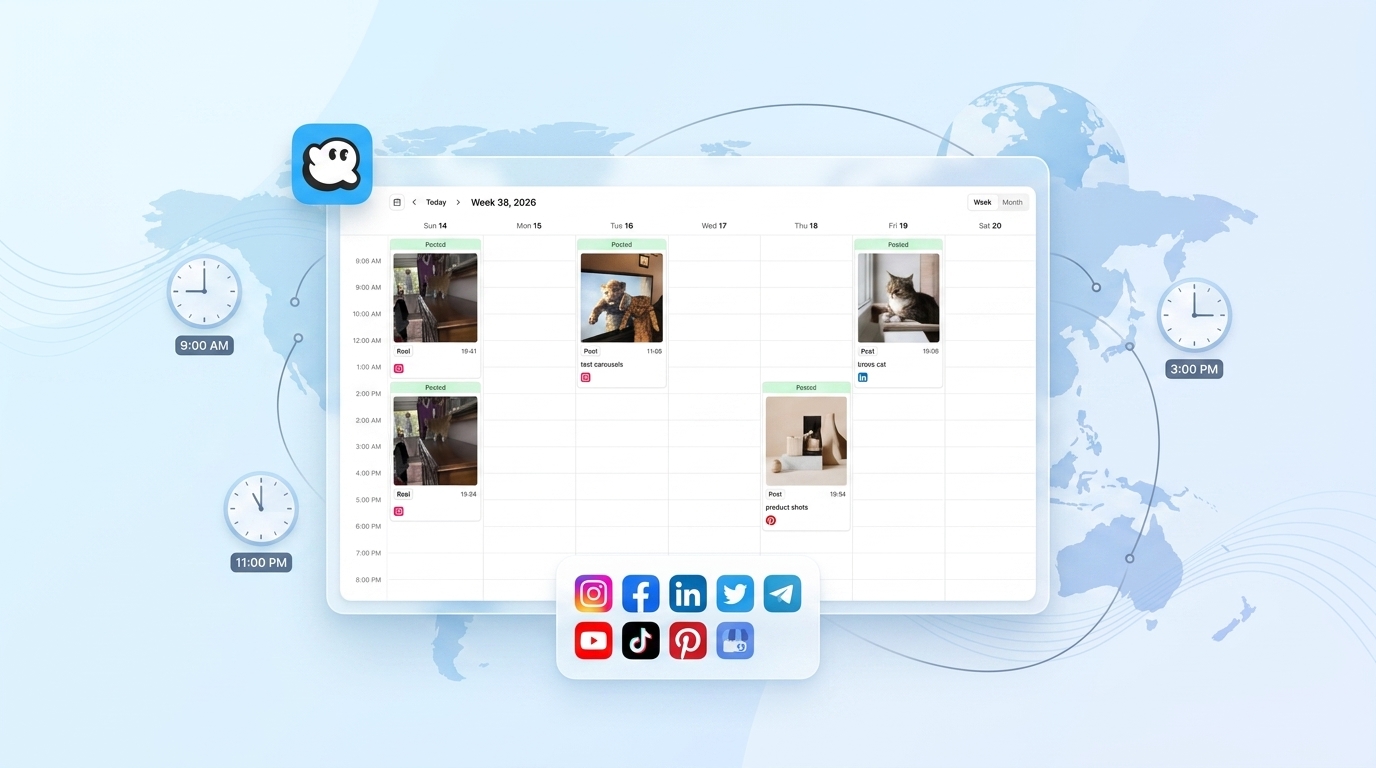
To schedule a post, add scheduled_at with an ISO 8601 timestamp. Omit it and the post publishes immediately.
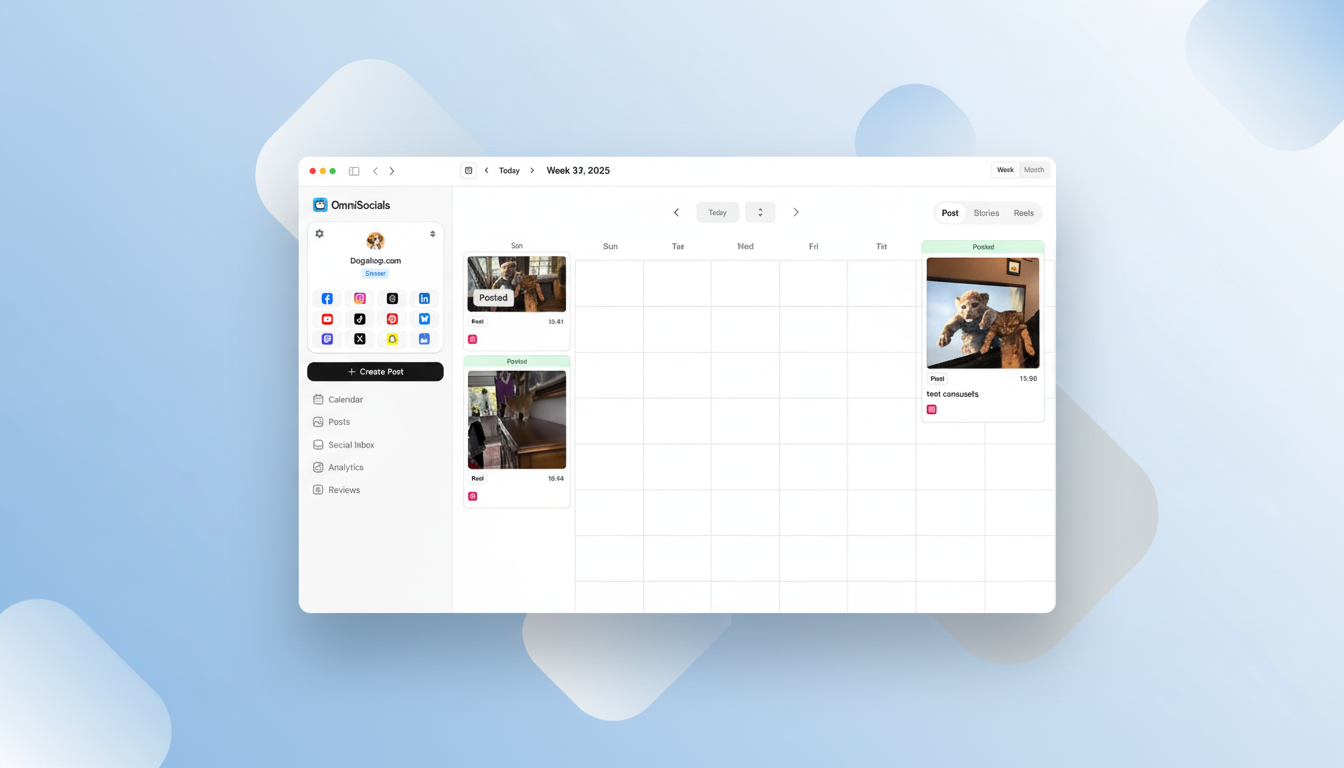
The API handles the queue on its end. You don't need a cron job, a task queue, or a local scheduler. Your application sends the request, gets back a post ID and status, and the API takes it from there.
To retrieve scheduled posts:
// List all scheduled posts
const response = await fetch(
  'https://api.omnisocials.com/v1/posts?status=scheduled',
  {
    headers: { 'Authorization': 'Bearer YOUR_API_KEY' },
  }
);
const { data } = await response.json();
To cancel a scheduled post:
await fetch('https://api.omnisocials.com/v1/posts/post_abc123', {
  method: 'DELETE',
  headers: { 'Authorization': 'Bearer YOUR_API_KEY' },
});
Native API vs OmniSocials: A Real Comparison
Here's what posting a single image to Instagram natively looks like versus through OmniSocials:
| Step | Instagram Graph API | OmniSocials API |
|---|---|---|
| Setup | Facebook app + app review + Page linking | Connect account in dashboard |
| Auth | OAuth 2.0 per user, token refresh logic | Single Bearer token |
| Media upload | POST to /media endpoint (step 1) | Include URL in media array |
| Publish | POST to /media/publish endpoint (step 2) | Same POST as all other platforms |
| Multi-platform | Repeat for every platform | Add platforms to the array |
| Total API calls | 2+ per platform | 1 for all platforms |
For a SaaS product where users connect their own social accounts, OmniSocials provides profile-level API keys so you can post on behalf of each user without managing their OAuth tokens in your own database.
What the API Covers
| Endpoint | Method | What It Does |
|---|---|---|
/v1/posts | POST | Create, publish, or schedule a post |
/v1/posts | GET | List posts with filters (status, platform, date range) |
/v1/posts/:id | GET | Get a specific post and its platform-level status |
/v1/posts/:id | DELETE | Delete a scheduled or published post |
/v1/media/upload | POST | Upload media and get a CDN URL back |
/v1/accounts | GET | List connected social accounts |
/v1/analytics | GET | Pull engagement metrics across platforms |
/v1/inbox | GET | Read messages and comments from the unified inbox |
Webhooks are also supported. You can register a URL to receive events when a post publishes successfully, fails, or receives engagement. Useful for logging, retry logic, or triggering downstream actions in your pipeline.
Supported Platforms
The OmniSocials API supports 11 platforms as of 2026:
- Instagram (posts, Reels, carousels)
- Facebook (posts and Reels)
- LinkedIn (posts and articles)
- YouTube (video uploads)
- TikTok
- X (Twitter)
- Bluesky
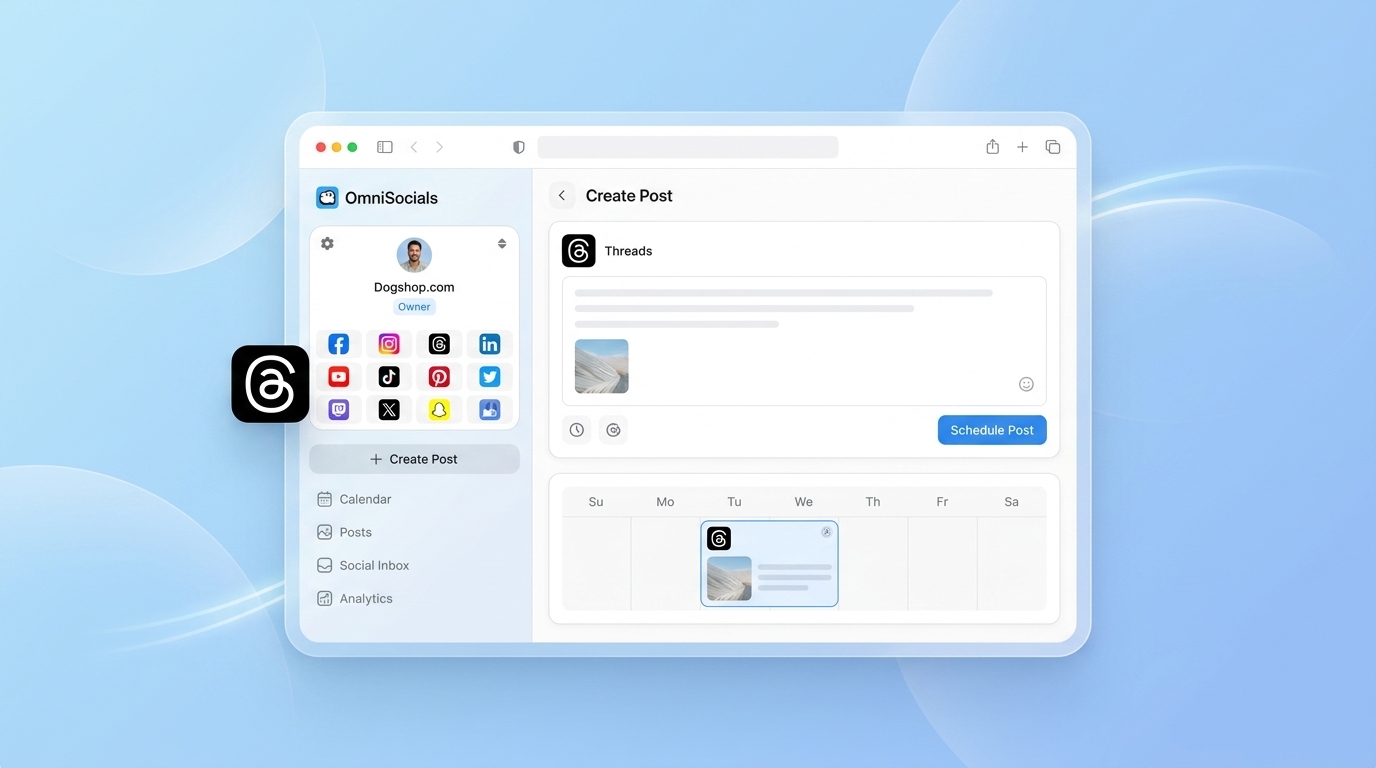
- Threads
- Mastodon
- Google Business Profile
Most competing APIs top out at 8 platforms and don't cover Bluesky, Mastodon, or Threads.
Pricing Compared
| API | Price | Platforms | API Included | MCP Server |
|---|---|---|---|---|
| OmniSocials | $10/mo | 11 | Yes | Yes |
| Ayrshare | $49/mo | 8 | Yes | No |
| Publer API | $12/mo | 9 | Yes | No |
| Buffer API | $6/channel/mo | 8 | Per plan | No |
API access is included in the standard $10/mo OmniSocials plan. There's no separate API tier, no per-request charges, and no feature gates.
Frequently Asked Questions
What is programmatic social media posting?
Programmatic social media posting means using code and APIs to publish content to social platforms automatically rather than doing it manually through each platform's UI. Developers use it to build content pipelines, SaaS scheduling tools, and marketing automation systems that post on behalf of users or organizations.
Which API is best for posting to multiple platforms programmatically?
The OmniSocials API is the most practical option for multi-platform posting in 2026. One API key covers 11 platforms, pricing starts at $10/mo with API access included, and the endpoint model is consistent across all platforms. Ayrshare is the main alternative, starting at $49/mo for 8 platforms.
Can I post to Instagram programmatically?
Yes. Instagram's Graph API supports programmatic posting, but it requires a Facebook Developer app, app review approval, and a two-step media upload and publish process. The OmniSocials API handles all of that on the backend. You send one POST request with Instagram in the platforms array and that's it.
How do I schedule posts programmatically?
Add a scheduled_at field to your POST request to /v1/posts with an ISO 8601 timestamp. The OmniSocials API queues the post and publishes it at the right time across all selected platforms. No cron jobs or local task queues required.
Do I need separate API keys for each social platform?
Not with OmniSocials. You connect your social accounts once through the dashboard, and one API key handles all 11 platforms. There's no per-platform OAuth to manage in your own codebase.
Programmatic social media posting is one of those things that sounds like a weekend project until you start dealing with each platform's individual API requirements. The OmniSocials API exists to make this a non-issue. Connect your accounts once, use a single key, and post to 11 platforms from a single request.
The full API reference is at docs.omnisocials.com. The free trial is 14 days.
Sources
- Meta Graph API Documentation — Official Instagram Graph API content publishing guide, covering the two-step upload and publish flow
- LinkedIn Developer Portal — LinkedIn Posts API reference documenting OAuth requirements and media upload endpoints
- Bluesky AT Protocol Documentation — AT Protocol overview explaining how Bluesky's API differs from REST-based social platform APIs
- TikTok Content Posting API — TikTok's official Content Posting API documentation, including approval requirements
- OmniSocials API Reference — Full endpoint reference for the OmniSocials API, including authentication, post creation, scheduling, and webhooks