Social Media API in JavaScript: A 2026 Guide
Integrating social media publishing into a JavaScript application sounds straightforward until you actually try it. Each platform has its own OAuth flow, its own rate limits, its own media format requirements, and its own app review process before you can even go live.
Instagram requires you to submit your app for Business Verification. TikTok's Content Posting API requires a separate application approval. LinkedIn's API scopes changed twice in 2024. And you need a different integration for each one.
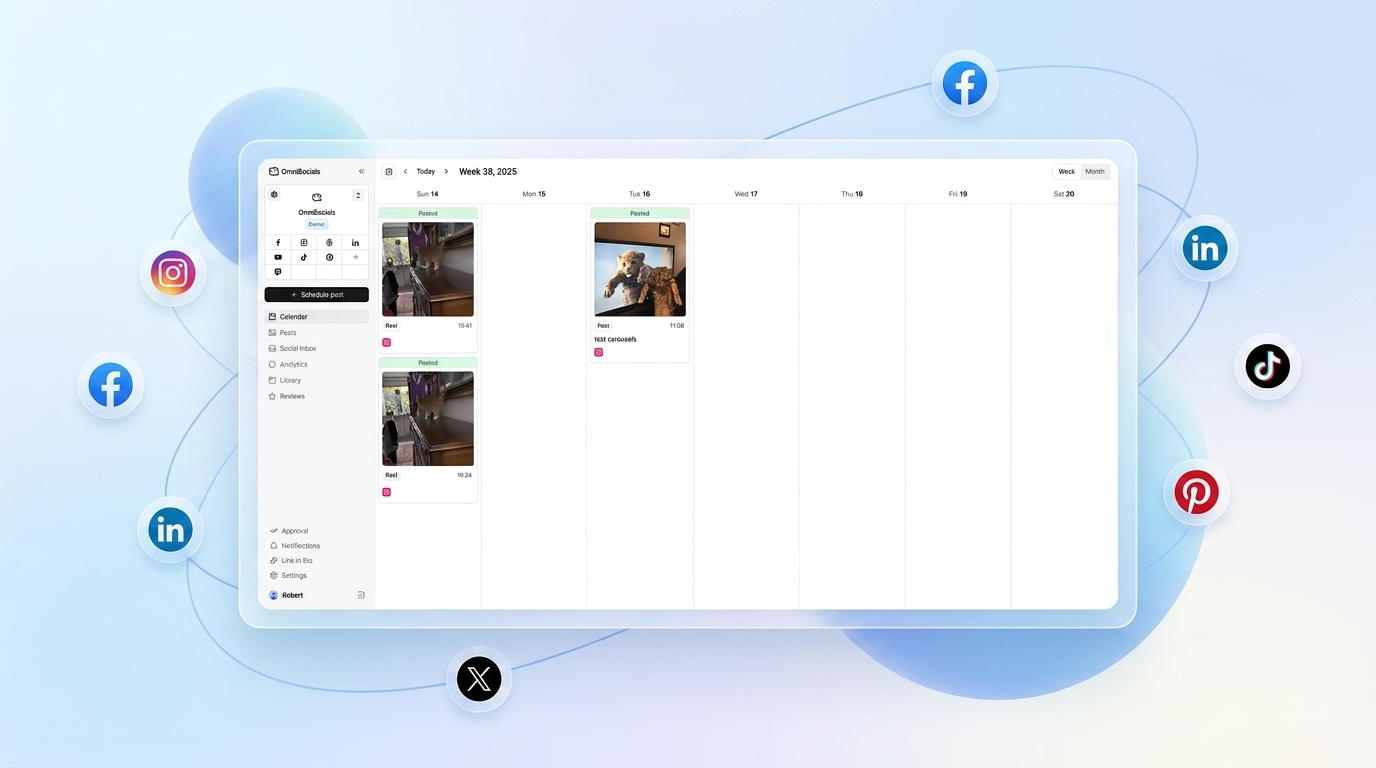
The OmniSocials API sidesteps all of that. One endpoint, one API key, 11 platforms. This tutorial walks you through posting to social media from JavaScript in about 15 minutes.
What Is the OmniSocials API?
The OmniSocials API is a unified social media publishing API. You connect your social accounts once through the OmniSocials dashboard, and from that point forward your JavaScript code talks to one endpoint: https://api.omnisocials.com/v1.
No per-platform OAuth. No separate SDK per network. No app review required per platform. You get a single Bearer token from your dashboard and you're ready to publish.
The API costs $10/mo as part of the standard OmniSocials plan. That includes API access, the scheduling dashboard, unified inbox, and analytics. Compare that to Ayrshare, which charges $49/mo for API-only access to fewer platforms.
Step 1: Get Your API Key
Sign up at omnisocials.com and start a 14-day free trial.
Once you're in the dashboard:
- Go to Settings > API
- Click Generate API Key
- Copy the key and store it somewhere safe
Then connect your social accounts under Accounts > Connect. You only do this once. Every API call from this point forward targets whichever platforms you've connected.
Important: Never put your API key in client-side JavaScript. All calls must go through a Node.js server, a serverless function, or a backend script. The key gives full access to post on your behalf.
Store it as an environment variable:
# .env
OMNISOCIALS_API_KEY=your_api_key_here
Step 2: Make Your First API Call
Here's the core request. This publishes a text post to Instagram, LinkedIn, and Bluesky simultaneously.
// post.js — Node.js 18+ (native fetch available)
const response = await fetch('https://api.omnisocials.com/v1/posts', {
  method: 'POST',
  headers: {
    'Authorization': `Bearer ${process.env.OMNISOCIALS_API_KEY}`,
    'Content-Type': 'application/json',
  },
  body: JSON.stringify({
    text: 'Just shipped our new feature. Check it out at omnisocials.com.',
    platforms: ['instagram', 'linkedin', 'bluesky'],
  }),
});

const { data, error } = await response.json();

if (error) {
  console.error('Post failed:', error.message);
  process.exit(1);
}

console.log('Post created:', data.id);
console.log('Status per platform:', data.platforms);
// { instagram: "published", linkedin: "published", bluesky: "published" }
That's the whole thing. One call, three platforms. On Node.js 18 and above, fetch() is built in so there are no extra dependencies.
If you're on Node.js 16 or earlier, swap fetch for the node-fetch package:
npm install node-fetch
import fetch from 'node-fetch';
// rest of the code is identical
Step 3: Schedule a Post for Later
Add a scheduled_at field to delay publishing. The value must be an ISO 8601 timestamp in UTC.
const tomorrow9am = new Date();
tomorrow9am.setDate(tomorrow9am.getDate() + 1);
tomorrow9am.setHours(9, 0, 0, 0);

const response = await fetch('https://api.omnisocials.com/v1/posts', {
  method: 'POST',
  headers: {
    'Authorization': `Bearer ${process.env.OMNISOCIALS_API_KEY}`,
    'Content-Type': 'application/json',
  },
  body: JSON.stringify({
    text: 'Good morning from our automated pipeline.',
    platforms: ['instagram', 'facebook', 'threads'],
    scheduled_at: tomorrow9am.toISOString(),
  }),
});

const { data } = await response.json();
console.log(data.status); // "scheduled"
The response comes back with status: "scheduled" and per-platform queue statuses. Omit scheduled_at entirely to publish immediately.
Step 4: Post with an Image
Upload your media first, then reference the returned URL in your post.
import { readFileSync } from 'fs';

// Step 4a: Upload the image
const imageBuffer = readFileSync('./launch-banner.jpg');
const formData = new FormData();
formData.append('file', new Blob([imageBuffer], { type: 'image/jpeg' }), 'launch-banner.jpg');

const uploadResponse = await fetch('https://api.omnisocials.com/v1/media/upload', {
  method: 'POST',
  headers: {
    'Authorization': `Bearer ${process.env.OMNISOCIALS_API_KEY}`,
  },
  body: formData,
});

const { data: media } = await uploadResponse.json();
console.log('Uploaded:', media.url);
// "https://cdn.omnisocials.com/uploads/abc123.jpg"

// Step 4b: Create the post with the media URL
const postResponse = await fetch('https://api.omnisocials.com/v1/posts', {
  method: 'POST',
  headers: {
    'Authorization': `Bearer ${process.env.OMNISOCIALS_API_KEY}`,
    'Content-Type': 'application/json',
  },
  body: JSON.stringify({
    text: 'We just launched. Here is what we built.',
    media: [media.url],
    platforms: ['instagram', 'linkedin', 'tiktok', 'x'],
  }),
});

const { data: post } = await postResponse.json();
console.log('Post ID:', post.id);
OmniSocials handles media reformatting automatically. Upload a 1200x630 JPEG once and the API delivers the right dimensions to each platform. Instagram gets a square crop, TikTok gets a vertical version, LinkedIn gets the original. You don't manage any of that.
Step 5: Handle the Response Properly
The API returns a consistent JSON shape on every request:
// Successful response
{
  "data": {
    "id": "post_abc123",
    "status": "published",        // or "scheduled", "failed"
    "platforms": {
      "instagram": "published",
      "linkedin": "published",
      "bluesky": "failed"         // per-platform failure is possible
    },
    "created_at": "2026-04-02T10:00:00Z",
    "scheduled_at": null
  }
}

// Error response
{
  "error": {
    "code": "unauthorized",
    "message": "Invalid or expired API key."
  }
}
A post can succeed on some platforms and fail on others. Always check data.platforms individually, not just the top-level status.
Here's a reusable helper that wraps this cleanly:
// lib/omnisocials.js
export async function createPost({ text, platforms, media = [], scheduledAt = null }) {
  const body = { text, platforms };
  if (media.length) body.media = media;
  if (scheduledAt) body.scheduled_at = scheduledAt;

  const response = await fetch('https://api.omnisocials.com/v1/posts', {
    method: 'POST',
    headers: {
      'Authorization': `Bearer ${process.env.OMNISOCIALS_API_KEY}`,
      'Content-Type': 'application/json',
    },
    body: JSON.stringify(body),
  });

  const json = await response.json();

  if (!response.ok || json.error) {
    throw new Error(json.error?.message ?? `HTTP ${response.status}`);
  }

  // Log any per-platform failures without crashing
  const failed = Object.entries(json.data.platforms)
    .filter(([, status]) => status === 'failed')
    .map(([platform]) => platform);

  if (failed.length) {
    console.warn('Failed on platforms:', failed.join(', '));
  }

  return json.data;
}
Usage:
import { createPost } from './lib/omnisocials.js';

const post = await createPost({
  text: 'Weekly update is live.',
  platforms: ['linkedin', 'bluesky', 'mastodon'],
});

console.log('Published:', post.id);
The Python Equivalent
For teams running Python alongside Node.js, the same API works identically:
import os
import requests

def create_post(text: str, platforms: list, scheduled_at: str = None):
    payload = {"text": text, "platforms": platforms}
    if scheduled_at:
        payload["scheduled_at"] = scheduled_at

    response = requests.post(
        "https://api.omnisocials.com/v1/posts",
        headers={"Authorization": f"Bearer {os.environ['OMNISOCIALS_API_KEY']}"},
        json=payload,
    )
    response.raise_for_status()
    return response.json()["data"]

post = create_post(
    text="Just shipped our new feature.",
    platforms=["instagram", "linkedin", "bluesky"],
)
print(f"Post ID: {post['id']}")
The full Python tutorial is available in our guide to using the social media API with Python.
Why Not Use Each Platform's Native API?
Here's what a basic Instagram post actually requires without OmniSocials:
- Register a Meta Developer App and go through Business Verification
- Implement OAuth 2.0 to get a User Access Token
- Exchange it for a Page Access Token
- Call the Instagram Graph API
/mediaendpoint to create a container - Call the
/media_publishendpoint to publish it - Repeat steps 2-5 for every other platform, each with a different OAuth flow
That's 3 separate API calls for Instagram alone, plus an app review process that takes anywhere from 2 days to several weeks.
OmniSocials replaces all of that with the single POST /v1/posts call shown above. You connect accounts once through the dashboard, and the API handles everything underneath.
Common Pitfalls
Putting the API key in the browser. Your API key has full write access. It must live in a server-side environment variable, never in client-side code or a public repo. Use .env locally and your hosting provider's secret management in production.
Ignoring per-platform status in the response. A 200 HTTP response does not mean every platform succeeded. A platform-level failure (disconnected account, expired token, rate limit) returns HTTP 200 with "failed" in data.platforms. Always inspect each platform status.
Sending the wrong media format. OmniSocials accepts JPEG, PNG, GIF, MP4, and MOV. Sending a HEIC or AVIF file will return a media_format_unsupported error. Convert images to JPEG or PNG before uploading.
Not handling rate limits. The OmniSocials API allows 100 requests per minute per API key. For bulk scheduling workflows, add a short delay between requests or batch posts into a queue. If you hit the limit, the API returns HTTP 429 with a Retry-After header.
Hardcoding platform strings. Platform identifiers are lowercase: instagram, linkedin, tiktok, x, facebook, bluesky, threads, mastodon, youtube, pinterest, google_business. Passing Instagram or Twitter returns a validation error.
Full Endpoint Reference
| Endpoint | Method | Description |
|---|---|---|
/v1/posts | POST | Create and publish or schedule a post |
/v1/posts | GET | List posts, filter by status or platform |
/v1/posts/:id | GET | Get a single post with platform-level detail |
/v1/posts/:id | DELETE | Delete a scheduled or published post |
/v1/media/upload | POST | Upload media, get back a CDN URL |
/v1/accounts | GET | List connected social accounts |
/v1/analytics | GET | Get engagement metrics across platforms |
/v1/inbox | GET | Retrieve messages and comments |
The full reference is at docs.omnisocials.com.
Frequently Asked Questions
Can I use the OmniSocials API without a backend server?
No. You must never expose your API key in client-side JavaScript. Always make OmniSocials API calls from a Node.js backend, a serverless function (Vercel, Cloudflare Workers, AWS Lambda), or a scheduled server-side script. Exposing the key in the browser lets anyone post on your behalf.
Does the OmniSocials API support posting images and videos with JavaScript?
Yes. Upload your file to the /v1/media/upload endpoint first, which returns a media URL. Then pass that URL in the media array of your post request. OmniSocials handles resizing and format conversion per platform automatically.
How do I schedule a post at a future time using the OmniSocials API?
Add a scheduled_at field to your request body with an ISO 8601 timestamp, for example '2026-05-01T09:00:00Z'. Omit the field entirely to publish immediately. The API returns a status of "scheduled" rather than "published" when a future time is set.
What platforms does the OmniSocials API support?
OmniSocials supports 11 platforms: Instagram, Facebook, LinkedIn, YouTube, TikTok, X (Twitter), Pinterest, Bluesky, Threads, Mastodon, and Google Business Profile. Pass any combination in the platforms array of your API request.
How much does the OmniSocials API cost?
API access is included in the standard OmniSocials plan at $10/mo (annual). There is no separate API tier. The rate limit is 100 requests per minute per API key, which covers most automation use cases comfortably.
Start posting from JavaScript in minutes at omnisocials.com. The 14-day trial is free.
Sources
- Meta Graph API Documentation — Instagram Content Publishing API reference, covering the multi-step media container flow
- LinkedIn Marketing Developer Platform — LinkedIn UGC Post API documentation and OAuth scope requirements
- TikTok Content Posting API — TikTok's direct posting API and its application approval requirements
- OmniSocials API Docs — Full reference for all OmniSocials API endpoints, authentication, and response formats
- Node.js fetch() documentation — Node.js 18 release notes covering the built-in Fetch API