Social Media Automation API: The Developer Guide
If you've ever tried to build social media posting into an app, you already know the problem. Every platform has its own OAuth flow, its own media specs, its own rate limits, its own approval process for API access. Posting to three platforms means maintaining three separate integrations. Each one breaks on its own schedule.
There's a better approach. A social media automation API abstracts all of that complexity into a single, unified interface. One endpoint. One API key. All platforms.
This guide covers how to automate social media with the OmniSocials API, including scheduling, media handling, webhook events, and AI agent workflows via the MCP server.
What is a social media automation API?
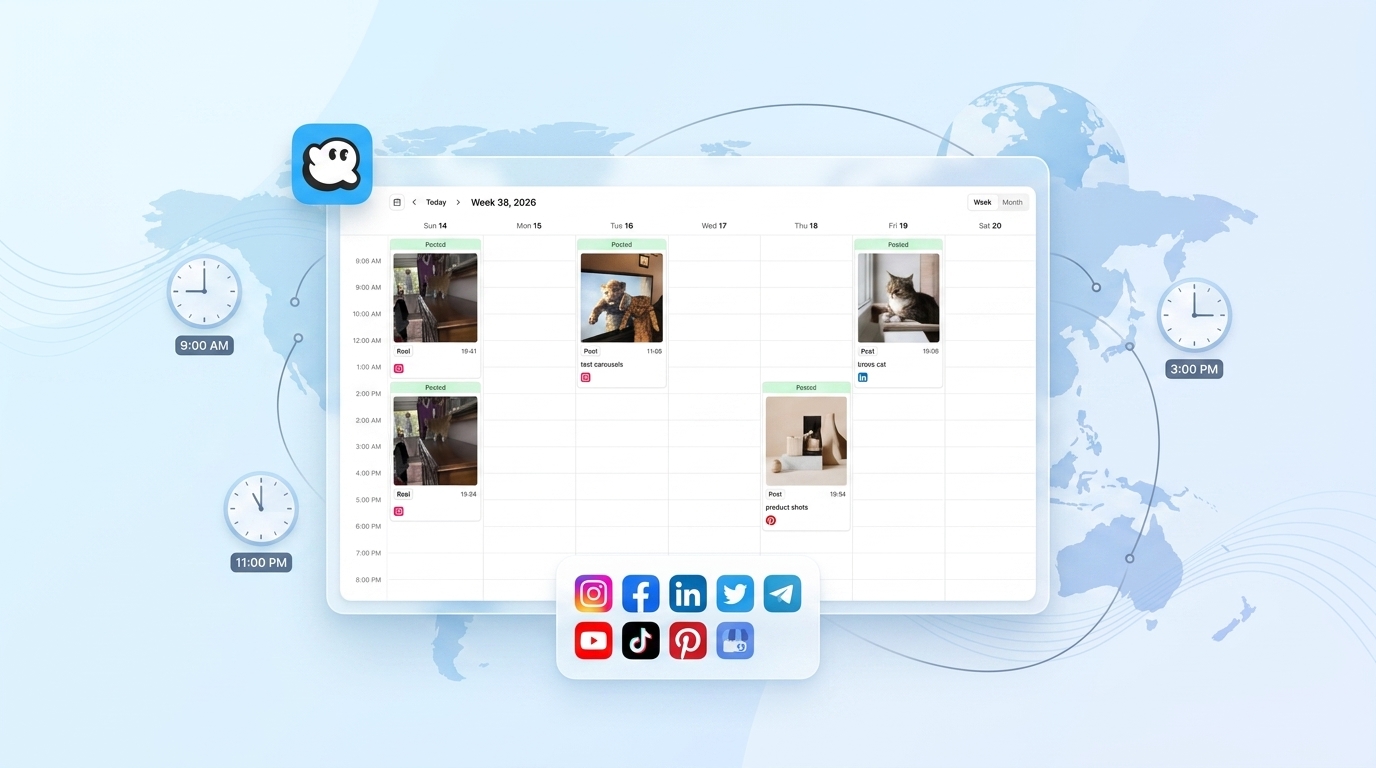
A social media automation API is a programmatic interface that lets you create, schedule, and publish posts across social platforms without logging in manually. Tools like the OmniSocials API cover 11 platforms in a single request, handling OAuth, media resizing, and scheduling behind the scenes. You write one integration, and it works everywhere.
Why Native Platform APIs Fall Short
Building directly against Instagram's Graph API or LinkedIn's Marketing API is doable. It's just slow and fragile.
Instagram requires a Business or Creator account, a Facebook Developer App, app review for certain permissions, and a separate long-lived token that expires every 60 days. LinkedIn has its own OAuth flow, its own post format, and requires a verified company page for most automation use cases. TikTok's Content Posting API was in closed beta until late 2024 and still has platform-specific quirks.
The real cost isn't the integration itself. It's maintaining it. Every platform deprecates endpoints, changes rate limits, or updates its OAuth requirements on a different schedule.
How the OmniSocials API Solves This
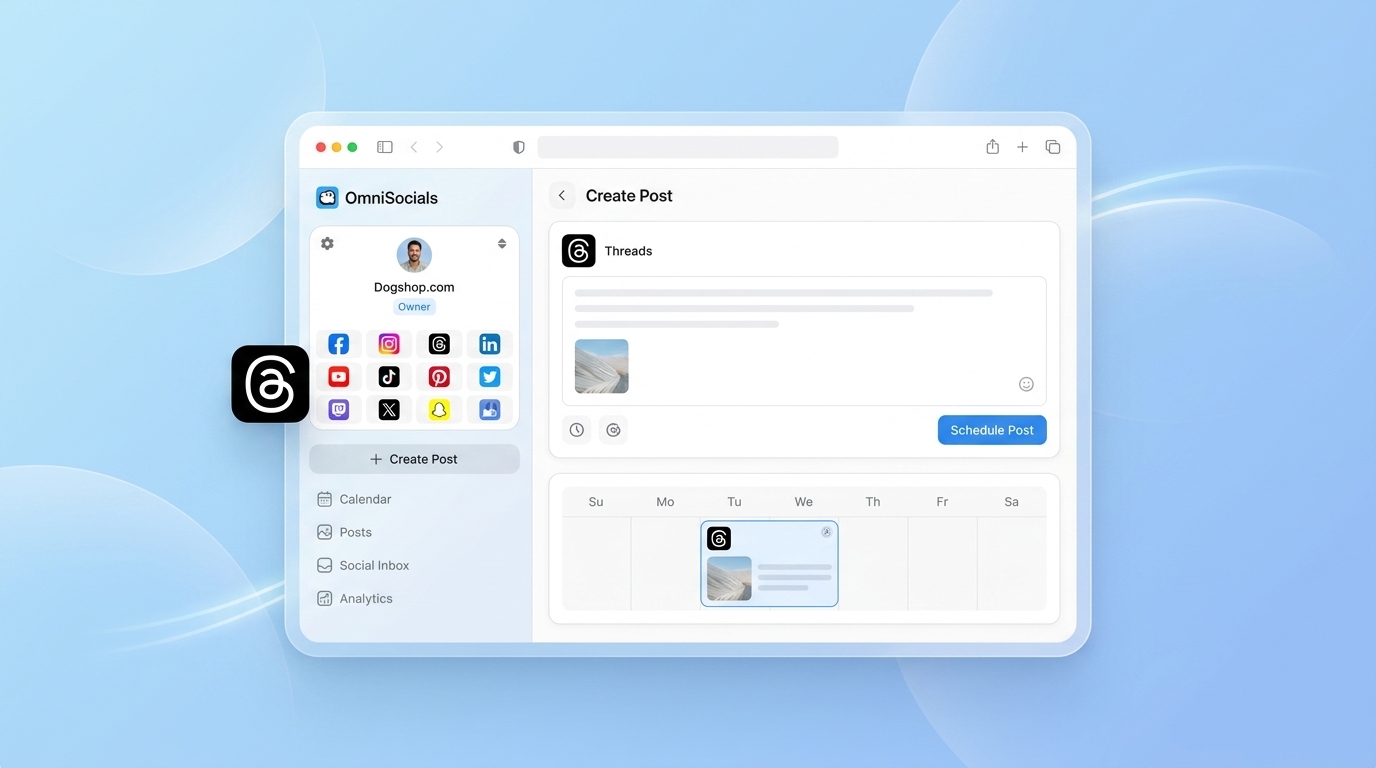
The OmniSocials API wraps all 11 platforms behind a single REST interface at https://api.omnisocials.com/v1. You connect your social accounts once through the dashboard. After that, every API call goes through one endpoint with one API key.
Here's what a basic post looks like:
const response = await fetch('https://api.omnisocials.com/v1/posts', {
  method: 'POST',
  headers: {
    'Authorization': 'Bearer YOUR_API_KEY',
    'Content-Type': 'application/json',
  },
  body: JSON.stringify({
    text: 'New blog post is live. Check the link in bio.',
    media: ['https://yourcdn.com/blog-cover.jpg'],
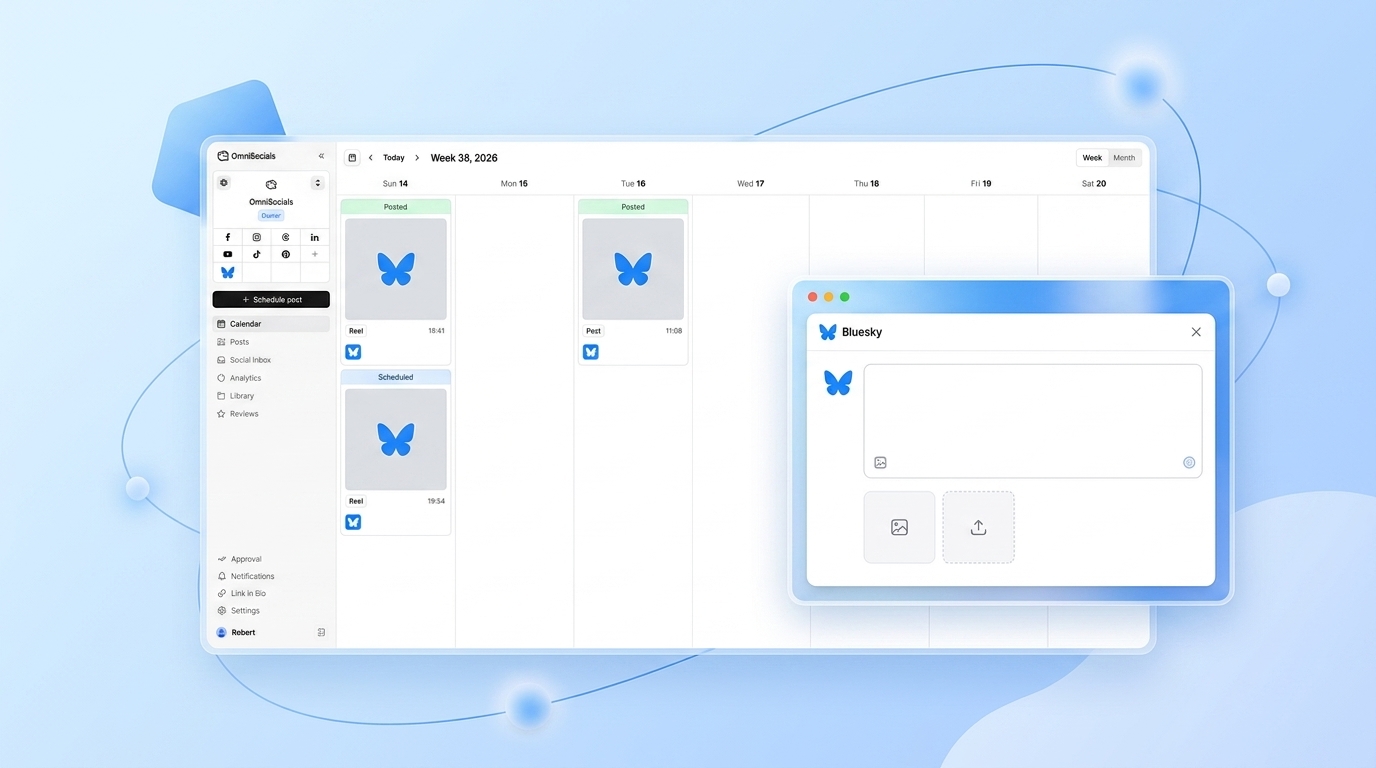
    platforms: ['instagram', 'linkedin', 'bluesky', 'threads'],
    scheduled_at: '2026-04-07T09:00:00Z',
  }),
});

const { data } = await response.json();
// { id: "post_abc123", status: "scheduled", platforms: { instagram: "queued", linkedin: "queued", ... } }
One request. Four platforms. No separate OAuth credentials to manage. The same call in Python:
import requests

response = requests.post(
    'https://api.omnisocials.com/v1/posts',
    headers={'Authorization': 'Bearer YOUR_API_KEY'},
    json={
        'text': 'New blog post is live. Check the link in bio.',
        'media': ['https://yourcdn.com/blog-cover.jpg'],
        'platforms': ['instagram', 'linkedin', 'bluesky', 'threads'],
        'scheduled_at': '2026-04-07T09:00:00Z',
    }
)
post = response.json()['data']
print(post['id'])  # post_abc123
Core Endpoints for Workflow Automation
[Screenshot: OmniSocials API docs showing the /v1/posts endpoint with request and response examples]
The full API reference lives at docs.omnisocials.com. Here are the endpoints you'll use most in an automation workflow:
| Endpoint | Method | What It Does |
|---|---|---|
/v1/posts | POST | Create and publish or schedule a post |
/v1/posts | GET | List posts with filters (status, platform, date range) |
/v1/posts/:id | GET | Get a specific post and its per-platform status |
/v1/posts/:id | DELETE | Delete a scheduled post before it publishes |
/v1/media/upload | POST | Upload an image or video, get back a CDN URL |
/v1/accounts | GET | List all connected social accounts |
/v1/analytics | GET | Pull engagement metrics across platforms |
/v1/inbox | GET | Retrieve DMs and comments from all platforms |
Rate limit: 100 requests per minute per API key. That's enough for most automation workflows, including bulk scheduling and analytics polling.
Building a Real Automation Workflow
Here's a practical pattern: you have a content pipeline that generates blog posts. Every time a post goes live, you want to announce it on Instagram, LinkedIn, and Bluesky automatically.
Step 1: Upload your media
const formData = new FormData();
formData.append('file', imageBuffer, 'cover.jpg');

const media = await fetch('https://api.omnisocials.com/v1/media/upload', {
  method: 'POST',
  headers: { 'Authorization': 'Bearer YOUR_API_KEY' },
  body: formData,
});

const { url } = (await media.json()).data;
// url: "https://cdn.omnisocials.com/media/abc123.jpg"
Step 2: Schedule the announcement post
await fetch('https://api.omnisocials.com/v1/posts', {
  method: 'POST',
  headers: {
    'Authorization': 'Bearer YOUR_API_KEY',
    'Content-Type': 'application/json',
  },
  body: JSON.stringify({
    text: `New post: "${articleTitle}" — link in bio.`,
    media: [url],
    platforms: ['instagram', 'linkedin', 'bluesky'],
    scheduled_at: publishDate,
  }),
});
Step 3: Listen for publish confirmation via webhook
Configure a webhook endpoint in your OmniSocials dashboard. When the post publishes (or fails), OmniSocials sends a POST to your URL with the event payload:
{
  "event": "post.published",
  "post_id": "post_abc123",
  "platforms": {
    "instagram": "published",
    "linkedin": "published",
    "bluesky": "published"
  },
  "published_at": "2026-04-07T09:00:31Z"
}
This is much cleaner than polling. You get a notification exactly when something happens.
MCP Integration: Let AI Agents Post for You
This is where automation gets genuinely interesting.
The OmniSocials MCP server connects your AI agents directly to the API. Instead of writing explicit API calls, you describe what you want in natural language. The agent figures out the call.
Install it via npx:
npx @omnisocials/mcp-server
Or add it to your Claude Desktop config:
{
  "mcpServers": {
    "omnisocials": {
      "command": "npx",
      "args": ["@omnisocials/mcp-server"],
      "env": {
        "OMNISOCIALS_API_KEY": "your_api_key_here"
      }
    }
  }
}
Once connected, you can tell Claude:
- "Schedule this blog post announcement for Tuesday at 9am on LinkedIn and Instagram"
- "What was the best-performing post last week?"
- "Check my inbox and summarize any unread comments"
Claude calls the OmniSocials API automatically. No separate script to write or maintain.
What this enables for developers: you can build AI-powered social media assistants, content pipelines that auto-announce, or internal tools where your team can manage social from a chat interface. The MCP server handles the translation between natural language and API calls.
OmniSocials API vs. Competitors
| Feature | OmniSocials | Ayrshare | Buffer API | Publer API |
|---|---|---|---|---|
| Price | $10/mo | $49/mo+ | $6/channel/mo | $12/mo |
| Platforms | 11 | 8 | 8 | 9 |
| Auth model | Single API key | API key | OAuth per user | OAuth per user |
| MCP server | Yes | No | No | No |
| Webhooks | Yes | Yes | No | No |
| Media upload | Built-in | Built-in | Manual | Manual |
| Bulk posting | Yes | Yes | Limited | Limited |
Ayrshare is the most direct competitor. It has a solid API and reasonable docs, but starts at $49/mo for API access and covers 8 platforms. If you're building a multi-tenant product where each user brings their own social accounts, Ayrshare has better multi-profile support. For single-workspace automation, OmniSocials costs 80% less.
Buffer's API charges per channel. At 4 platforms, you're already paying $24/mo. At 8, you're at $48/mo. The cost compounds fast.
Frequently Asked Questions
What is a social media automation API?
A social media automation API is a programmatic interface that lets you create, schedule, and publish posts across social platforms without logging in manually. Tools like the OmniSocials API cover 11 platforms in a single request, handling OAuth, media resizing, and scheduling behind the scenes.
Can I automate posting to Instagram, LinkedIn, and TikTok from one API?
Yes. The OmniSocials API lets you post to Instagram, LinkedIn, TikTok, and 8 other platforms in a single POST request. You don't need separate OAuth flows for each platform. Connect accounts once in the dashboard, then use one API key for everything.
How much does a social media automation API cost?
OmniSocials API access is included in the $10/mo plan (annual). Ayrshare starts at $49/mo for API access. Buffer charges $6 per channel. For developers automating posts across multiple platforms, OmniSocials is the most cost-effective option in 2026.
What is an MCP server for social media?
An MCP (Model Context Protocol) server connects AI agents like Claude to external services. The OmniSocials MCP server lets you manage social media through natural language commands. You can tell Claude to schedule a post or check analytics, and it calls the OmniSocials API automatically.
Do I need separate API keys for each social platform?
Not with OmniSocials. You connect your social accounts once through the dashboard, then use a single OmniSocials API key for all platforms. This replaces the need to manage separate OAuth credentials for Instagram, LinkedIn, TikTok, and every other platform you support.
The full API reference is at docs.omnisocials.com. Start a 14-day free trial at omnisocials.com, and your API key is in Settings > API on day one.
Sources
- Meta Graph API Documentation — Official reference for Instagram and Facebook API requirements and OAuth flows
- LinkedIn Marketing API Overview — LinkedIn's developer documentation covering content posting and authentication
- Ayrshare API Pricing — Current pricing for Ayrshare's developer plans as of Q1 2026
- Model Context Protocol Specification — Official MCP spec by Anthropic, explaining how AI agents connect to external services
- Buffer API Documentation — Buffer's public API reference and per-channel pricing structure