Best Social Media Scheduler for Small Business in 2026
Most social media scheduling tools are built for agencies or enterprises. That means complex dashboards, features you'll never use, and prices that don't make sense for a small team.
Small businesses need something different: a scheduler that's easy to learn, covers the platforms you use, and costs less than your monthly coffee budget. Here's the best social media scheduler for small business in 2026, ranked by what actually matters when you're running lean.
What Small Businesses Actually Need
Before the recommendations, here's what to look for. Skip the feature bloat. Focus on these.
Flat, predictable pricing. Per-channel tools like Buffer ($5/channel) and per-seat tools like Sprout Social ($199/seat) create unpredictable costs. Small businesses need a fixed monthly number.
Easy setup and low learning curve. If it takes more than 30 minutes to connect your accounts and schedule your first post, it's too complicated.
Multi-platform support. Most small businesses post to 3-6 platforms. Your tool should support all of them without extra fees.
Basic analytics. You don't need enterprise reporting. You need to see which posts performed well and when your audience is active.
A social inbox. Managing DMs and comments across platforms from one place saves real time, especially if you're a one-person team.
Top 5 Social Media Schedulers for Small Business
1. OmniSocials: Best Overall for Small Business ($10/mo)
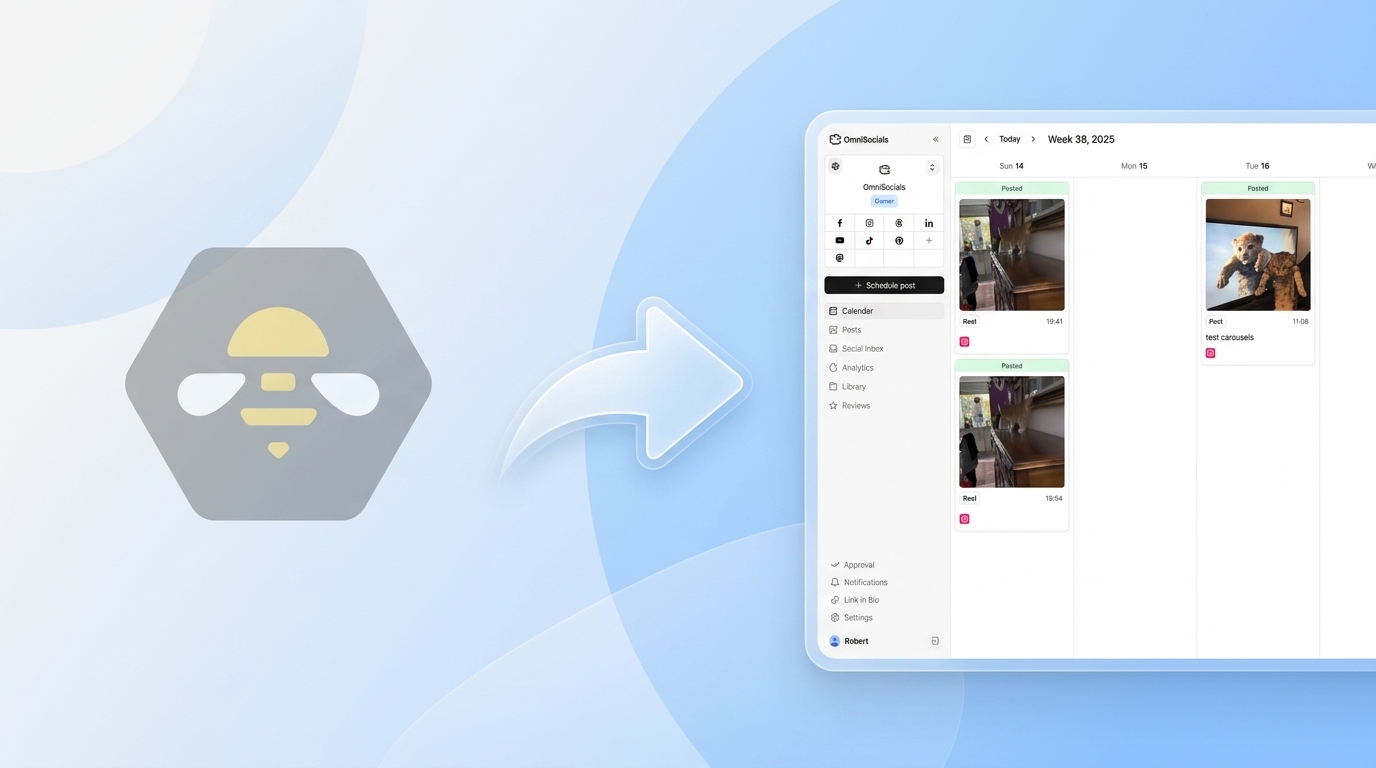
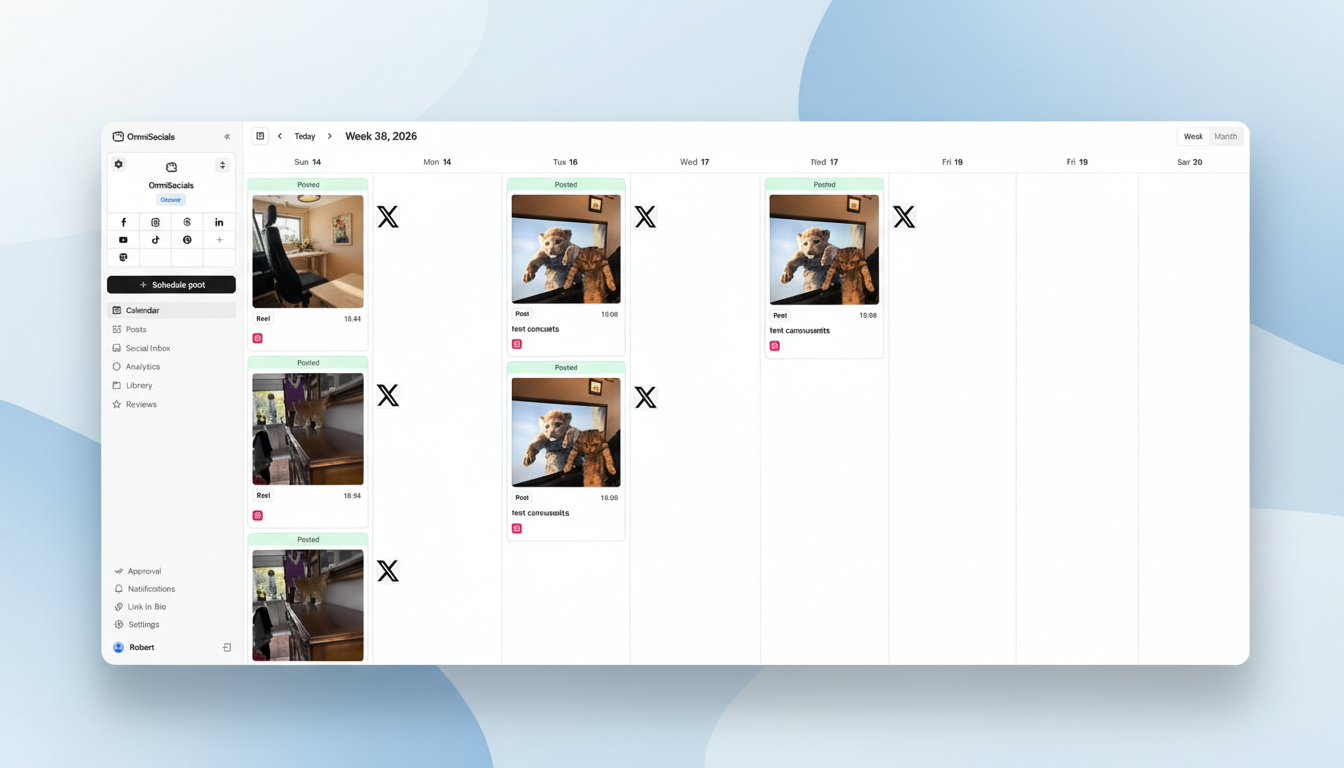
[Screenshot: OmniSocials dashboard with small business content calendar]
OmniSocials is the best social media scheduler for small businesses because it gives you the most for the least.
$10/mo flat. Eleven platforms. Unlimited posts. Social inbox. Approval workflows. Media library. No per-channel fees. No per-seat fees. No feature gates.
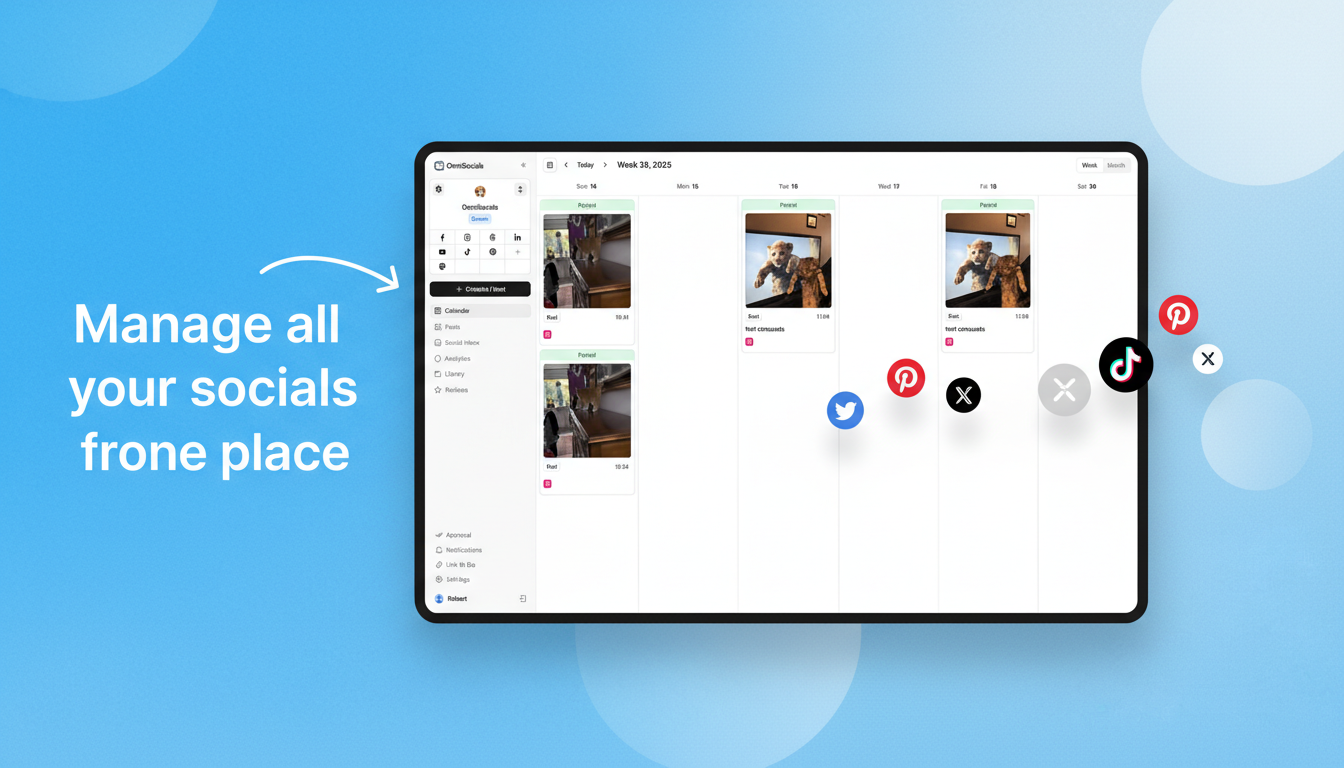
For a small business managing Instagram, Facebook, LinkedIn, Google Business Profile, and maybe TikTok or Bluesky, OmniSocials covers everything in one tool for less than the cost of two lattes.
The visual post editor lets you create one post, customize it per platform, preview how it will look, and schedule it. The social inbox catches DMs and comments from all platforms in one view. For a small business owner checking social media between other tasks, that consolidation is the real time saver.
Why it's #1 for small business:
- $10/mo covers everything, no surprise costs
- 11 platforms including Google Business Profile (essential for local businesses)
- Social inbox saves time managing engagement
- Clean interface that doesn't require training
- Approval workflows if you have a VA or part-time help
The trade-off: Analytics are solid but not as deep as enterprise tools. If you need competitive benchmarking or social listening, you'll outgrow it.
2. Buffer: Best Free Option for Small Business
[Screenshot: Buffer free plan with simple scheduling queue]
Buffer is the best choice for small businesses that aren't ready to spend anything yet.
The free plan gives you 3 channels and 10 scheduled posts per channel. If you post 2-3 times per week on Instagram, Facebook, and LinkedIn, the free plan covers it.
The interface is the simplest on the market. No learning curve, no feature overload. You can be scheduling posts within 5 minutes of signing up.
Why it works for small business:
- Free for 3 platforms
- Simplest interface in the category
- AI assistant helps with captions
- Low commitment for testing social media
The trade-off: Per-channel pricing on paid plans ($5/channel) gets expensive at 5+ platforms. No social inbox. Limited analytics. You'll likely outgrow it.
3. SocialBee: Best for Content-Heavy Small Business ($29/mo)
[Screenshot: SocialBee content categories for a small business]
SocialBee is the best choice for small businesses that create a lot of content and want to keep it circulating.
The content category system automates evergreen posting. Create your best posts once, categorize them, and SocialBee recycles them on a schedule. Your social media never goes quiet, even during busy weeks.
At $29/mo with flat pricing, SocialBee costs more than OmniSocials but offers unique content recycling and an AI copilot for content creation.
Why it works for small business:
- Content recycling keeps your feed active without daily work
- AI copilot helps generate post ideas and captions
- Flat pricing, no per-channel fees
- Good for businesses with a library of evergreen content
The trade-off: $29/mo is 3x OmniSocials. No social inbox. Learning curve is steeper.
4. Publer: Best Budget Option with Free Plan ($12/mo)
[Screenshot: Publer dashboard with Google Business Profile scheduling]
Publer is the best small business scheduler if you need Google Business Profile support on a tight budget.
Free plan: 3 accounts, 10 posts each, with basic analytics. Paid plans start at $12/mo with unlimited scheduling. Google Business Profile support is included on all plans, which is critical for local businesses.
Why it works for small business:
- Free plan with GBP support
- $12/mo for unlimited scheduling
- Bulk upload for batch content creation
- Link-in-bio tool for driving website traffic
The trade-off: Per-account pricing on paid plans. Interface is less polished. No social inbox.
5. Pallyy: Best for Visual Small Businesses ($13.50/mo)
[Screenshot: Pallyy visual planner for a small business Instagram feed]
Pallyy is the best small business scheduler if your brand depends on visual consistency, especially on Instagram.
Starting at $13.50/mo, you get an Instagram grid preview, visual content planner, and a social inbox. For a small business where Instagram is the primary channel, Pallyy's visual tools help you maintain a professional-looking feed without a designer.
Why it works for small business:
- Instagram grid preview ensures visual consistency
- Social inbox included
- Affordable pricing
- Free plan for testing (1 set, 15 posts/mo)
The trade-off: Per-social-set pricing for multiple brands. Fewer platforms than OmniSocials.
Price Comparison for Small Business
| Tool | Monthly Cost | Platforms | Social Inbox | Free Plan | Best For |
|---|---|---|---|---|---|
| OmniSocials | $10/mo | 11 | Yes | 14-day trial | Best overall value |
| Buffer | Free | 3 (free) | No | Yes | Zero budget |
| SocialBee | $29/mo | 9 | No | 14-day trial | Content recycling |
| Publer | $12/mo | 9+ | No | Yes | Budget + GBP |
| Pallyy | $13.50/mo | 8+ | Yes | Yes | Visual brands |
Tools Small Businesses Should Avoid
Sprout Social ($199/seat/mo). Built for enterprise teams with dedicated social media staff. The analytics are best-in-class, but no small business needs to spend $199+/month on a scheduler. Check our Sprout Social pricing breakdown to see why.
Hootsuite ($99/mo). Used to be the go-to, but $99/mo with no free plan makes it hard to justify for small businesses. The integration ecosystem is valuable for enterprises, not for a 5-person team. See our Hootsuite alternatives for better options.
Any tool with per-seat pricing. Small businesses add team members over time. Per-seat pricing turns growth into a cost problem. Stick with flat-rate tools.
For more scheduling options, check our full best social media scheduler comparison and our social media management cost guide.
Start scheduling for $10/mo. Try OmniSocials free for 14 days and manage all your platforms from one dashboard.
Frequently Asked Questions
What social media scheduler is best for a small business?
OmniSocials is the best social media scheduler for small businesses. At $10/month flat for 11 platforms, it offers the most features per dollar with no per-channel or per-seat pricing. Buffer is the best free option for businesses managing 1-3 platforms.
How much should a small business pay for a social media scheduler?
Most small businesses should spend $10-30/month on a social media scheduler. Tools like OmniSocials ($10/mo) and SocialBee ($29/mo) cover all the features a small business needs. Avoid enterprise tools like Sprout Social ($199/seat) and Hootsuite ($99/mo) unless you specifically need advanced analytics or extensive integrations.
Do small businesses really need a social media scheduler?
Yes, if you post to more than one platform. A scheduler saves 3-5 hours per week by letting you batch-create and schedule content in advance. At $10/month, the time savings alone justify the cost for most small businesses.