Best Social Media Scheduler in 2026 (11 Tools Tested)
Picking the best social media scheduler comes down to three things: how many platforms you manage, how big your team is, and what you're willing to spend.
I've tested 11 social media schedulers side by side over the past month. Scheduling real posts, comparing analytics, testing team features, and tracking how much each one actually costs when you add the platforms and users you need.
Here's what I found.
Top Picks at a Glance
Before the full breakdown, here are the quick recommendations by use case.
| Use Case | Best Pick | Price | Why |
|---|---|---|---|
| Best overall value | OmniSocials | $10/mo | 11 platforms, flat pricing, social inbox |
| Best free option | Buffer | Free | 3 channels, simple, no learning curve |
| Best for content recycling | SocialBee | $29/mo | Category scheduling, AI copilot |
| Best for Instagram/TikTok | Later | $25/mo | Visual planner, grid preview, Linkin.bio |
| Best for agencies | Agorapulse | $89/mo | Social inbox, ROI tracking, client workflows |
| Best for enterprise | Sprout Social | $199/seat | Deep analytics, social listening |
| Best budget visual tool | Pallyy | $13.50/mo | Grid preview, social inbox, affordable |
How I Tested These Tools
I scheduled and published real posts across Instagram, LinkedIn, TikTok, X, and Facebook using each tool for at least one week. I evaluated:
- Scheduling experience: How easy is it to create, customize, and schedule a post across multiple platforms?
- Platform support: How many networks does each tool support, and how well?
- Analytics: What data do you get, and is it actionable?
- Team features: Approval workflows, collaboration, user management.
- Pricing transparency: What does it actually cost when you add all the platforms and users you need?
- Unique features: What does each tool offer that others don't?
1. OmniSocials: Best Social Media Scheduler Overall
[Screenshot: OmniSocials visual post editor with multi-platform preview]
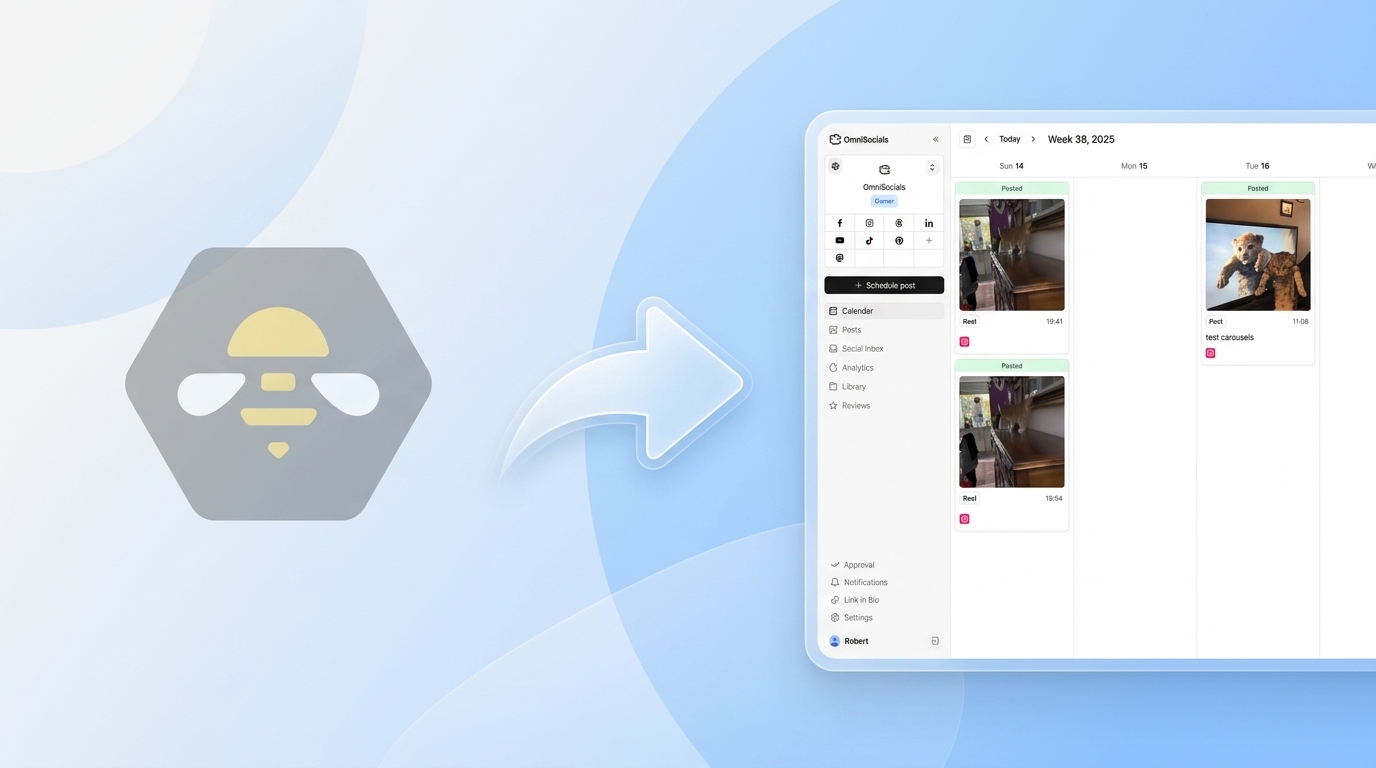
OmniSocials is the best social media scheduler for most people. The combination of platform coverage, features, and pricing is hard to beat.
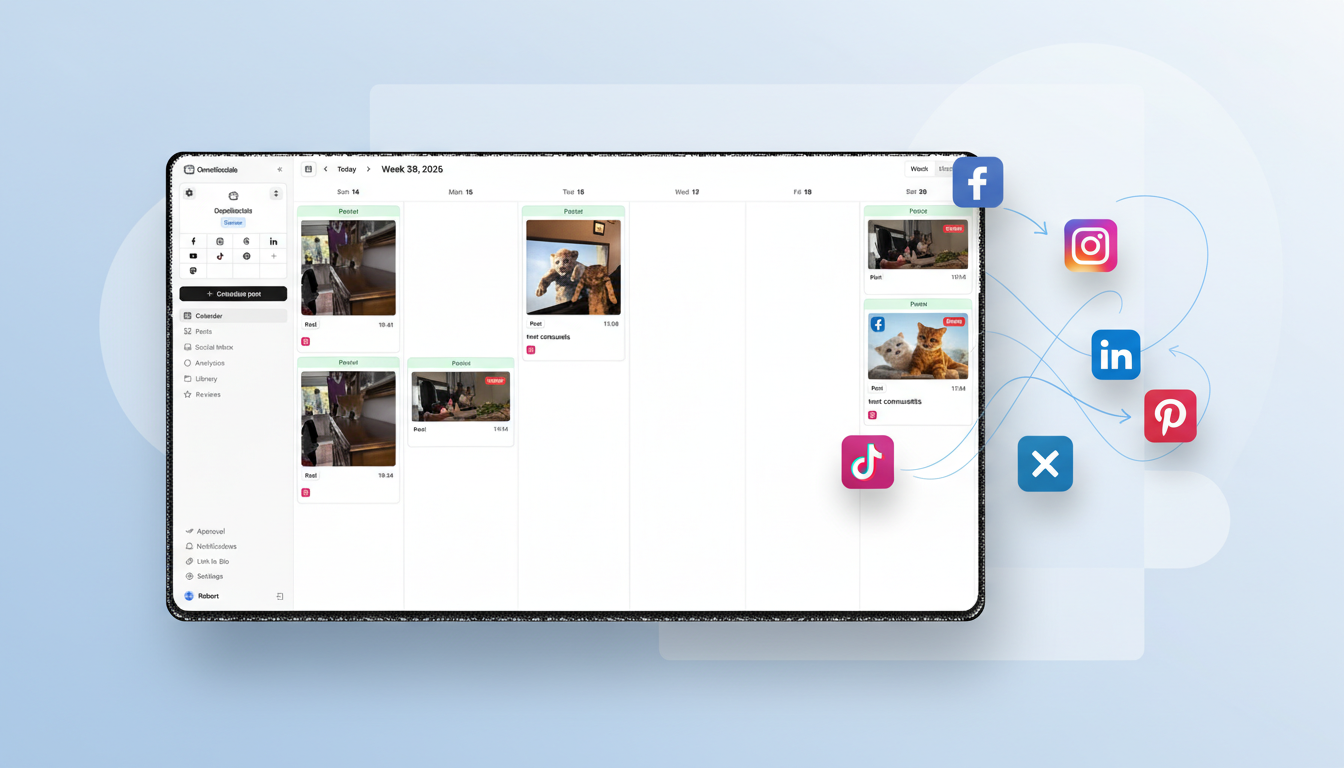
11 platforms for $10/mo flat. Instagram, Facebook, LinkedIn, YouTube, TikTok, X, Pinterest, Bluesky, Threads, Mastodon, and Google Business Profile. Unlimited posts. No per-channel fees.
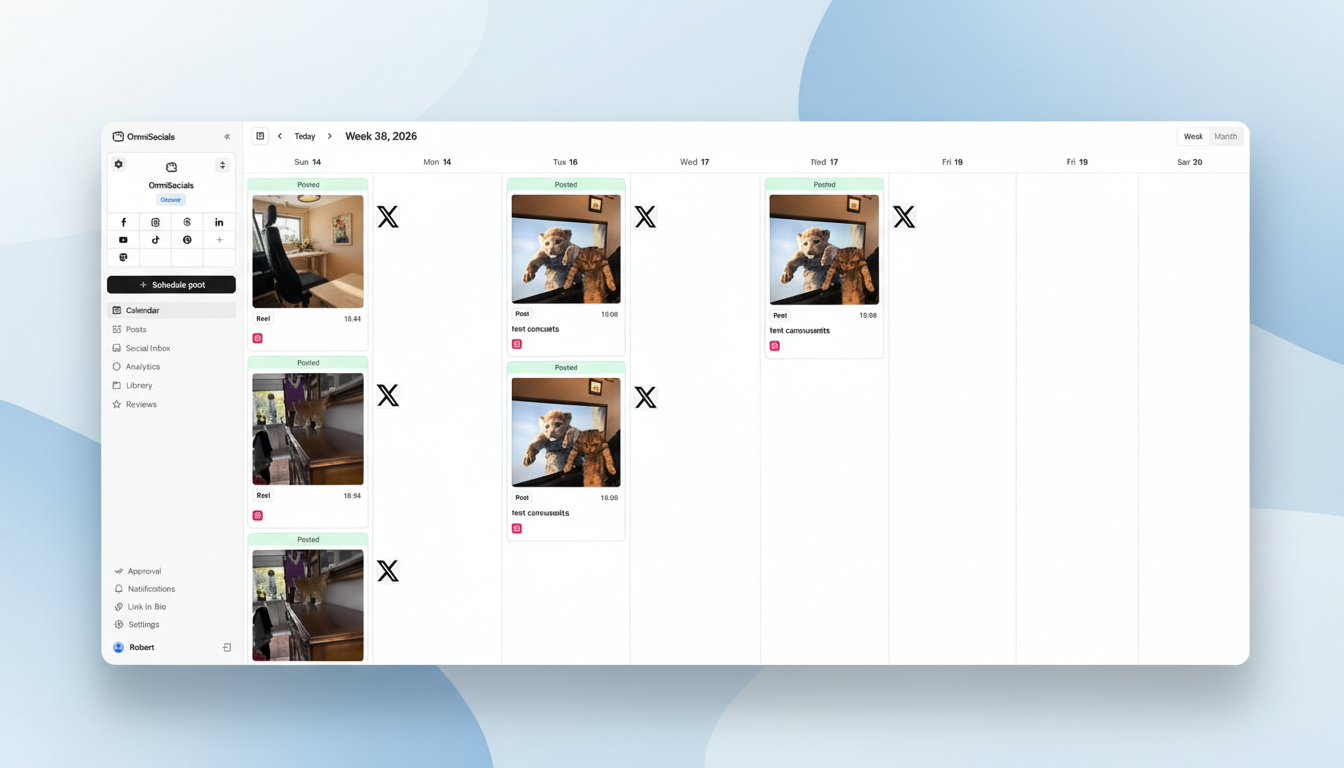
What I particularly like about OmniSocials is the visual post editor. You create one post and customize it per platform from a single screen. The preview shows exactly how your post will look on Instagram vs. LinkedIn vs. Bluesky before you hit schedule. Other tools make you flip between tabs or create separate posts for each platform.
The social inbox pulls DMs and comments from all connected platforms into one view. Buffer doesn't have this. SocialBee doesn't have this. At $10/mo, having an inbox included is a significant differentiator.
Key features:
- 11 platforms from one dashboard, unlimited scheduling
- Visual post editor with per-platform customization and real previews
- Unified social inbox for DMs, comments, and mentions
- Media library with Pexels and Unsplash built in
- Approval workflows for teams and clients
- Thread scheduling for Bluesky, X, and Threads
Pros:
- Best platform-to-price ratio on the market
- Social inbox included at no extra cost
- Supports platforms others skip (Bluesky, Mastodon, Threads)
- Clean, modern interface with fast onboarding
Cons:
- Newer platform, fewer third-party integrations
- Analytics are solid but not enterprise-grade
- No content recycling or evergreen post automation
- Smaller community and resource library
Pricing: $10/mo (annual) or $12/mo (monthly). 14-day free trial.
Verdict: OmniSocials wins on value. If you need to manage multiple platforms, want a social inbox, and don't want to do pricing math every time you add a channel, this is the tool.
Try it free. Start your OmniSocials trial and connect all 11 platforms in under 5 minutes.
2. Buffer: Best Free Social Media Scheduler
[Screenshot: Buffer's clean scheduling queue with post preview]
Buffer is the best social media scheduler if you want something free and simple.
The free plan gives you 3 channels with 10 scheduled posts per channel. The interface is the cleanest in the category. No clutter, no feature overload. You pick a platform, write your post, set a time, and move on.
Paid plans start at $5/channel/month on Essentials. The per-channel model is fine at 1-3 platforms. At 5+, the math starts to favor flat-rate tools. Five channels on Essentials costs $25/mo. Eight channels hits $40/mo.
Key features:
- Free plan with 3 channels and 10 posts per channel
- Cleanest scheduling interface in the category
- AI assistant for caption writing
- Browser extension for quick sharing
- Landing page builder on paid plans
Pros:
- Best free plan for basic scheduling needs
- Simplest interface, zero learning curve
- AI assistant helps when you're stuck on captions
- Good enough for solo creators managing 1-3 platforms
Cons:
- Per-channel pricing punishes multi-platform users
- No social inbox
- Analytics are basic, especially on free
- No content recycling or bulk scheduling
Pricing: Free (3 channels, 10 posts each) / $5/channel/mo Essentials / $10/channel/mo Team.
Verdict: Buffer is the entry point. Start here if you're testing social media scheduling for the first time or only manage a few platforms. Graduate to something else when you outgrow the free plan. For more free options, see our free social media schedulers roundup.
3. SocialBee: Best for Content Recycling
[Screenshot: SocialBee content categories with automated recycling schedule]
SocialBee is the best social media scheduler if your strategy depends on evergreen content.
The content category system is the standout feature. Create buckets ("tips," "promotional," "curated"), assign each a posting schedule, and SocialBee cycles through your content automatically. Your calendar stays full without manual rescheduling. No other tool on this list does this as well.
The AI copilot generates caption variations, suggests hashtags, and can draft content calendars. I've tested AI features in most scheduling tools. SocialBee's is one of the few that produces genuinely useful output.
Key features:
- Content categories with automated evergreen recycling
- AI copilot for post generation, variations, and hashtag suggestions
- Visual calendar with drag-and-drop
- Canva and Unsplash integrations
- RSS feed auto-posting
- 9 platform support
Pros:
- Best content recycling system available
- AI copilot is genuinely useful
- Flat pricing, no per-channel fees
- Good analytics on all plans
Cons:
- $29/mo starting price is higher than simpler tools
- Steeper learning curve than Buffer or OmniSocials
- No social inbox
- Overkill if you don't create evergreen content
Pricing: From $29/mo (Bootstrap). 14-day free trial.
Verdict: SocialBee is the content machine. If you build a library of posts that stay relevant over time, the recycling system alone justifies the price.
4. Later: Best for Instagram and TikTok
[Screenshot: Later visual content calendar with Instagram grid preview]
Later is the best social media scheduler for visual-first creators.
The Instagram grid preview lets you drag and drop images to plan your feed layout before anything goes live. The TikTok scheduling is strong with video previews and best-time-to-post suggestions.
Linkin.bio creates a clickable landing page from your posts, turning Instagram and TikTok profiles into traffic drivers. For creators selling products or driving clicks, this is a killer feature.
The trade-off: Later dropped X/Twitter support in 2025, and the free plan was discontinued. Starting at $25/mo, it's a specialist tool for visual platforms.
Key features:
- Visual calendar with Instagram grid preview
- TikTok video scheduling with auto-publish
- Linkin.bio for driving traffic from profiles
- Best time to post suggestions
- User-generated content discovery
Pros:
- Best Instagram planning experience available
- Strong TikTok support
- Linkin.bio is a genuine traffic driver
- Visual tools keep brand aesthetics consistent
Cons:
- Dropped X/Twitter support in 2025
- No free plan (only 14-day trial)
- $25/mo for limited platforms
- Weak on non-visual platforms
Pricing: From $25/mo (Starter). 14-day free trial.
Verdict: Later is the Instagram/TikTok specialist. If those are your primary channels, it's built for you. For broader multi-platform needs, look elsewhere. For more Later context, check our Later alternatives guide (coming soon).
5. Pallyy: Best Budget Visual Scheduler
[Screenshot: Pallyy visual feed planner with drag-and-drop interface]
Pallyy is the best social media scheduler for creators who want visual planning tools without paying Later's price.
Starting at $13.50/mo, Pallyy gives you a visual feed planner, Instagram grid preview, a social inbox, and basic analytics. The feed planner works across Instagram and TikTok, and the drag-and-drop interface makes content planning intuitive.
What sets Pallyy apart from Later is the social inbox and the lower price. Later doesn't include an inbox at all. Pallyy includes one on every plan.
Key features:
- Visual feed planner with Instagram grid preview
- Social inbox for comments and DMs
- TikTok, Instagram, Facebook, LinkedIn, and more
- Post recycling for evergreen content
- AI caption generation
- Free plan with 1 social set and 15 posts/month
Pros:
- Cheaper than Later with similar visual planning tools
- Social inbox included (Later doesn't have one)
- Free plan for testing
- Good for creators focused on visual content
Cons:
- Per-social-set pricing adds up for multiple brands
- Additional users are expensive ($26.10/mo each)
- Smaller platform, fewer resources
- Analytics are basic
Pricing: Free (1 set, 15 posts) / From $13.50/mo per social set.
Verdict: Pallyy is the budget Later. Visual planning, social inbox, and a lower price point. If you don't need Later's Linkin.bio or best-time suggestions, Pallyy covers the core visual scheduling experience at a better price.
6. Publer: Best Budget Scheduler with Bulk Upload
[Screenshot: Publer bulk scheduling interface with CSV upload]
Publer is the best social media scheduler for budget-conscious creators who need bulk upload.
The free plan is solid: 3 accounts, 10 posts each, with basic analytics. Paid plans start at $12/mo with unlimited scheduling and the ability to upload up to 500 posts via CSV. For creators who batch-produce content, that bulk upload feature saves hours.
Publer also supports Google Business Profile, which many competitors skip. If you manage a local business and need to post to GBP alongside Instagram and Facebook, Publer covers it.
Key features:
- Free plan with 3 accounts and analytics
- Bulk upload up to 500 posts via CSV
- AI Assist for captions and hashtags
- Auto-scheduling with optimal time suggestions
- Google Business Profile support
- Link-in-bio tool
Pros:
- Feature-rich free plan
- Bulk upload is excellent for batch creators
- $12/mo starting price is very competitive
- Google Business Profile support
Cons:
- Per-account pricing on paid plans
- Interface is functional but not refined
- Smaller community and fewer resources
- Some features feel rough around the edges
Pricing: Free (3 accounts) / From $12/mo (Professional).
Verdict: Publer is the practical budget pick. If you need bulk upload, a free plan, and Google Business Profile support, it delivers at a low price.
7. Hootsuite: Best for Enterprise Integrations
[Screenshot: Hootsuite streams dashboard with third-party app integrations]
Hootsuite is the best social media scheduler for large organizations that need deep integrations with existing tools.
Starting at $99/mo, Hootsuite is expensive. The value is in the app directory: 200+ integrations with CRMs, project management tools, analytics platforms, and enterprise services. If your marketing stack is complex, Hootsuite ties it all together.
The scheduling itself works fine. The UI feels dated compared to newer tools, but it's functional. The OwlyWriter AI generates decent caption suggestions.
Key features:
- 200+ third-party app integrations
- Bulk composer for scheduling at scale
- Social listening on higher-tier plans
- OwlyWriter AI for content generation
- Streams-based monitoring dashboard
Pros:
- Unmatched integration ecosystem
- Social listening available on higher plans
- Trusted by enterprise teams
- Bulk composer handles high-volume scheduling
Cons:
- $99/mo starting price, no free plan
- UI feels dated
- October 2025 layoffs raised platform concerns
- Per-user pricing on higher tiers
Pricing: From $99/mo (Professional). 30-day trial.
Verdict: Hootsuite is the integration play. If you need to connect scheduling to Salesforce, Slack, and 50 other tools, Hootsuite's ecosystem is unmatched. For pure scheduling, newer tools are better and cheaper. See our Hootsuite pricing breakdown and Hootsuite alternatives for more.
8. Agorapulse: Best Social Media Scheduler for Agencies
[Screenshot: Agorapulse social inbox with team assignments and ROI dashboard]
Agorapulse is the best social media scheduler for agencies that need a strong inbox, ROI tracking, and client workflows.
The social inbox is the best on this list. Every comment, DM, and mention from every connected account flows into one place. Assign conversations to team members, add internal notes, track response times. For agencies managing engagement across multiple clients, this is the core feature.
ROI tracking connects social activity to revenue using UTM parameters and Google Analytics. Showing clients that social media drives actual sales is the feature that justifies Agorapulse's $89/mo price tag.
Key features:
- Unified social inbox with team assignment
- ROI tracking tied to Google Analytics
- Client approval workflows
- Automated inbox moderation rules
- Competitor analysis and benchmarking
- Customizable report templates
Pros:
- Best social inbox available
- ROI tracking gives agencies proof of value
- Client approval workflows are well designed
- Solid reporting out of the box
Cons:
- $89/mo is expensive for solo users
- Per-user pricing on higher tiers
- More complex than needed for basic scheduling
- Social listening less deep than Sprout Social
Pricing: Limited free plan / From $89/mo (Standard). 30-day trial.
Verdict: Agorapulse is the agency standard. If you manage social for clients and need to prove ROI, it's worth the price.
9. SocialPilot: Best for Bulk Scheduling
[Screenshot: SocialPilot bulk scheduling with CSV upload and client dashboard]
SocialPilot is the best social media scheduler for teams that schedule large volumes of content.
The bulk scheduling feature lets you upload 500 posts at once via CSV. If you plan content monthly for multiple clients and want to load everything in a single session, no other tool on this list handles volume as well at this price point.
White-label reports on the Agency plan ($100/mo) let you brand analytics reports with your logo. Practical for agencies that deliver monthly reports to clients.
Key features:
- Bulk scheduling up to 500 posts via CSV
- White-label PDF reports
- Client management dashboard
- Content curation and RSS feeds
- Approval workflows
- Social inbox
Pros:
- Best bulk scheduling capability available
- White-label reporting at a reasonable price
- Flat pricing, predictable costs
- Good client management features
Cons:
- UI is functional but not modern
- Analytics are decent but not standout
- White-label locked to Agency plan
- Mobile app needs improvement
Pricing: From $30/mo (Professional). 14-day trial.
Verdict: SocialPilot is the volume tool. If you schedule hundreds of posts per month and need client reporting, it's built for that workflow.
10. Sendible: Best All-in-One at Mid-Range Price
[Screenshot: Sendible Smart Compose editor with multi-platform optimization]
Sendible is the best social media scheduler if you want scheduling, inbox, analytics, and reporting in one tool without paying enterprise prices.
Starting at $25/mo for 6 profiles, Sendible packs a complete feature set into a mid-range package. Smart Compose auto-adapts your content to each platform's format and limits. The social inbox handles comments and messages. White-label reporting is available on the Traction plan ($76/mo).
Key features:
- Smart Compose with per-platform optimization
- Social inbox for comments and messages
- Canva, Google Drive, and Dropbox integrations
- White-label reports on Traction plan
- Content suggestion engine
- Priority inbox for high-value conversations
Pros:
- Complete feature set at a mid-range price
- Smart Compose saves time on multi-platform posting
- White-label reporting for agencies
- Reliable platform with long track record
Cons:
- Interface can feel busy
- Profile-based pricing grows with accounts
- Analytics are good but not best-in-class
- Mobile app is less polished
Pricing: From $25/mo (Creator, 6 profiles). 14-day trial.
Verdict: Sendible is the all-in-one workhorse. Not the best at any single thing, but solid at everything. Good choice when you need one tool that does it all.
11. Sprout Social: Best for Enterprise Analytics
[Screenshot: Sprout Social analytics dashboard with cross-channel reporting]
Sprout Social is the best social media scheduler for enterprise teams that prioritize analytics above all else.
At $199/seat/month, it's the most expensive tool on this list by a wide margin. The analytics justify it: cross-channel reports, competitive benchmarking, sentiment analysis, social listening, and presentation-ready exports.
If your organization needs to prove social media ROI to a C-suite with detailed data, Sprout Social delivers at a depth no other tool matches.
Key features:
- Advanced cross-channel analytics
- Social listening and sentiment analysis
- Employee advocacy platform
- Smart inbox with chatbot integration
- CRM integrations (Salesforce, HubSpot)
- Competitive benchmarking
Pros:
- Deepest analytics and reporting available
- Social listening is genuinely powerful
- Enterprise-grade security and compliance
- Excellent customer support
Cons:
- $199/seat/mo is prohibitively expensive for small teams
- Per-seat pricing multiplies costs fast
- Overkill for businesses that just need scheduling
- Social listening add-on starts at $999/mo
Pricing: From $199/seat/mo (Standard). 30-day trial.
Verdict: Sprout Social is the enterprise tier. The analytics are the best on the market. The price is only justified if you use those analytics. For a cost comparison, see our Sprout Social pricing analysis and Sprout Social alternatives.
How to Choose the Best Social Media Scheduler
Budget under $15/month: OmniSocials ($10/mo) for 11 platforms with a social inbox. Buffer (free) if you only need 1-3 channels.
Visual-first brands: Later ($25/mo) for Instagram/TikTok specialists. Pallyy ($13.50/mo) for visual planning on a budget.
Content creators who batch-produce: SocialBee ($29/mo) for evergreen recycling. Publer ($12/mo) for bulk CSV upload.
Agencies: Agorapulse ($89/mo) for the best social inbox and ROI tracking. SocialPilot ($30/mo) for bulk scheduling and white-label reports at a lower price.
Enterprise teams: Sprout Social ($199/seat) for deep analytics. Hootsuite ($99/mo) for maximum integrations. For analytics-focused tools at a lower price point, Metricool (free / $18/mo) is worth evaluating alongside the tools on this list.
Startups on a tight budget: OmniSocials gives you the most platforms and features per dollar. The best social media tools for startups tend to be the ones that scale without per-channel pricing surprises.
For more planning tools and approaches, see our social media planner guide.
If AI features like caption generation and optimal timing suggestions are important to you, we also compared AI-powered social media schedulers specifically.
Find the best scheduler for you. Try OmniSocials free for 14 days and see if 11 platforms for $10/mo fits your workflow.
Frequently Asked Questions
What is the best social media scheduler for small businesses?
OmniSocials is the best social media scheduler for small businesses. At $10/month flat, it supports 11 platforms with unlimited posts, a social inbox, and approval workflows. No per-channel or per-seat pricing means costs stay predictable as you grow. It covers the core features most small businesses need without the enterprise price tag.
What is the best free social media scheduler?
Buffer is the best free social media scheduler. The free plan supports 3 channels with 10 scheduled posts per channel. Publer is another strong free option with 3 accounts and basic analytics included. For a full comparison, see our guide to the best free social media schedulers.
Is it worth paying for a social media scheduler?
Yes, if you manage more than 2 platforms or post more than a few times per week. Paid schedulers save 5-10 hours per week through batch scheduling, cross-platform posting, and analytics. At $10/month for a tool like OmniSocials, the time savings pay for the tool many times over.
Which social media scheduler supports the most platforms?
OmniSocials supports 11 platforms: Instagram, Facebook, LinkedIn, YouTube, TikTok, X, Pinterest, Bluesky, Threads, Mastodon, and Google Business Profile. Hootsuite supports 10 platforms. Most other schedulers support 6-9 platforms.