7 Best AI Social Media Schedulers in 2026 (Tested)
Every social media scheduler added "AI" to their feature list in the past two years. Most of them wrapped a ChatGPT API call in a button and called it a feature.
I tested 7 AI social media schedulers to separate the genuinely useful AI from the marketing hype. The question isn't whether a tool "has AI." It's whether the AI actually saves you time, improves your content, or makes scheduling smarter.
Here's what I found.
What AI Actually Does in Social Media Schedulers
Before the tool reviews, here's what AI features in schedulers realistically deliver in 2026.
AI caption generation. You describe what you want to post, and the AI writes a first draft. Most tools use this. Quality varies from "decent starting point" to "generic garbage." The best implementations let you set your brand voice and tone.
AI content variations. You write one post, and the AI generates 3-5 variations for different platforms or for A/B testing. This is one of the most practically useful AI features.
Optimal posting time suggestions. The AI analyzes your historical engagement data and suggests when your audience is most active. This existed before the current AI wave, but newer implementations are more granular.
Hashtag suggestions. AI recommends relevant hashtags based on your content and audience. Useful, but not revolutionary.
Content calendar generation. You describe your business and goals, and the AI generates a full content calendar. SocialBee does this well. Most others don't offer it.
What AI can't do yet: Build a genuine brand voice, engage authentically in conversations, handle crisis communications, or replace the strategic thinking that makes social media effective. AI is a drafting tool, not a replacement for a human.
Quick Comparison: AI Features by Tool
| Tool | Price | AI Caption | AI Variations | Smart Timing | Calendar Gen | AI Quality |
|---|---|---|---|---|---|---|
| SocialBee | $29/mo | Yes | Yes | Yes | Yes | Best |
| Buffer | Free/$5/ch | Yes | No | No | No | Good |
| OmniSocials | $10/mo | Yes | Yes | Yes | No | Good |
| Hootsuite | $99/mo | Yes | No | Yes | No | Good |
| Publer | $12/mo | Yes | No | Yes | No | Decent |
| Pallyy | $13.50/mo | Yes | No | No | No | Decent |
| Postiz | Free/Open | Yes | Yes | Yes | Yes | Variable |
1. SocialBee: Best AI Features Overall ($29/mo)
SocialBee has the most comprehensive and useful AI implementation in any social media scheduler I've tested.
The AI copilot goes beyond simple caption generation. It can:
- Generate entire content calendars based on your niche and goals
- Create 5-10 post variations from a single idea
- Suggest hashtag clusters based on your content
- Rewrite posts for different platforms and tones
- Generate caption ideas when you're stuck
What makes SocialBee's AI stand out is the content category integration. The AI generates posts that fit into your content categories (tips, promotional, curated, behind-the-scenes), which means the output slots directly into your automated scheduling workflow.
I gave SocialBee's AI a prompt about social media scheduling tips and got back 8 post variations, each with different angles, hashtag sets, and tones. About 5 of them were usable with minor editing. That's a genuine time saver.
AI quality: Best on this list. Produces usable first drafts that sound natural.
Pricing: $29/mo (Bootstrap). AI copilot included on all plans.
2. Buffer: Best Free AI Caption Assistant
Buffer's AI assistant is available on the free plan. That makes it the most accessible AI writing tool in this category.
The AI generates captions based on a prompt or topic. You can adjust the tone (professional, casual, funny) and length. The output is clean but generic. It works best as a starting point when you're stuck on caption ideas, not as a final draft.
The AI assistant also repurposes content. Paste a blog post URL and it generates social media captions from the content. That's a practical feature for anyone doing content marketing.
AI quality: Good for first drafts. Needs editing for brand voice.
Pricing: Free (3 channels). AI included on all plans.
3. OmniSocials: Best Value AI Scheduler ($10/mo)
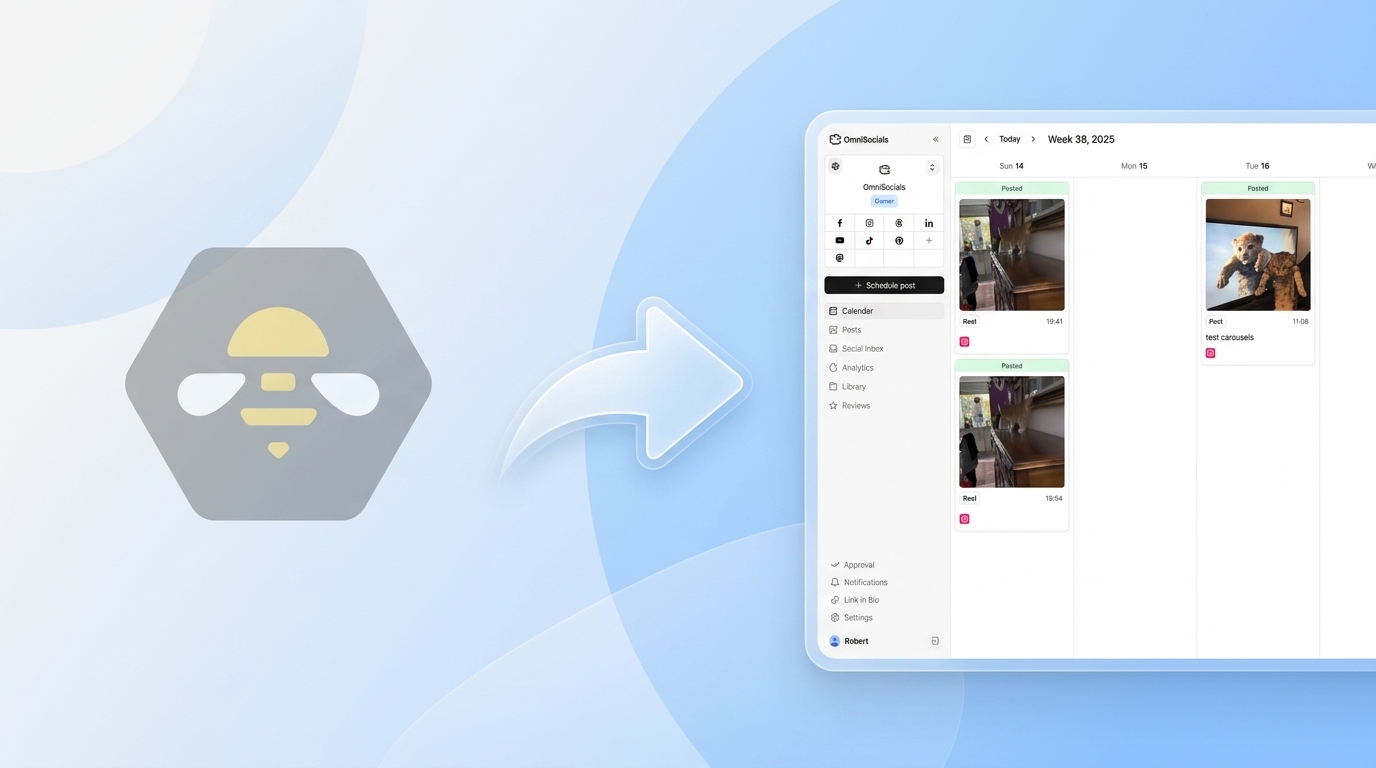
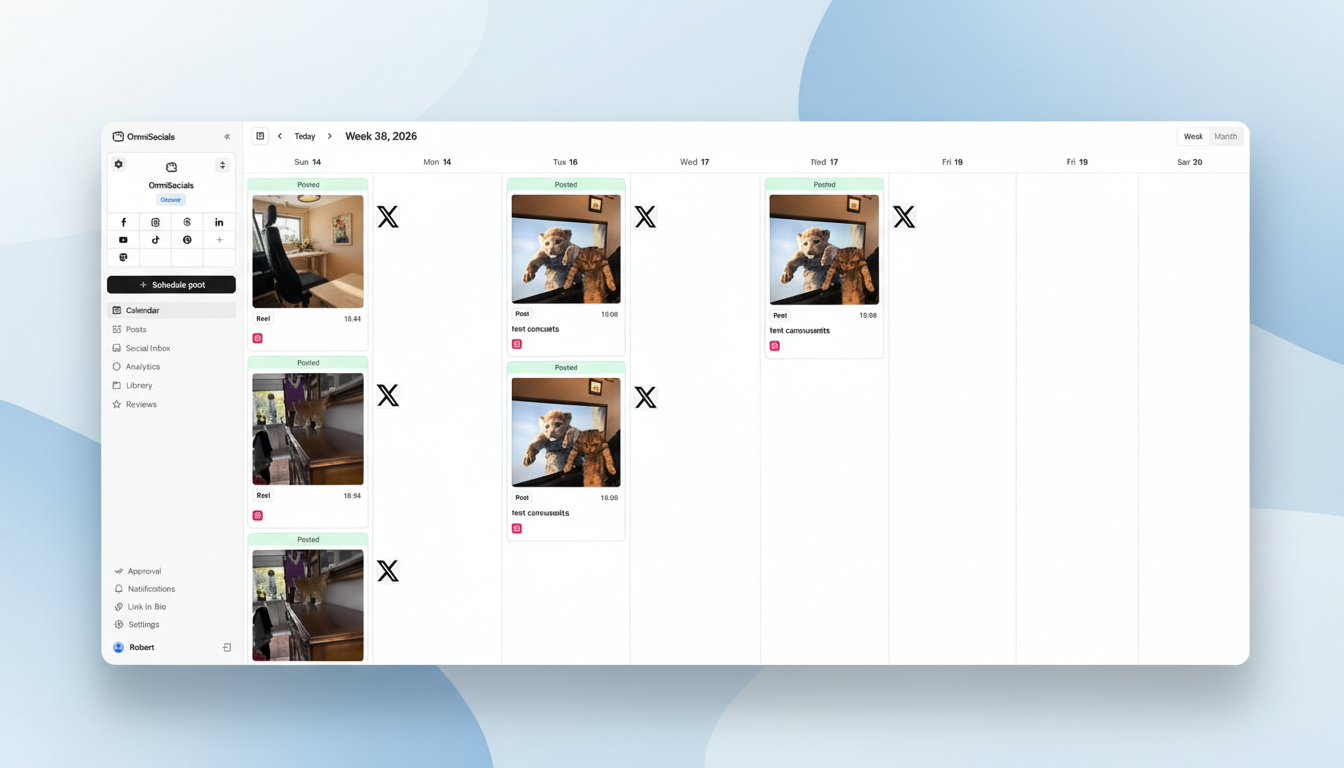
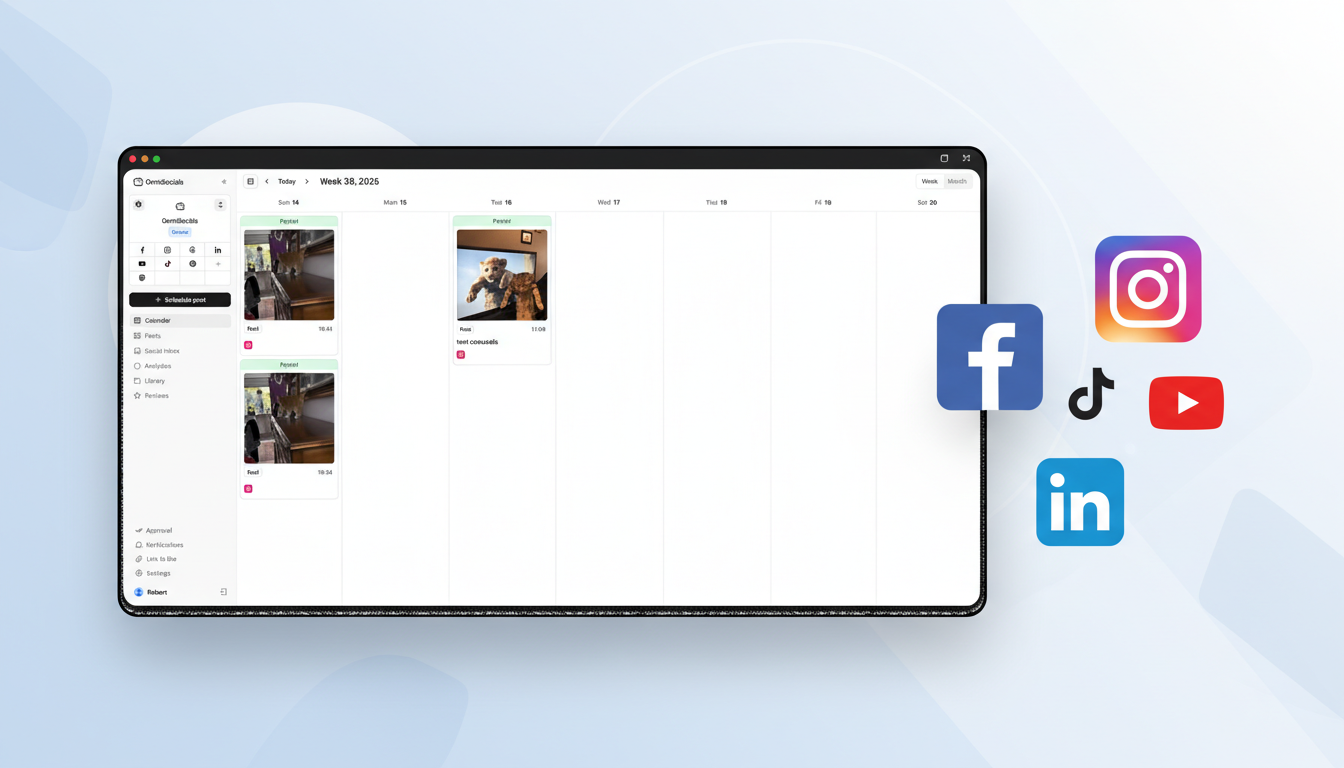
OmniSocials includes AI-assisted content creation across all 11 platforms for $10/month flat. The AI helps generate captions, suggest variations for different platforms, and recommend optimal posting times based on your audience data.
The per-platform customization is where OmniSocials' AI adds the most value. Write one post, and the AI adapts the tone and format for Instagram vs. LinkedIn vs. Bluesky. A casual Instagram caption becomes a professional LinkedIn update automatically.
Combined with 11-platform scheduling, a social inbox, and flat pricing, the AI features make OmniSocials the best value proposition for an AI social media scheduler in this price range.
AI quality: Good. Platform-specific adaptation is the standout feature.
Pricing: $10/mo (annual). AI included.
Try OmniSocials free for 14 days. AI features included.
4. Hootsuite: Best Enterprise AI (OwlyWriter) ($99/mo)
Hootsuite's OwlyWriter AI generates captions, suggests content ideas based on trending topics, and can create posts from a URL or topic description.
OwlyWriter is competent. The caption quality is on par with Buffer's AI. The trending topic suggestions are a nice touch for brands that want to participate in timely conversations.
The issue is price. At $99/month, you're paying 10x what OmniSocials charges and 3x what SocialBee charges. The AI alone doesn't justify the premium. You're paying for Hootsuite's integration ecosystem, not the AI.
AI quality: Good. Trending topic suggestions are useful.
Pricing: $99/mo. OwlyWriter included on all plans.
5. Publer: Best Budget AI Assistant ($12/mo)
Publer's AI Assist generates captions, suggests hashtags, and recommends optimal posting times. At $12/month on the Professional plan, it's one of the cheapest tools with AI features.
The AI caption quality is acceptable but a step below SocialBee and Buffer. It tends toward generic phrasing that needs more editing. The hashtag suggestions are useful, and the optimal timing feature works well.
AI quality: Decent. Best for hashtag suggestions and timing.
Pricing: Free plan has limited AI. $12/mo for full AI Assist.
6. Pallyy: AI Captions for Visual Content ($13.50/mo)
Pallyy added AI caption generation that works within its visual planning workflow. Upload an image for your Instagram post, and the AI generates a caption to match.
The image-to-caption feature is a nice workflow integration. But the caption quality is basic, and there are no content variation or calendar generation features.
AI quality: Decent for image-based captions. Limited scope.
Pricing: $13.50/mo per social set. AI included.
7. Postiz: Best Open-Source AI Option (Free)
Postiz is an open-source social media scheduler with an AI agent that can handle content creation and scheduling. Being open-source means you can self-host it and avoid monthly fees.
The AI capabilities are ambitious: automated content planning, caption generation, and multi-platform scheduling. Quality varies since it depends on your AI model configuration. For technically inclined users willing to set it up, it's a powerful free option.
AI quality: Variable. Depends on configuration and AI model choice.
Pricing: Free (open source). Self-hosted.
Honest Take: What AI Is Good For (And What It's Not)
Use AI for:
- First drafts. Let AI write the initial version, then edit for your voice. This saves 30-50% of writing time.
- Variations. Getting 5 versions of the same post for different platforms is genuinely useful.
- Hashtag research. AI suggests relevant hashtags faster than manual research.
- Beating writer's block. When you're staring at a blank caption field, AI gives you a starting point.
Don't rely on AI for:
- Brand voice. AI doesn't know your brand's personality. Every caption needs a human pass.
- Engagement. AI can't have real conversations with your audience. The community-building part of social media is still a human job.
- Strategy. AI can execute tactics, but it can't decide which platforms to focus on or what content themes will resonate.
- Sensitive topics. Anything related to current events, company announcements, or potentially controversial topics needs human judgment.
The most effective approach: use AI to generate drafts and variations, then spend your time on editing, engagement, and strategy. You'll get more done in less time without sacrificing the human elements that make social media work.
For more scheduling options beyond AI features, check our full best social media scheduler comparison and free social media schedulers guide.
AI-powered scheduling for $10/mo. Try OmniSocials free for 14 days and see how AI-assisted scheduling across 11 platforms works.
Frequently Asked Questions
What is the best AI social media scheduler?
SocialBee has the most useful AI features, including an AI copilot that generates posts, creates variations, and suggests content calendars. Buffer has a solid free AI assistant. For the best overall value with AI features, OmniSocials combines 11-platform scheduling with AI content creation at $10/month.
Can AI fully manage your social media?
Not yet. AI tools in 2026 can draft captions, suggest posting times, generate hashtags, and create content variations. But they can't replace human judgment for brand voice, community engagement, crisis management, or strategic decisions. The best approach is using AI as a first-draft tool that you edit and refine.
Are AI social media tools worth the extra cost?
Most AI features are now included in standard pricing, not charged as extras. Buffer's AI assistant is on the free plan. SocialBee's AI copilot is included at $29/month. OmniSocials includes AI at $10/month. You rarely need to pay extra specifically for AI features.