Schedule Posts via API: A Developer's Guide
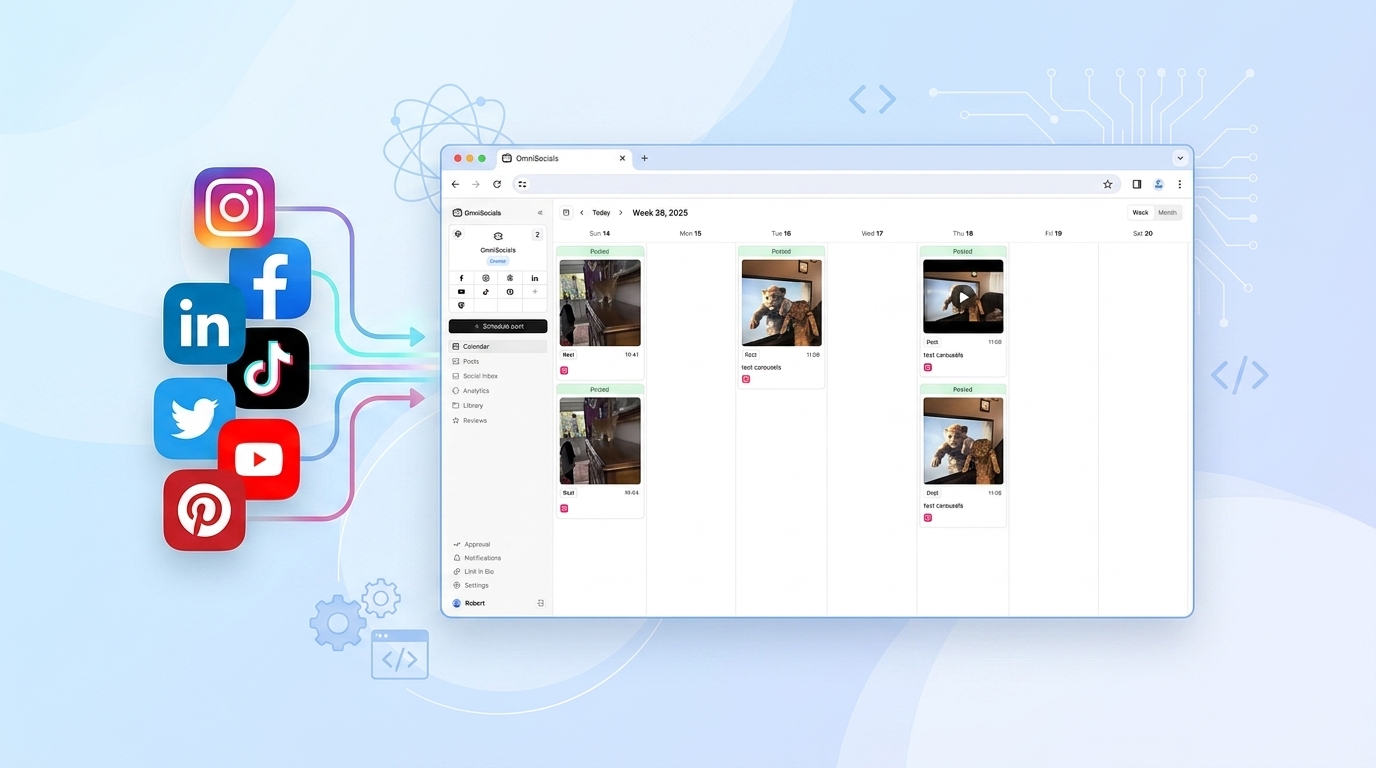
If you've tried scheduling social media posts programmatically, you know the drill. Instagram's Graph API requires a two-step media container flow. LinkedIn's API needs a separate app registration with its own OAuth. TikTok's posting endpoints are behind an app review process that takes weeks. And that's before you've touched X, YouTube, or Pinterest.
The OmniSocials API solves this with a single endpoint. One POST request, one API key, up to 11 platforms. No platform-specific OAuth in your code. No separate app registrations. This guide walks through everything you need to schedule posts via API in 2026.
What Is a Schedule Posts API?
A schedule posts API lets you programmatically queue social media content to publish at a specific future time, without manual intervention. Instead of logging into a dashboard and clicking "Schedule," you send a structured HTTP request with your content, target platforms, and a publish timestamp.
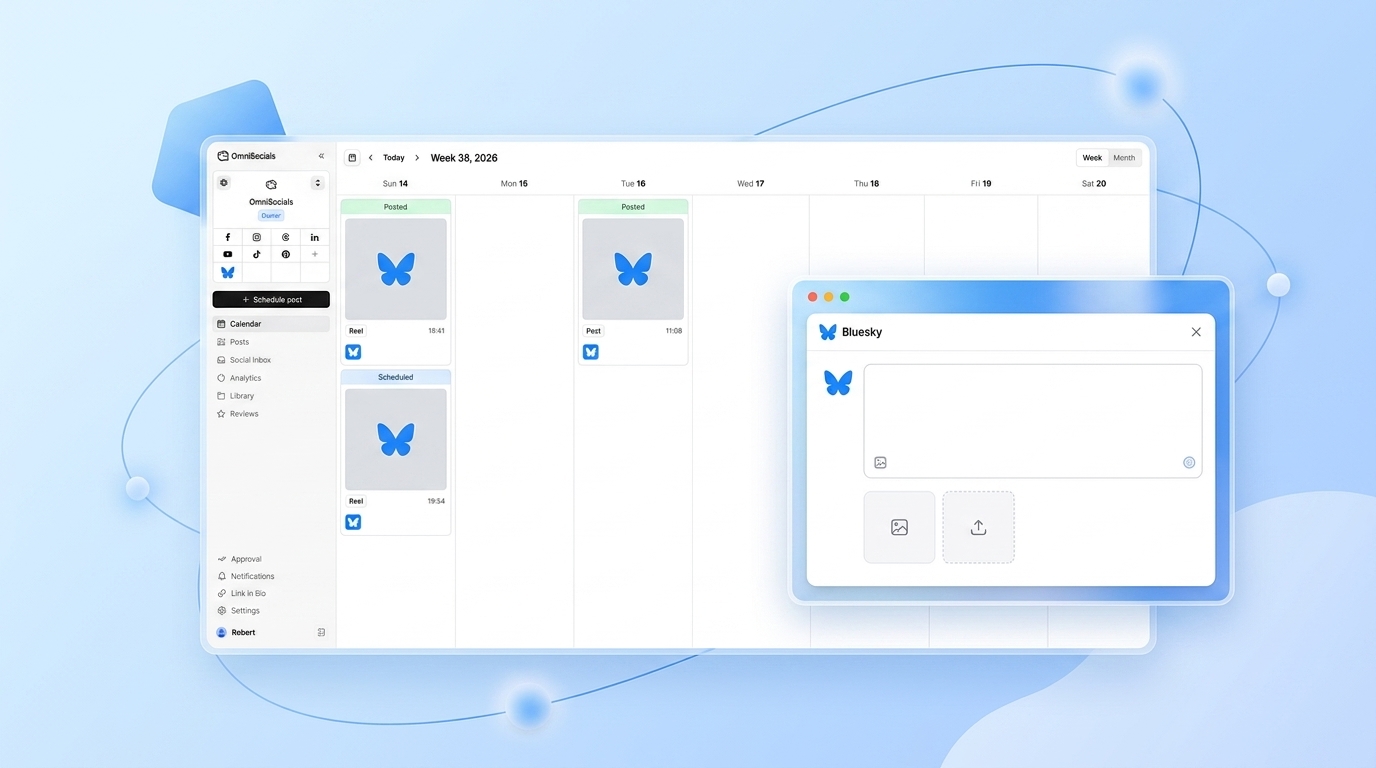
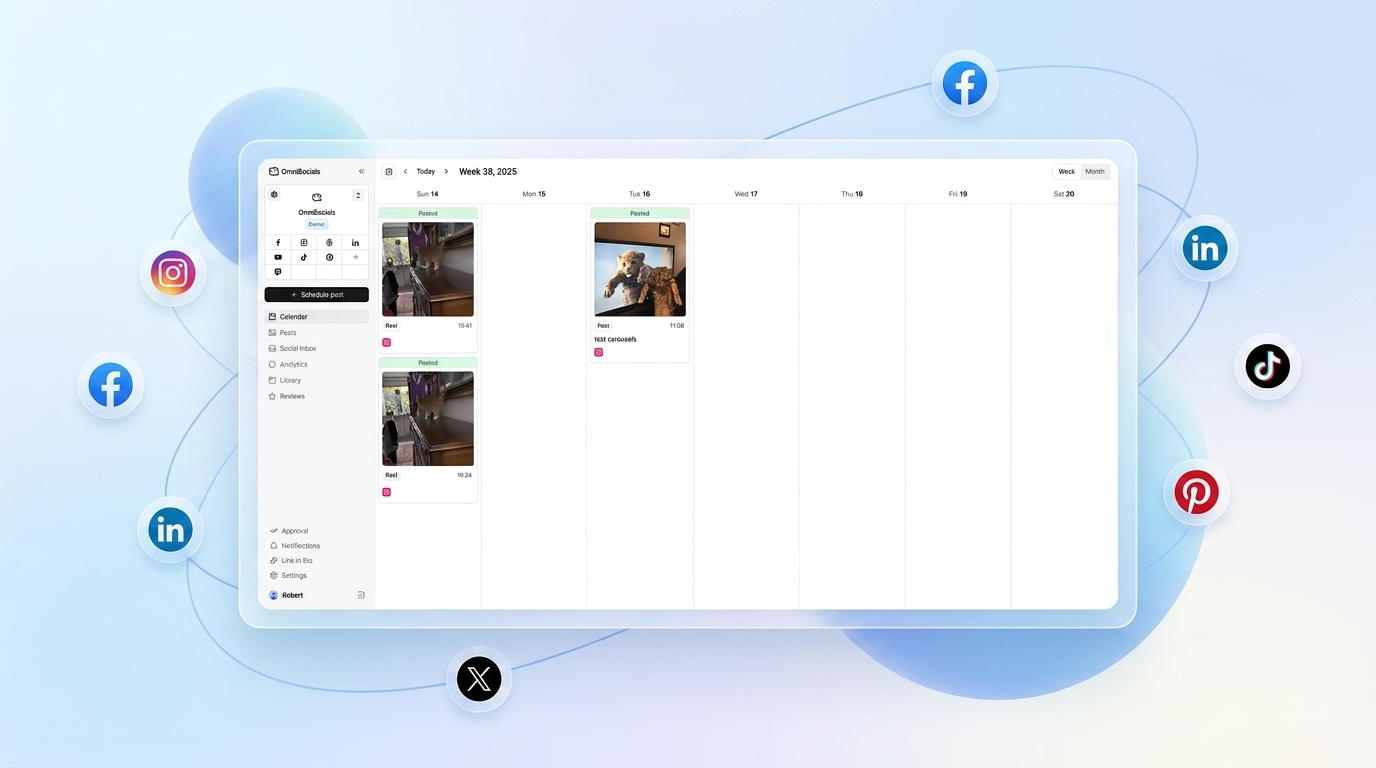
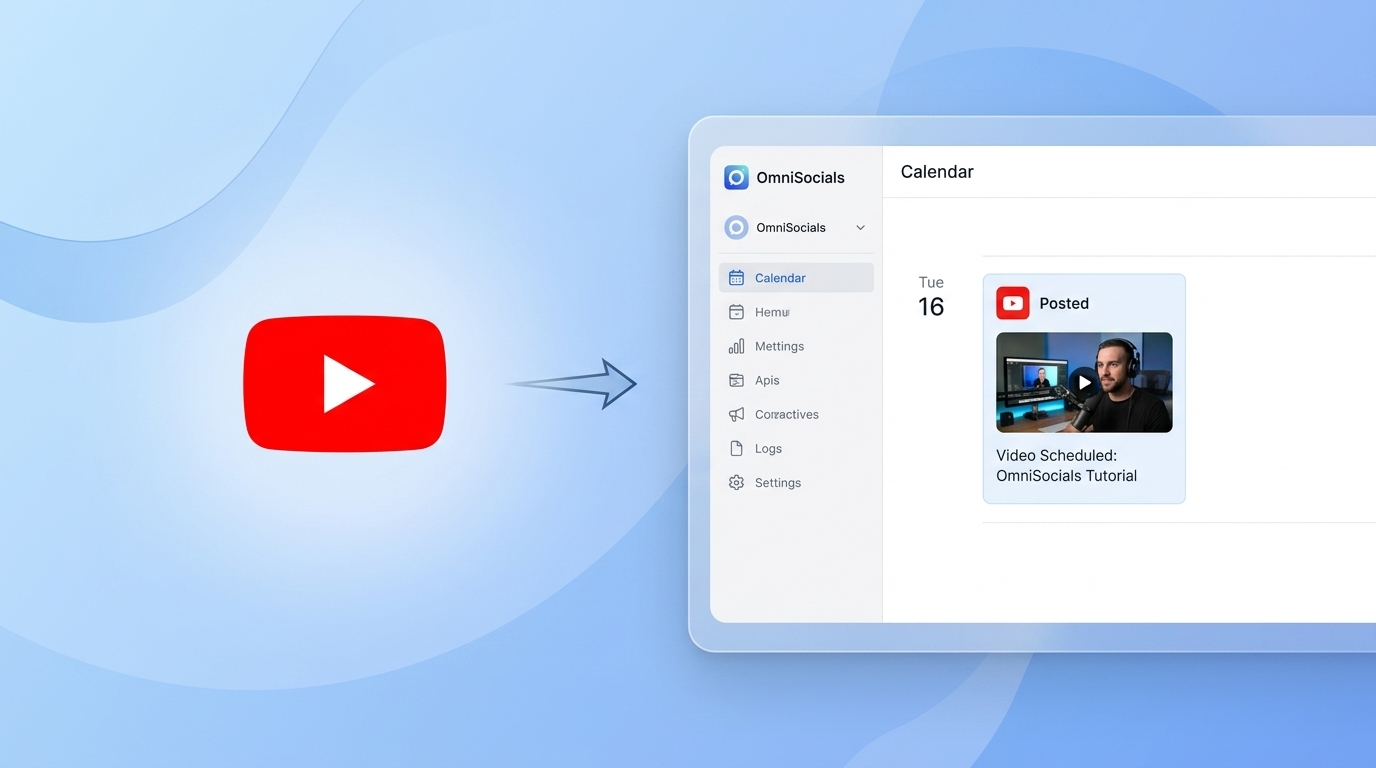
OmniSocials wraps 11 social platforms into one unified scheduling API. Connect your accounts once in the dashboard, then use a single API key to schedule across Instagram, LinkedIn, TikTok, YouTube, X, Facebook, Pinterest, Bluesky, Threads, Mastodon, and Google Business Profile.
[Screenshot: OmniSocials API key settings page with a newly generated API key]
Why Native Platform APIs Are Painful
Before showing the OmniSocials approach, it's worth understanding what you're avoiding.
Instagram's native API requires you to create a media container (step 1), wait for it to be ready (step 2), then publish it (step 3). For carousels, add a fourth step. For Reels, add video processing time. And your app needs to pass Facebook's App Review before it can post to any real accounts.
LinkedIn's API requires a separate OAuth 2.0 flow per user, a URN for the author, a different payload structure for images vs. text-only posts, and specific scopes approved during partner review.
TikTok's Content Posting API is invite-only as of 2026. You apply, wait, and hope.
You'd need to build and maintain five separate integrations just to cover the major platforms. The OmniSocials API removes all of that.
Step 1: Get Your API Key
Sign in to your OmniSocials account (or start a 14-day free trial if you haven't yet). Navigate to Settings > API and generate a new API key.
Store it as an environment variable. Never hardcode it in your source.
export OMNISOCIALS_API_KEY="your_api_key_here"
Step 2: Connect Your Social Accounts
In the OmniSocials dashboard, go to Accounts and connect whichever platforms you want to post to. This is the only time you'll deal with OAuth flows. From here on, your code uses one API key for everything.
This is the key architectural difference from building native integrations yourself. The OAuth complexity lives in OmniSocials's infrastructure, not yours.
Step 3: Schedule a Post via the API
Send a POST request to https://api.omnisocials.com/v1/posts with three required fields:
text— your post contentplatforms— array of platform names to post toscheduled_at— ISO 8601 timestamp for when to publish (omit for immediate)
JavaScript Example
const response = await fetch('https://api.omnisocials.com/v1/posts', {
  method: 'POST',
  headers: {
    'Authorization': `Bearer ${process.env.OMNISOCIALS_API_KEY}`,
    'Content-Type': 'application/json',
  },
  body: JSON.stringify({
    text: 'Our new feature just dropped. Check it out at the link below.',
    media: ['https://yourcdn.com/feature-announcement.jpg'],
    platforms: ['instagram', 'linkedin', 'bluesky'],
    scheduled_at: '2026-04-07T09:00:00Z',
  }),
});

const { data } = await response.json();
console.log(data);
// {
//   id: "post_abc123",
//   status: "scheduled",
//   scheduled_at: "2026-04-07T09:00:00Z",
//   platforms: {
//     instagram: "queued",
//     linkedin: "queued",
//     bluesky: "queued"
//   }
// }
Python Example
import os
import requests

response = requests.post(
    'https://api.omnisocials.com/v1/posts',
    headers={
        'Authorization': f'Bearer {os.environ["OMNISOCIALS_API_KEY"]}',
        'Content-Type': 'application/json',
    },
    json={
        'text': 'Our new feature just dropped. Check it out at the link below.',
        'media': ['https://yourcdn.com/feature-announcement.jpg'],
        'platforms': ['instagram', 'linkedin', 'bluesky'],
        'scheduled_at': '2026-04-07T09:00:00Z',
    }
)

data = response.json()['data']
print(data['id'])        # post_abc123
print(data['status'])    # scheduled
print(data['platforms']) # {'instagram': 'queued', 'linkedin': 'queued', 'bluesky': 'queued'}
The scheduled_at field accepts any ISO 8601 datetime string in UTC. If you omit it entirely, the post publishes immediately.
Step 4: Handle the Response
The API returns a post object with a unique id and per-platform status. Statuses you'll see:
queued— post is scheduled and waiting for publish timepublished— post went live successfullyfailed— post failed on that platform (platform error details included)
Use the id to check status later, update the post, or cancel it.
Check Post Status
const postId = 'post_abc123';

const response = await fetch(`https://api.omnisocials.com/v1/posts/${postId}`, {
  headers: {
    'Authorization': `Bearer ${process.env.OMNISOCIALS_API_KEY}`,
  },
});

const { data } = await response.json();
// data.platforms will show current status per platform
Cancel a Scheduled Post
await fetch(`https://api.omnisocials.com/v1/posts/${postId}`, {
  method: 'DELETE',
  headers: {
    'Authorization': `Bearer ${process.env.OMNISOCIALS_API_KEY}`,
  },
});
// Cancels the post on all queued platforms
Scheduling in Bulk
Need to schedule a week's worth of content at once? Pass an array of post objects in one request.
const posts = [
  {
    text: 'Monday motivation. Start the week right.',
    platforms: ['instagram', 'linkedin'],
    scheduled_at: '2026-04-06T08:00:00Z',
  },
  {
    text: 'Mid-week check-in. How are your goals coming along?',
    platforms: ['instagram', 'threads'],
    scheduled_at: '2026-04-08T10:00:00Z',
  },
  {
    text: 'Friday wrap-up. Here is what we shipped this week.',
    platforms: ['linkedin', 'bluesky', 'x'],
    scheduled_at: '2026-04-10T16:00:00Z',
  },
];

const response = await fetch('https://api.omnisocials.com/v1/posts', {
  method: 'POST',
  headers: {
    'Authorization': `Bearer ${process.env.OMNISOCIALS_API_KEY}`,
    'Content-Type': 'application/json',
  },
  body: JSON.stringify({ posts }), // batch endpoint accepts an array
});
The rate limit is 100 requests per minute per API key, which is more than enough for typical scheduling workflows.
Setting Up Webhooks
Instead of polling for post status, configure a webhook to get notified automatically when something happens.
In your OmniSocials dashboard, go to Settings > Webhooks and add your endpoint URL. You'll receive POST requests for these events:
post.published— post went livepost.failed— post failed on one or more platformspost.engagement— a post received a comment, like, or share
// Express webhook handler example
app.post('/webhooks/omnisocials', express.json(), (req, res) => {
  const { event, data } = req.body;

  if (event === 'post.published') {
    console.log(`Post ${data.id} published to:`, data.platforms);
  }

  if (event === 'post.failed') {
    console.error(`Post ${data.id} failed:`, data.errors);
    // Trigger retry logic or alert your team
  }

  res.sendStatus(200);
});
OmniSocials vs. Doing It Natively
Here's a concrete comparison. Scheduling the same post to Instagram and LinkedIn:
| Step | Native APIs | OmniSocials API |
|---|---|---|
| Auth | 2 separate OAuth flows | 1 API key |
| App registrations | 2 (Facebook + LinkedIn) | 0 |
| API calls to schedule | 3 (Instagram) + 1 (LinkedIn) = 4 | 1 |
| Platform review required | Yes (both) | No |
| Media handling | Manual per platform | Built-in resize/reformat |
| Maintenance | Update if APIs change | OmniSocials handles it |
The native approach requires maintaining two separate codepaths that can break independently. OmniSocials absorbs platform changes so your integration doesn't.
Common Pitfalls
Timezone mistakes. The API expects UTC timestamps. 2026-04-07T09:00:00Z means 9 AM UTC, not 9 AM in your local timezone. If your users set times in their local timezone, convert to UTC before sending.
Scheduling in the past. If scheduled_at is earlier than the current time when OmniSocials processes the request, the post will publish immediately rather than throwing an error. Add a buffer of at least 5 minutes.
Platform-specific content limits. Instagram captions max out at 2,200 characters. X cuts off at 280. If your text is 1,000 characters and you include x in your platforms array, OmniSocials will truncate it to fit X's limit. Check the API docs for per-platform character limits if you're posting cross-platform with long copy.
Missing media for Instagram. Instagram requires an image or video. A text-only post with platforms: ['instagram'] will return a validation error. The other platforms will still receive the post if included alongside Instagram.
Not storing the post ID. Always persist the id from the API response. You'll need it to check status, update content, or cancel before publishing.
Frequently Asked Questions
How do I schedule a social media post via API?
Send a POST request to https://api.omnisocials.com/v1/posts with your text, platforms array, and scheduled_at timestamp in ISO 8601 UTC format. Include your API key in the Authorization: Bearer header. The API returns a post ID and per-platform status immediately. Get your API key at omnisocials.com.
Can I schedule posts to multiple platforms in one API call?
Yes. The OmniSocials API accepts an array of platform names in a single POST request, covering up to 11 platforms simultaneously: Instagram, LinkedIn, TikTok, YouTube, X, Facebook, Pinterest, Bluesky, Threads, Mastodon, and Google Business Profile. Native platform APIs each require a separate integration with their own auth flow and endpoint structure.
What is the best API for scheduling social media posts?
OmniSocials is the most cost-effective option at $10/mo for full API access across 11 platforms. Ayrshare starts at $49/mo and covers 8 platforms. Buffer's API uses per-channel pricing. For developers building automation workflows in 2026, OmniSocials offers the best price-to-platform ratio and the simplest auth model.
How do I cancel a scheduled post via API?
Send a DELETE request to https://api.omnisocials.com/v1/posts/{post_id} using the post ID returned when you created the post. This cancels the post across all platforms it was queued for. Posts that have already published cannot be deleted through the API.
Does the OmniSocials API support webhooks for scheduled posts?
Yes. Configure a webhook URL in Settings > Webhooks to receive post.published, post.failed, and post.engagement events. This is better than polling GET /v1/posts/:id for status, especially in production workflows where you need to react quickly to failures.
The OmniSocials API is built for exactly this use case: developers who want to schedule posts at scale without the overhead of maintaining five separate platform integrations. The full API reference, including all endpoints, payload options, and error codes, is at docs.omnisocials.com.
Sources
- Instagram Graph API — Content Publishing — Official documentation for Instagram's multi-step media container publishing flow
- LinkedIn Marketing Developer Platform — LinkedIn's UGC Post API reference covering OAuth requirements and payload structure
- TikTok for Developers — Content Posting API — TikTok's official content posting documentation, including app review requirements
- Ayrshare API Pricing — Ayrshare's API pricing tiers for comparison
- OmniSocials API Documentation — Full reference for the OmniSocials REST API