Social Media Management for Agencies: Tools & Workflows
Managing social media for one brand is straightforward. Managing it for 10, 20, or 50 clients is a completely different challenge.
You need separate content calendars, client approval workflows, multi-account scheduling, and reporting that actually shows ROI. Most tools built for individual brands fall apart the moment you add a second client.
The global social media management market is projected to reach $39 billion in 2026 (Source: Fortune Business Insights). Agencies are a massive part of that. But finding the right tools and workflows without overspending is the real challenge.
Here's how agencies actually manage social media for multiple clients, including the tools, processes, and pricing breakdowns that matter.
What Is Social Media Management for Agencies?
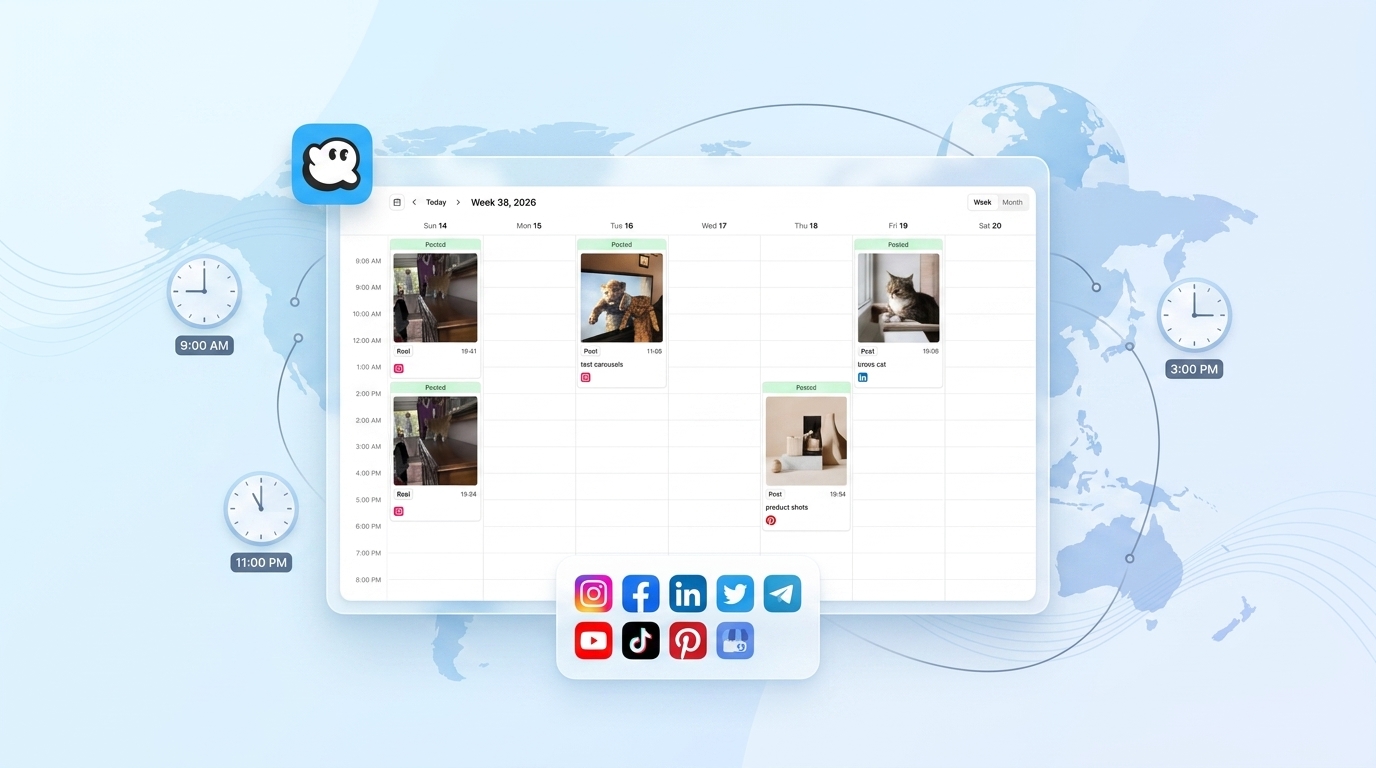
Social media management for agencies means handling content creation, scheduling, publishing, community management, and reporting across multiple client accounts from a centralized platform. Agencies typically manage 5-50+ social profiles across 3-11 platforms, requiring tools with multi-workspace support, approval workflows, and team collaboration features.
The core difference between agency work and in-house work: everything needs client approval before it goes live. That single requirement changes the entire workflow.
The 5 Biggest Challenges Agencies Face
Before picking tools, it helps to understand what actually makes agency social media management hard.
1. Client Approval Bottlenecks
This is the #1 pain point. 92% of marketers report approval delays as the main reason for missed deadlines (Source: SocialPilot).
The typical scenario: you create a week of content, send it to the client for review, wait three days, get vague feedback like "make it more fun," revise, wait again. By the time it's approved, the content is stale.
The fix: Use a tool with built-in approval workflows so clients can review, comment, and approve posts directly in the platform. No email chains, no Slack threads, no spreadsheets.
2. Multi-Account Chaos
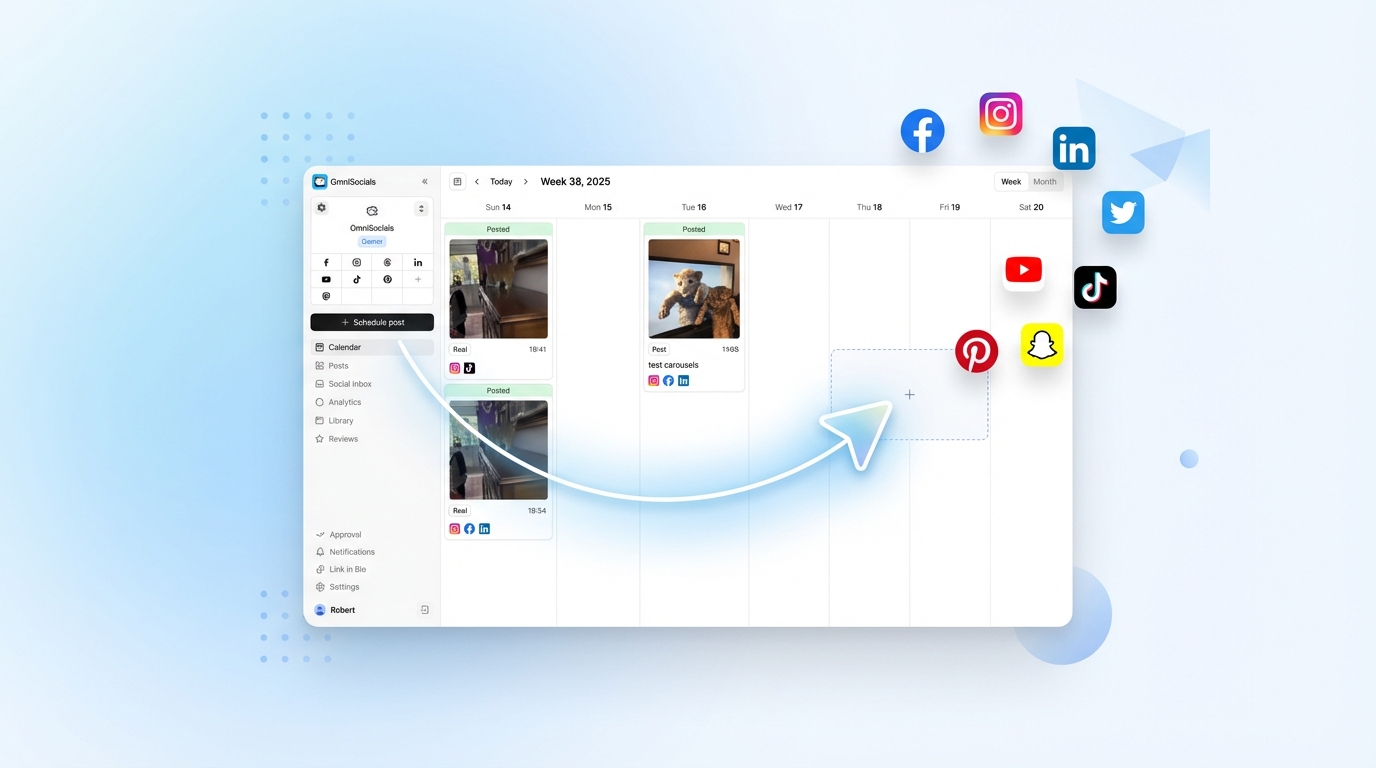
When you're managing 15 different Instagram accounts, 12 LinkedIn pages, and 8 Facebook profiles, things get messy fast. Posting to the wrong account is a real risk. So is forgetting to post to one entirely.
The fix: Separate workspaces per client. Each client gets their own dashboard, calendar, and content queue. Your team switches between workspaces instead of juggling accounts.
3. Proving ROI to Clients
52% of marketers cite difficulty measuring ROI as their biggest frustration (Source: Adobe, via Planable). Clients want to know if social media is worth the retainer. "We got 200 likes" doesn't cut it.
The fix: Regular reporting with metrics tied to business goals (website traffic, leads, conversions), not just vanity metrics. White-label reports with your agency branding add a professional touch.
4. Tool Costs That Scale With Headcount
Most enterprise social media tools charge per user. Add a second account manager and your bill doubles. Hire an intern to help with scheduling? Another $99/month.
This is the pricing trap that catches agencies off guard. A tool that costs $99/month for one user becomes $500+/month for a team of five.
The fix: Choose tools with flat pricing or per-workspace models instead of per-user billing.
5. Platform Fragmentation
Your clients aren't all on the same platforms. One client wants Instagram and TikTok. Another needs LinkedIn and X. A third just added Bluesky and Threads. Not every tool supports every platform.
The fix: Pick a tool that covers the broadest set of platforms so you're not juggling multiple subscriptions.
How to Manage Social Media for Multiple Clients
Here's a practical workflow that scales from 5 to 50 clients.
Set Up Separate Client Workspaces
Every client gets their own workspace with:
- Connected social accounts (they grant access, you never need their passwords)
- A dedicated content calendar
- Their brand assets (logos, fonts, templates) stored in the media library
- Team members assigned with appropriate permissions
This keeps content, analytics, and conversations separated. No risk of posting a client's content to the wrong account.
Build a Content Creation Pipeline
For each client, follow this weekly cycle:
- Content planning (30 min per client): Review their pillars, check trending topics, plan the week's posts
- Content creation (1-2 hours per client): Write captions, prepare visuals, draft Stories or Reels concepts
- Internal review (15 min per client): A teammate proofreads and checks brand guidelines
- Client approval (send via tool): Client reviews, comments, approves or requests changes
- Scheduling (15 min per client): Once approved, schedule for optimal times
Batch similar tasks across clients. Write all captions in one session. Prepare all visuals in another. This is significantly faster than switching between client contexts every 30 minutes.
Streamline Client Approvals
The approval process is where most agency workflows break down. Here's how to keep it moving:
- Set deadlines for feedback. "Content will be sent for approval every Monday by 3 PM. Please approve by Wednesday noon. Unapproved content will not be posted on schedule."
- Use the tool's approval feature. Clients click approve/reject directly in the app. No email back-and-forth.
- Limit revision rounds. One round of revisions is included. Additional rounds are billable.
- Batch approvals weekly. Don't send posts one at a time. Send the full week for review at once.
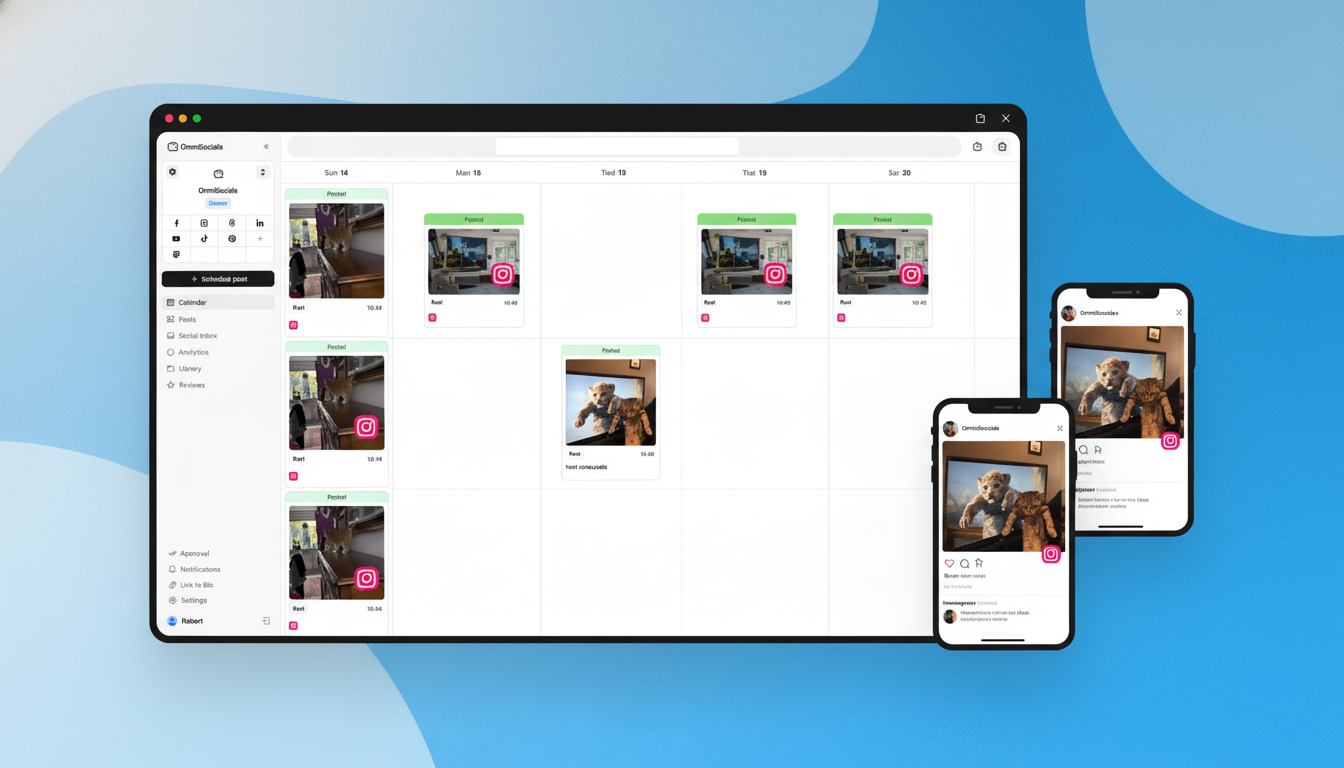
Try OmniSocials free for 14 days → Built-in approval workflows, 11 platforms, $10/mo per workspace. No per-user fees.
Standardize Reporting
Monthly reports keep clients informed and justify your retainer. Include:
- Top-performing posts (what worked and why)
- Engagement metrics (likes, comments, shares, saves)
- Growth metrics (follower count, reach, impressions)
- Traffic metrics (link clicks, website visits from social)
- Recommendations (what to try next month)
Keep reports to 1-2 pages. Clients don't want a 20-page PDF. They want to know: "Is this working?" For a comparison of dedicated analytics platforms that make client reporting easier, see our social media analytics tools guide.
Best Social Media Management Tools for Agencies
Here's how the main options compare for agency use:
| Tool | Agency Price | Profiles | Users | Approval Workflow | White-Label |
|---|---|---|---|---|---|
| OmniSocials | $10/workspace/mo | 11 platforms | $10/user/mo | Yes | No |
| Sendible | $255/mo | 100 | 20 | Yes | Yes |
| Vista Social | $149/mo | 30 | 10 | Yes | Yes |
| Agorapulse | $199/mo | 20 | +$49-149/user | Yes | Custom reports |
| Hootsuite | $249/mo | Per-user | Per-seat | Yes | Yes |
| Sprout Social | $399/user/mo | Unlimited | Per-seat | Yes | Yes |
OmniSocials: Best for Small Agencies on a Budget
OmniSocials charges $10/month per workspace with additional team members at $10/month each. For a small agency managing 5 clients with 2 team members, that's $70/month total. Try getting that price from Hootsuite.
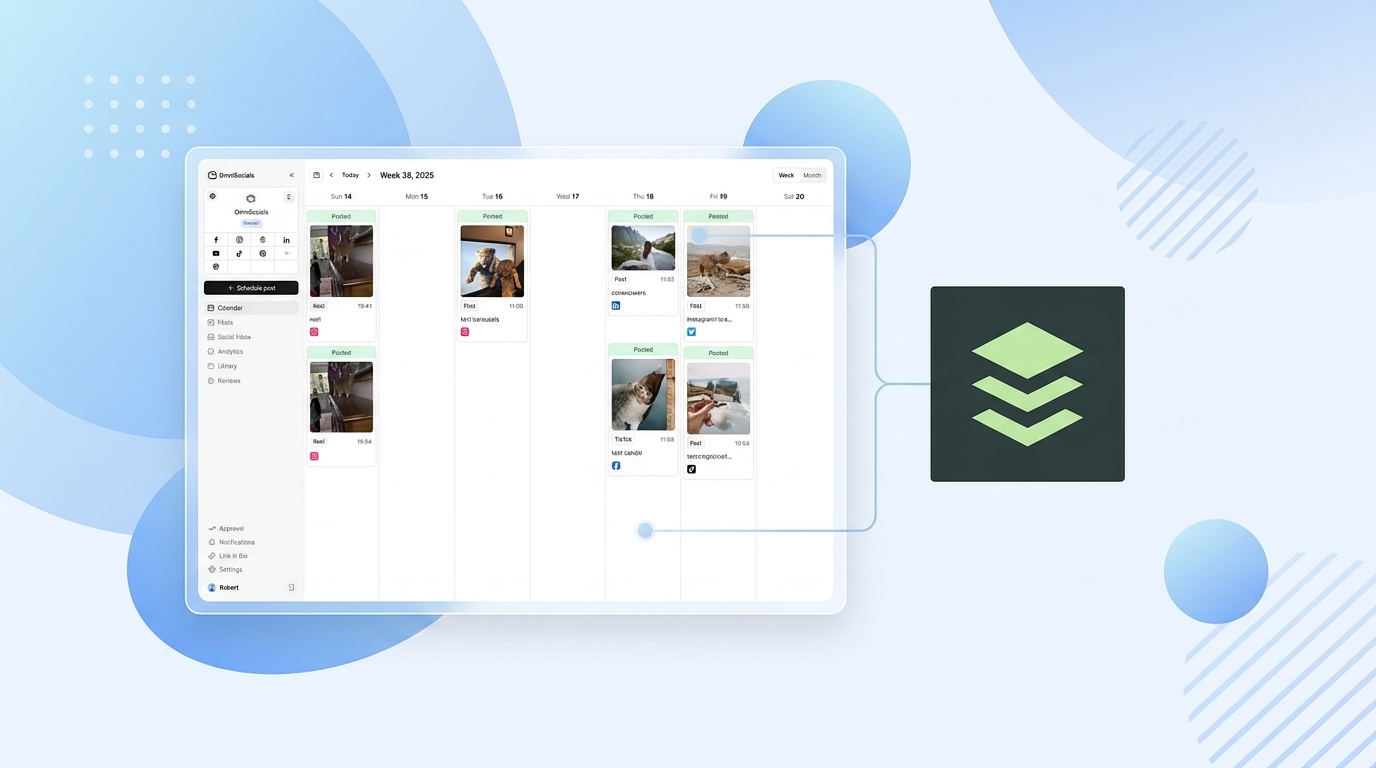
Every workspace gets 11 platforms, unlimited posts, approval workflows, a unified inbox, and analytics. No features are locked behind higher tiers.
The trade-off: no white-label reporting and a smaller community compared to established agency tools. But for agencies just getting started or those watching their margins, the math is hard to beat.
Best for: Freelancers and small agencies (1-10 clients) who need multi-platform scheduling without enterprise pricing.
Sendible: Best Dedicated Agency Tool
Sendible was built specifically for agencies. The Advanced plan at $255/month gets you 100 social profiles, 20 users, white-label reports, and approval workflows.
What I particularly like about Sendible is the white-label dashboard. Your clients log in to a branded portal with your agency's logo and colors. It looks like your own proprietary tool. That's a powerful positioning move.
Best for: Mid-size agencies (10-30 clients) that need white-label reporting and dedicated agency features.
Vista Social: Best Value for White-Label
Vista Social gives you white-label reporting and dashboards at $149/month on the Advanced plan (30 profiles, 10 users). That's nearly half the price of Sendible for similar features.
Vista Social is a newer player, but the feature set is solid: scheduling, inbox, analytics, social listening (paid add-on), and approval workflows.
Best for: Agencies that need white-label features without the enterprise price tag.
Hootsuite and Sprout Social: Enterprise Options
Hootsuite ($249/mo+) and Sprout Social ($399/user/mo+) are the established enterprise players. Both offer comprehensive feature sets, but the per-user pricing model makes them expensive for growing agencies.
A 5-person team on Sprout Social costs nearly $2,000/month. That's a significant line item. These tools make sense for large agencies with enterprise clients who demand specific integrations or compliance features. For smaller agencies considering Agorapulse as a mid-market option, see our Agorapulse alternatives for context on how it compares to lighter-weight tools.
Best for: Large agencies (30+ clients) with enterprise budgets.
The True Cost: Agency Pricing Compared
Here's what you'd actually pay for a team of 3 managing 10 clients:
| Tool | Monthly Cost (3 users, 10 clients) | Per-Client Cost |
|---|---|---|
| OmniSocials | ~$130/mo (10 workspaces + 3 users) | $13/client |
| Vista Social | $149/mo | $14.90/client |
| Sendible | $255/mo | $25.50/client |
| Agorapulse | ~$400/mo | $40/client |
| Hootsuite | ~$500/mo | $50/client |
| Sprout Social | ~$1,200/mo | $120/client |
The per-client cost matters because it directly eats into your profit margin. If you're charging $500/month per client and your tool costs $120/client, that's 24% of revenue going to software. At $13/client, it's under 3%.
Start managing clients for less. OmniSocials: $10/mo per workspace → Approval workflows, 11 platforms, no per-user surprises. Free 14-day trial.
Frequently Asked Questions
How much do social media management tools cost for agencies?
Agency-tier social media tools range from $10/month (OmniSocials, flat pricing per workspace) to $399+/month per user (Sprout Social). Most agencies spend $100-300/month on tools. Key pricing models: per-user (Hootsuite, Sprout Social), per-channel (Buffer at $12/channel), and flat rate (OmniSocials at $10/workspace, Statusbrew at $129/mo). Per-user pricing gets expensive fast as your team grows.
How do agencies manage social media for multiple clients?
Agencies use dedicated social media management platforms with separate workspaces per client. The typical workflow: create content in batches, send for client approval through the tool, schedule approved posts, then report on results monthly. Tools like OmniSocials, Sendible, and Agorapulse support multi-client management with approval workflows and separate dashboards.
What features do agencies need in a social media tool?
The must-have features for agencies are: client approval workflows (so clients review posts before publishing), multi-account management (separate workspaces per client), team collaboration (role-based permissions), reporting (ideally white-label), and a unified inbox for managing comments and DMs across all client accounts.
What is the best social media management tool for small agencies?
For small agencies (under 10 clients), OmniSocials offers the best value at $10/month per workspace with approval workflows, 11 platforms, and no per-user fees. Sendible is the best dedicated agency tool at $255/month for 100 profiles and 20 users. Vista Social offers strong white-label features at $149/month.
Do agencies need white-label social media reporting?
White-label reporting is valuable but not essential for every agency. It lets you send branded reports with your agency logo instead of the tool's branding. This matters most for agencies positioning themselves as premium or full-service. If you're a freelancer or small agency, standard reports with your commentary added are usually enough.