Best Social Media Schedulers Under $10/Month (2026)
Most social media schedulers that advertise "starting at $5/month" don't actually cost $5 once you connect your accounts. Per-channel pricing is the catch. Connect Instagram, LinkedIn, X, TikTok, and Facebook and suddenly that $5 tool costs $25-60/month.
I went through every budget scheduling tool I could find and tested which ones genuinely stay under $10/month for real-world use. Not $10 for one channel. Not $10 with a 7-day trial. Actually under $10.
Here are the 7 that made the cut.
Quick Comparison
| Tool | Real Cost | Platforms | Post Limits | Best For |
|---|---|---|---|---|
| OmniSocials | $10/mo flat | 11 | Unlimited | Best overall value |
| Buffer (Free) | $0 | 3 channels | 10/channel | Getting started |
| Publer (Free) | $0 | 3 accounts | Limited | Bulk scheduling |
| Metricool (Free) | $0 | 1 brand | Limited | Analytics on a budget |
| Social Champ | $5/profile/mo | 1 per plan | Unlimited | Single-platform users |
| Schedchie | ~$8/mo | Unlimited | Unlimited | EU-based users |
| Radaar | $9.99/mo | 3 profiles | Unlimited | All-in-one dashboard |
The Pricing Problem Nobody Talks About
Here's what most "affordable scheduler" articles won't tell you: per-channel pricing makes cheap tools expensive fast.
Buffer is the classic example. Their free plan is genuinely free. Three channels, 10 posts each. But their paid plan charges $6 per channel per month. Want to manage Instagram, Facebook, LinkedIn, X, and TikTok? That's $30/month. Add Threads and Pinterest? $42/month.
Later starts at $25/month. Hootsuite starts at $99/month. Sprout Social starts at $199/month per seat. These aren't "under $10" tools by any definition.
The real question isn't "what's the cheapest starting price?" It's "what does it actually cost to manage all my social accounts?"
That's what this comparison focuses on.
7 Social Media Schedulers That Actually Stay Under $10
1. OmniSocials — $10/mo for 11 Platforms
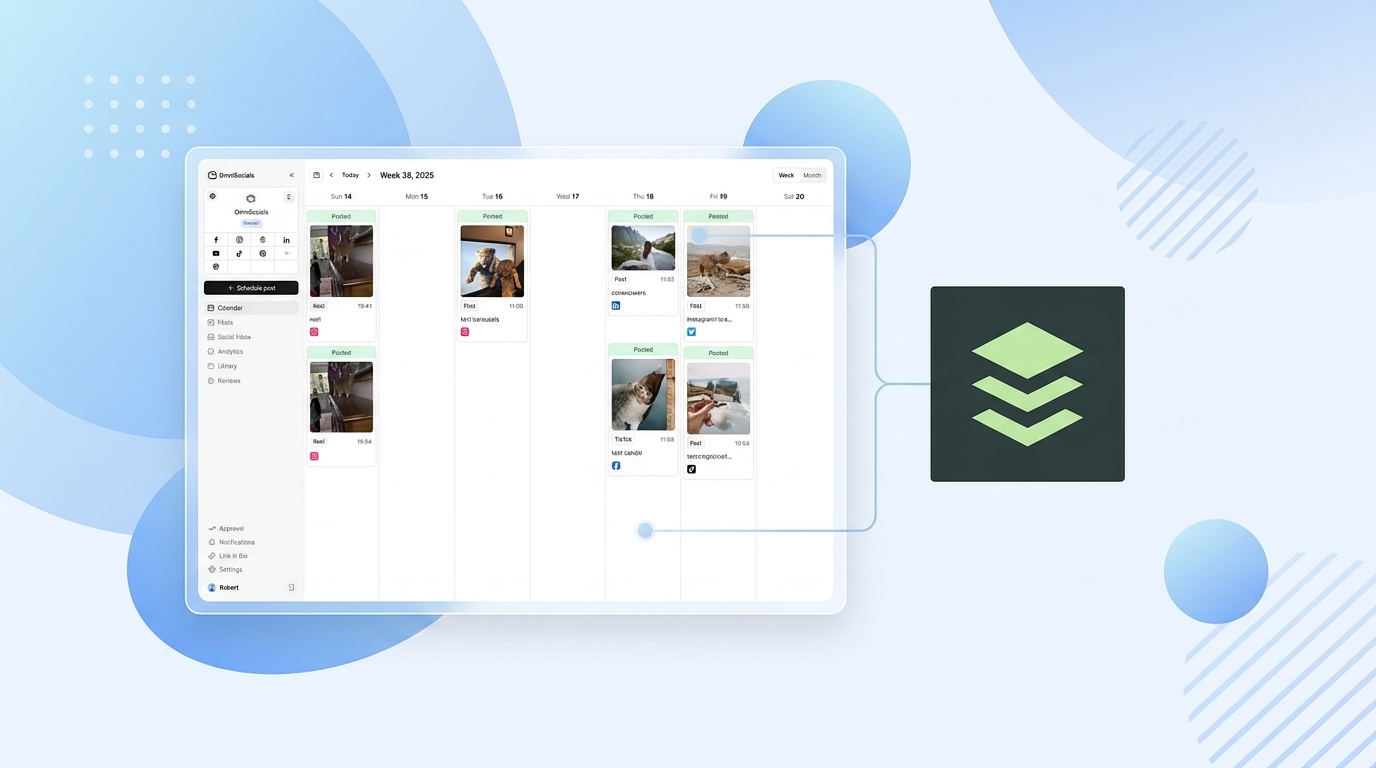
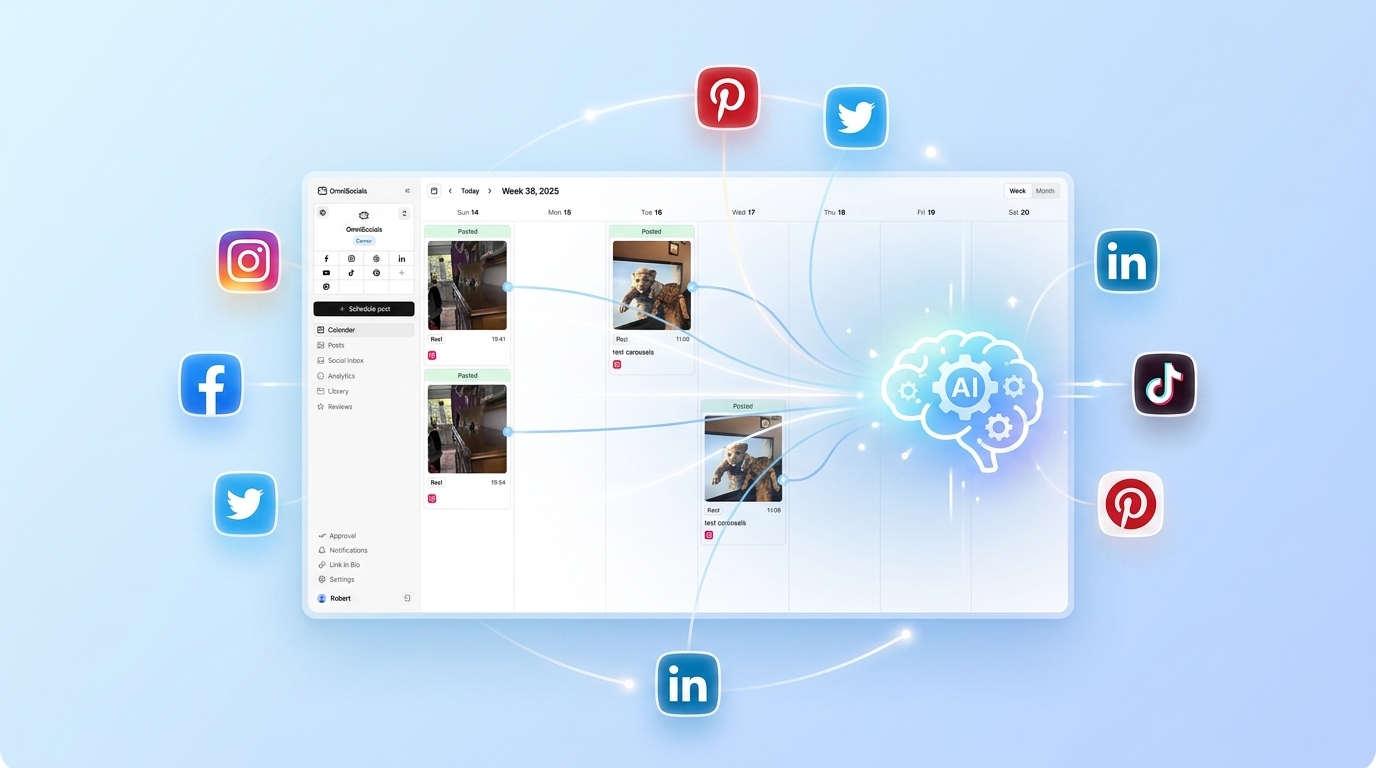
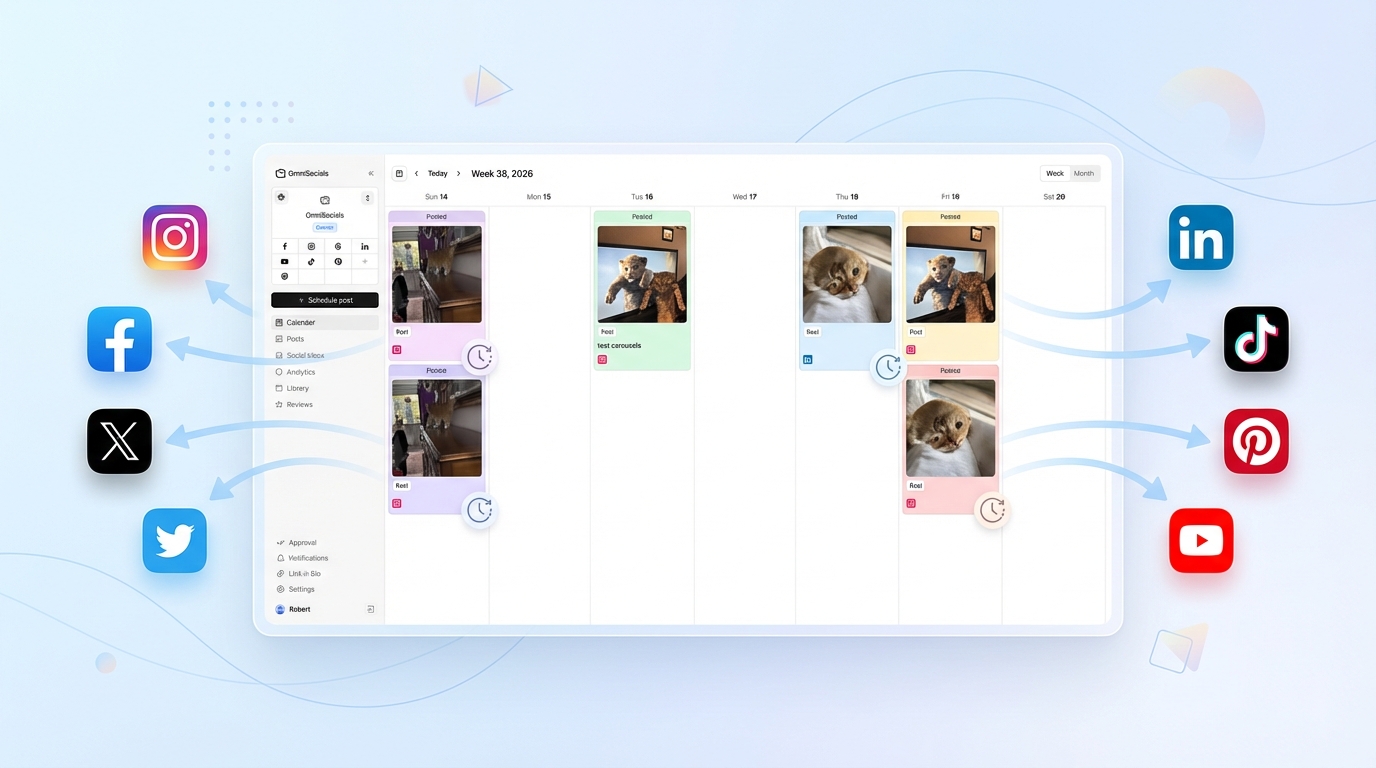
OmniSocials is the only scheduler I found that gives you all platforms for a flat $10/month. No per-channel fees. No feature gates. Connect Instagram, Facebook, LinkedIn, X, TikTok, Pinterest, YouTube, Bluesky, Threads, Mastodon, and Google Business Profile for the same price.
That's the entire value proposition. While Buffer charges $6 per channel and Later charges $25 for their starter plan, OmniSocials covers 11 platforms for $10.
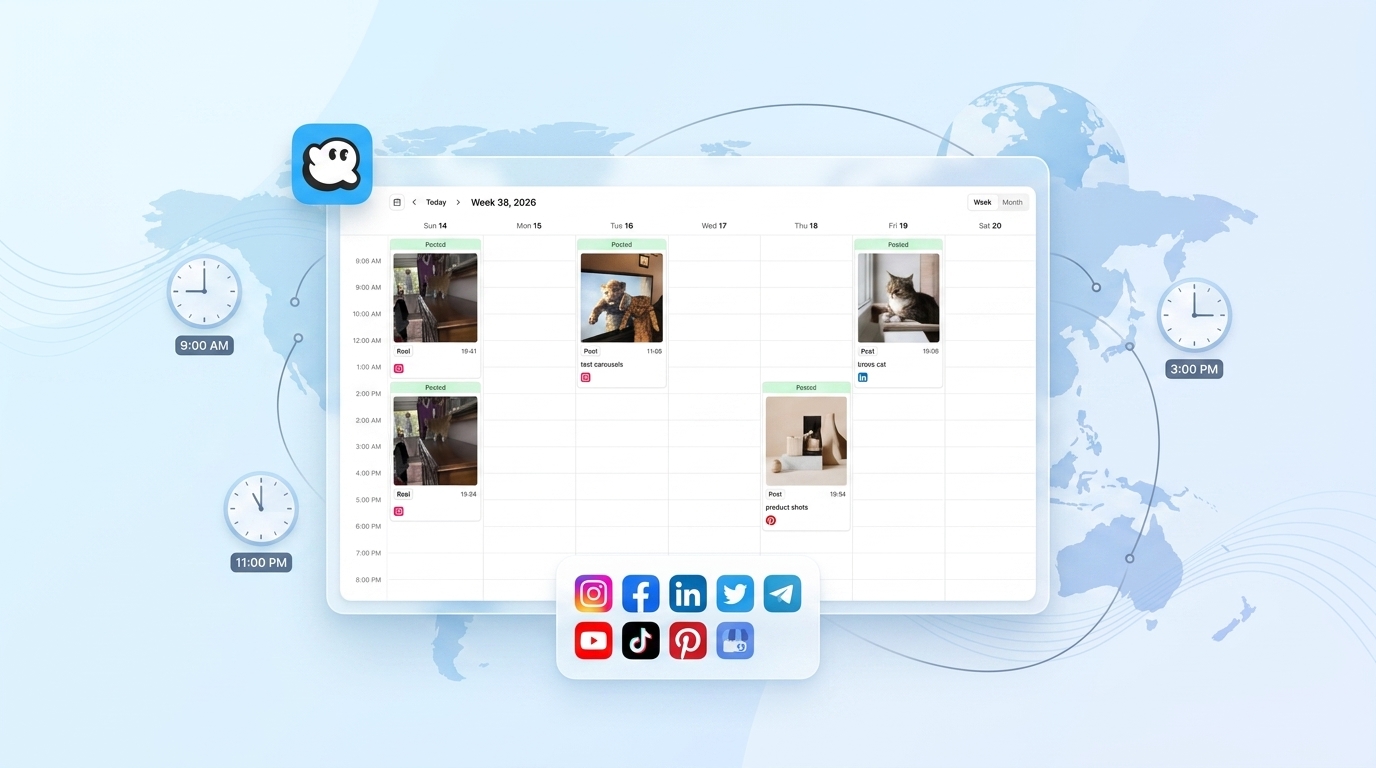
The post editor is clean. You get per-platform previews, a visual calendar, a unified inbox for comments and DMs, and a built-in media library with Pexels and Unsplash access. It also supports approval workflows if you manage accounts for clients.
Key features:
- 11 platforms including Bluesky, Threads, and Mastodon
- Unlimited scheduled posts on all platforms
- Unified inbox for all messages and comments
- Visual calendar with drag-and-drop
- Approval workflows for teams and clients
- Media library with stock photo access
The trade-off: OmniSocials is a newer product. The analytics are solid but not as deep as Metricool or Sprout Social. If advanced reporting is your top priority, this won't be enough. For everything else, it's hard to beat $10.
Pricing: $10/mo (annual) or $12/mo (monthly). 14-day free trial.
2. Buffer (Free Plan) — $0 for 3 Channels
Buffer has one of the most generous free plans in social media scheduling. You get 3 channels with up to 10 scheduled posts per channel. No credit card. No expiration.
If you only manage 2-3 platforms and post a few times a week, Buffer's free plan genuinely works. The interface is minimal and easy to learn. Probably the fastest setup of any tool on this list.
But here's where it gets tricky. The moment you need a 4th channel, you're on the paid plan at $6 per channel per month. Five channels is $30/month. That's not "under $10" anymore.
Key features:
- Free forever for 3 channels
- Clean, simple UI with minimal learning curve
- AI assistant for caption suggestions
- Start Page (link in bio tool)
- Mobile app for scheduling on the go
The trade-off: 10 posts per channel is tight if you post daily. No analytics on the free plan. No social inbox. And the paid plan's per-channel pricing adds up fast.
Pricing: Free (3 channels, 10 posts each). Paid plans start at $6/channel/month.
3. Publer (Free Plan) — $0 for 3 Accounts
Publer is an underrated pick. The free plan gives you 3 social accounts with basic scheduling, and their standout features are bulk scheduling and content recycling.
Upload a CSV of posts and schedule weeks of content in a few minutes. That's a feature most premium tools charge for. Content recycling automatically re-queues your best-performing posts, which is useful for evergreen content.
The interface isn't as polished as Buffer, but the feature set at $0 is impressive.
Key features:
- 3 social accounts on the free plan
- Bulk scheduling via CSV upload
- Content recycling for evergreen posts
- Browser extension for quick sharing
- Canva integration built in
The trade-off: The free plan limits your post count and analytics. The interface feels a bit dated. No unified inbox. And if you need more than 3 accounts, the Professional plan is $12/month — still affordable, but over the $10 threshold.
Pricing: Free (3 accounts). Professional at $12/mo. Business at $21/mo.
4. Metricool (Free Plan) — $0 with the Best Free Analytics
If analytics matter to you, Metricool is the budget pick. Their free plan includes scheduling for 1 brand, but the real draw is the data. You get engagement breakdowns, follower growth charts, competitor benchmarking, and best-time-to-post suggestions.
No other free tool gives you analytics this detailed.
The scheduling interface is straightforward. Not the most polished, but it works. Where Metricool separates itself is in what it tells you after you post.
Key features:
- 1 brand on the free plan
- Deep analytics across connected platforms
- Competitor analysis on all paid plans
- Best time to post based on your data
- SmartLinks bio link tool
- Ad management for Meta and Google
The trade-off: One brand is limiting. You can't manage multiple client accounts on the free plan. Scheduling features are functional but basic compared to Buffer or OmniSocials. The dashboard has a learning curve.
Pricing: Free (1 brand). Starter at $22/mo. Growth at $54/mo.
5. Social Champ — $5/Profile/Month
Social Champ has one of the lowest paid entry points at $5 per social profile per month. If you only need to schedule posts for one or two platforms, it's genuinely cheap.
The problem is the same one Buffer has. It's per-profile pricing. Two profiles cost $10/month. Five profiles cost $25/month. For single-platform use, it's a great deal. For multi-platform management, the math stops working.
Key features:
- Unlimited posts per profile
- Auto-post from RSS feeds
- Content suggestions and recycling
- Bulk upload via CSV
- Team collaboration on higher plans
The trade-off: Per-profile pricing means costs scale fast. Only stays under $10 if you manage 1-2 accounts. Analytics are basic. Platform support is decent but doesn't include Bluesky or Mastodon.
Pricing: $5/profile/mo (Champion plan). Business plans available for teams.
6. Schedchie — ~$8/Month (EUR 7.99)
Schedchie is a European scheduling tool that offers unlimited scheduling and unlimited accounts for EUR 7.99/month (roughly $8-9 USD depending on exchange rates).
The unlimited approach is refreshing. No per-channel fees, no post limits. Connect as many accounts as you want.
It's a smaller, leaner product. The feature set focuses on core scheduling without the extras you'd get from larger tools. If your workflow is "write post, pick time, publish," Schedchie does exactly that.
Key features:
- Unlimited accounts and scheduled posts
- EUR 7.99/month flat pricing
- Core scheduling without bloat
- Multiple workspace support
The trade-off: Smaller company, smaller community. Fewer integrations than established tools. The interface is functional but minimal. Limited analytics. No social inbox or media library. Platform support is narrower than OmniSocials or Buffer.
Pricing: EUR 7.99/mo (~$8-9 USD). Free trial available.
7. Radaar — $9.99/Month
Radaar squeezes in just under the $10 mark at $9.99/month for their Starter plan. You get 3 social profiles with unified scheduling, a social inbox, and basic reporting.
It's a full-featured dashboard at a budget price. Scheduling, monitoring, and reporting in one place. The interface is modern and the mobile app works well.
Key features:
- 3 social profiles on the Starter plan
- Social inbox for messages and comments
- Content calendar with drag-and-drop
- Basic reporting and analytics
- Link in bio tool
The trade-off: Only 3 profiles at $9.99/month. If you need more, the next plan jumps to $24.99/month. Platform support covers the major networks but skips Bluesky, Mastodon, and Threads.
Pricing: Starter at $9.99/mo (3 profiles). Professional at $24.99/mo. Enterprise plans available.
The Real Cost: 3 Scenarios
Here's what each tool actually costs depending on your situation.
Solo creator (3 social accounts, ~20 posts/month)
| Tool | Monthly Cost | Notes |
|---|---|---|
| Buffer (Free) | $0 | Works perfectly for this use case |
| Publer (Free) | $0 | Also works, with bulk upload bonus |
| Metricool (Free) | $0 | 1 brand only, but enough for solo use |
| Schedchie | ~$8 | Unlimited everything |
| Radaar | $9.99 | 3 profiles, plenty of features |
| OmniSocials | $10 | 11 platforms, room to grow |
| Social Champ | $15 | $5 x 3 profiles |
For solo creators, free plans work fine until you need more than 3 channels or 10 posts.
Small business (5 social accounts, ~50 posts/month)
| Tool | Monthly Cost | Notes |
|---|---|---|
| OmniSocials | $10 | Same flat price, 11 platforms |
| Schedchie | ~$8 | Unlimited accounts |
| Social Champ | $25 | $5 x 5 profiles |
| Buffer | $30 | $6 x 5 channels |
| Radaar | $24.99 | Need Professional plan for 5+ profiles |
| Publer | $12 | Professional plan needed |
| Metricool | $22 | Starter plan needed for multiple brands |
This is where per-channel pricing hurts. Buffer goes from $0 to $30/month the moment you need 5 accounts. OmniSocials stays at $10.
Freelancer (8 accounts across clients)
| Tool | Monthly Cost | Notes |
|---|---|---|
| OmniSocials | $10 | Still $10. Same flat rate. |
| Schedchie | ~$8 | Unlimited, though fewer features |
| Social Champ | $40 | $5 x 8 profiles |
| Buffer | $48 | $6 x 8 channels |
| Publer | $12-21 | Depends on workspace needs |
| Radaar | $24.99+ | Professional plan minimum |
| Metricool | $22+ | Starter plan minimum |
At 8 accounts, OmniSocials and Schedchie are the only tools that stay under $10. Everything else is $20-50/month.
Managing multiple clients? OmniSocials gives you 11 platforms for $10/mo → — with approval workflows and client workspaces included.
What You Give Up at Under $10
Let's be honest about the trade-offs.
What you won't get under $10:
- Deep social listening — tools like Hootsuite and Sprout Social offer keyword monitoring and sentiment analysis. Budget tools don't.
- Advanced reporting — custom dashboards, PDF exports, and client-ready reports are usually locked behind $25+/month plans.
- Large team collaboration — if you have 5+ team members who need access, budget tools hit their limits.
- AI content generation — some premium tools include AI writing assistants. Most budget options don't.
What you keep under $10:
- Multi-platform scheduling — OmniSocials covers 11 platforms at $10.
- Visual calendars — plan your content week or month at a glance.
- Basic analytics — enough to know what's working and what isn't.
- Post queues — set your schedule once, then just add content.
- Media libraries — stock photos and image editing in some tools.
For most solo founders, freelancers, and small businesses, the features you get under $10 are more than enough. You're not missing out on things that matter for your stage.
Which Budget Scheduler Supports Your Platforms?
Not all budget tools support the same platforms. This matters especially if you're active on newer networks like Bluesky, Threads, or Mastodon.
| Platform | OmniSocials | Buffer | Publer | Metricool | Social Champ | Schedchie | Radaar |
|---|---|---|---|---|---|---|---|
| Yes | Yes | Yes | Yes | Yes | Yes | Yes | |
| Yes | Yes | Yes | Yes | Yes | Yes | Yes | |
| X (Twitter) | Yes | Yes | Yes | Yes | Yes | Yes | Yes |
| Yes | Yes | Yes | Yes | Yes | Yes | Yes | |
| TikTok | Yes | Yes | Yes | Yes | Yes | No | No |
| Yes | Yes | Yes | Yes | Yes | No | No | |
| YouTube | Yes | Yes | No | Yes | Yes | No | No |
| Threads | Yes | Yes | Yes | Yes | No | No | No |
| Bluesky | Yes | No | No | No | No | No | No |
| Mastodon | Yes | No | No | No | No | No | No |
| Google Business | Yes | No | Yes | Yes | Yes | No | No |
OmniSocials is the only budget tool that supports Bluesky and Mastodon. If you're active on either of those platforms, that narrows your options significantly.
Buffer and Metricool cover most mainstream platforms, but skip the decentralized networks. Schedchie and Radaar focus on the core four (Instagram, Facebook, X, LinkedIn) and not much else.
Need Bluesky, Threads, or Mastodon scheduling? OmniSocials supports all three — plus 8 more platforms — for $10/mo →
The Verdict
If you need one recommendation: OmniSocials at $10/month is the best value for anyone managing more than 3 social accounts. Flat pricing, 11 platforms, no surprises.
If you're just getting started and only manage 2-3 platforms, Buffer's free plan is hard to argue with. Three channels, zero cost. Upgrade to OmniSocials when you outgrow it.
If analytics are your priority and you only manage one brand, Metricool's free plan gives you the deepest performance data at no cost.
If you want the absolute cheapest unlimited option and don't need bells and whistles, Schedchie at ~$8/month delivers core scheduling without limits.
The key takeaway: check the real cost, not the starting price. Per-channel pricing is the most common trap in social media tools. A "$6/month" tool that costs $48/month for 8 channels isn't a budget tool.
Frequently Asked Questions
Is there a completely free social media scheduler?
Yes. Buffer, Publer, and Metricool all have free plans. Buffer gives you 3 channels with 10 scheduled posts each. Publer offers 3 social accounts with basic scheduling. Metricool covers 1 brand with limited features. These free tiers work for getting started but most people outgrow them within a few months.
What is the cheapest social media scheduler for multiple accounts?
OmniSocials at $10/month flat. You get 11 platforms with no per-channel fees. By comparison, Buffer charges $6 per channel (5 accounts = $30/month) and Social Champ charges $5 per profile (5 accounts = $25/month). For managing multiple accounts, flat pricing always wins.
Can I schedule TikTok posts for under $10?
Yes. OmniSocials ($10/month) supports TikTok scheduling along with 10 other platforms. Buffer's free plan includes TikTok but limits you to 10 scheduled posts. Metricool's free plan also supports TikTok with limited scheduling. Most other budget tools under $10 don't support TikTok.
Is Buffer really free?
Buffer has a genuinely free plan with 3 channels and 10 posts per channel. That's 30 total scheduled posts across 3 platforms. It never expires. But once you need more channels or posts, paid plans start at $6 per channel per month. Managing 5 platforms on Buffer costs $30/month. Ten platforms costs $60/month.
Can I manage client accounts with a $10 scheduler?
Yes, but with limitations on most tools. OmniSocials offers approval workflows and client workspaces at $10/month, with additional team members at $10/month each. Most free tools don't include collaboration features. For freelancers managing 2-3 clients, OmniSocials' flat pricing is significantly cheaper than per-channel alternatives.