7 Best LinkedIn Post Schedulers in 2026 (Tested)
LinkedIn has a built-in scheduler, but it's basic. You can schedule a text post or image, but there's no content calendar, no multi-account management, no analytics beyond what LinkedIn natively shows, and no cross-platform scheduling.
If LinkedIn is part of a broader social media strategy (it should be), you need a LinkedIn post scheduler that lets you plan LinkedIn content alongside your other platforms.
I tested 7 tools that handle LinkedIn scheduling. Here's what works.
What to Look for in a LinkedIn Scheduler
Personal profile + company page support. Some tools only support company pages via the LinkedIn API. You want both, especially if your personal brand drives more engagement than the company page (which it usually does).
Carousel/PDF support. LinkedIn carousels (uploaded as PDFs) get high engagement. Not every scheduler handles them. This matters.
Cross-platform scheduling. Unless LinkedIn is your only platform, you want to schedule LinkedIn posts alongside Instagram, X, and everything else from one dashboard.
Analytics. LinkedIn's native analytics are decent. A good scheduler adds cross-platform comparison so you can see how LinkedIn stacks up against your other channels.
Quick Comparison: LinkedIn Schedulers
| Tool | Price | LinkedIn Features | Other Platforms | Carousels | Best For |
|---|---|---|---|---|---|
| OmniSocials | $10/mo | Personal + Page | 11 total | Yes | Multi-platform + LinkedIn |
| Buffer | Free/$5/ch | Personal + Page | 8+ | Yes | Free LinkedIn scheduling |
| Taplio | $49/mo | Personal only | LinkedIn only | Yes + builder | LinkedIn-only growth |
| SocialBee | $29/mo | Personal + Page | 9 | Yes | Content recycling |
| Hootsuite | $99/mo | Personal + Page | 10+ | Yes | Enterprise teams |
| Publer | $12/mo | Personal + Page | 9+ | Yes | Budget option |
| Supergrow | $19/mo | Personal only | LinkedIn only | Yes + builder | LinkedIn personal branding |
1. OmniSocials: Best Multi-Platform LinkedIn Scheduler ($10/mo)
OmniSocials is the best LinkedIn scheduler if you manage LinkedIn alongside other platforms.
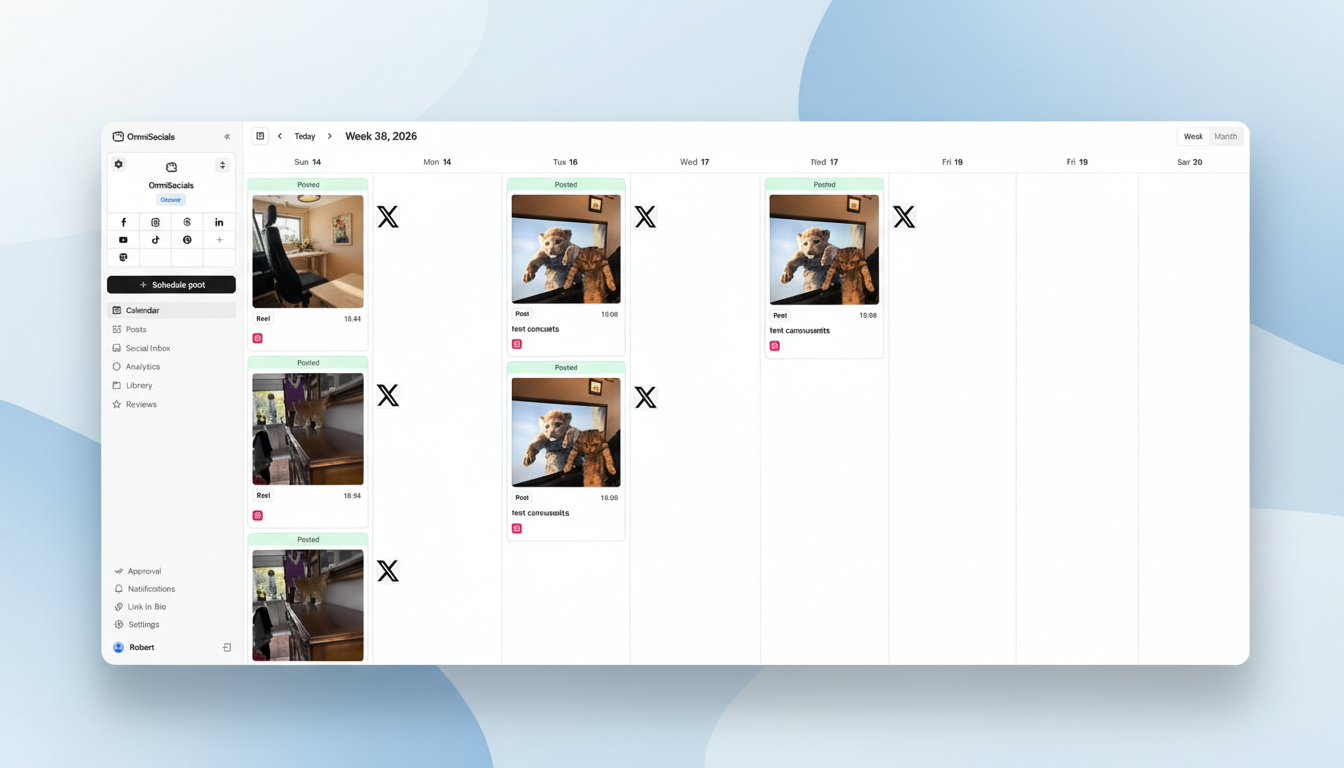
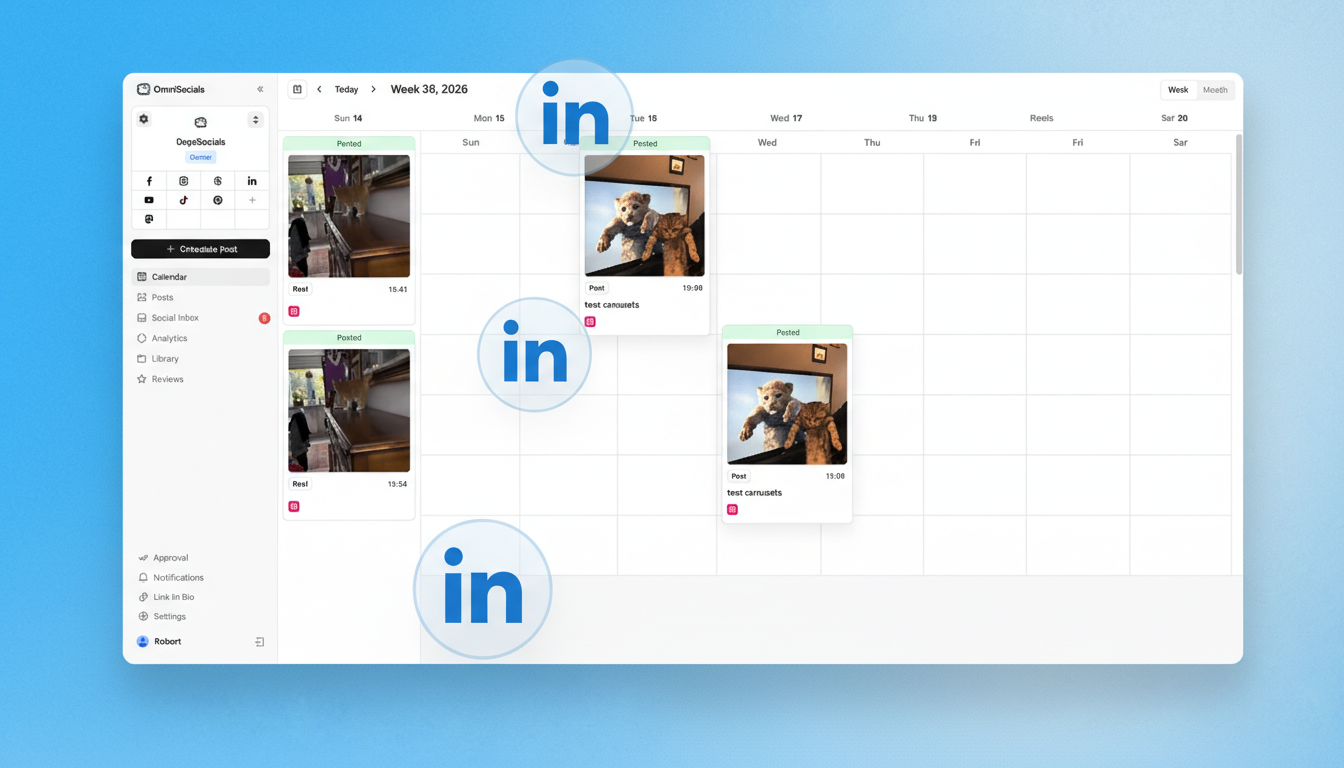
At $10/mo flat, you get LinkedIn scheduling (personal profiles and company pages) plus 10 other platforms. The visual editor lets you write one post, customize it for LinkedIn's format and tone, preview how it looks, and schedule it alongside your Instagram, X, and Bluesky content.
LinkedIn carousel support is included. Upload a PDF, preview the carousel, and schedule it. The social inbox catches LinkedIn comments alongside your other platform notifications.
Pros:
- $10/mo for LinkedIn + 10 other platforms
- Personal profile and company page scheduling
- Carousel/PDF support
- Cross-platform content calendar
- Social inbox includes LinkedIn
Cons:
- No LinkedIn-specific AI content suggestions
- No carousel builder (upload PDFs, can't create them in-tool)
- Newer platform with smaller community
Try OmniSocials free for 14 days. LinkedIn scheduling + 10 platforms.
2. Buffer: Best Free LinkedIn Scheduler
Buffer offers free LinkedIn scheduling with the cleanest interface in the category.
The free plan gives you 3 channels and 10 posts each. Connect your LinkedIn profile, and you're scheduling within minutes. The AI assistant generates caption ideas, which is helpful when you're stuck on what to post.
On paid plans ($5/channel), Buffer adds analytics and more scheduling capacity. The per-channel pricing means LinkedIn + 4 other platforms costs $25/month. At that point, OmniSocials ($10/mo for 11 platforms) is cheaper.
Pros:
- Free plan with LinkedIn scheduling
- Simplest interface available
- AI caption assistant on free plan
- Carousel support on paid plans
Cons:
- Per-channel pricing adds up fast
- No social inbox
- Free plan limited to 10 scheduled posts
- No LinkedIn-specific features
3. Taplio: Best LinkedIn-Only Tool ($49/mo)
Taplio is built exclusively for LinkedIn. If LinkedIn is your primary growth channel and you don't need to manage other platforms, Taplio has the deepest LinkedIn feature set.
The carousel builder creates LinkedIn carousels directly in the tool without exporting PDFs. The AI content engine suggests post ideas based on trending LinkedIn topics and your past performance. The lead tracking feature identifies who's engaging with your posts.
At $49/month, Taplio costs more than most multi-platform tools. You're paying for LinkedIn depth, not breadth.
Pros:
- Built-in carousel builder (no PDF export needed)
- AI content suggestions based on LinkedIn trends
- Lead tracking from post engagement
- Detailed LinkedIn-specific analytics
Cons:
- $49/mo for one platform
- Personal profiles only (no company pages)
- No other platform support
- Overkill unless LinkedIn is your primary channel
4. SocialBee: Best for LinkedIn Content Recycling ($29/mo)
SocialBee is the best LinkedIn scheduler if you want to recycle evergreen content automatically.
Create your best LinkedIn posts once, categorize them (tips, thought leadership, promotional), and SocialBee recycles them on a schedule. For LinkedIn, where evergreen advice posts perform consistently, this automation keeps your feed active without daily work.
The AI copilot generates LinkedIn-specific post variations so recycled content doesn't feel repetitive.
Pros:
- Content recycling keeps LinkedIn active automatically
- AI copilot generates post variations
- Supports personal profiles and company pages
- 9 platforms total
Cons:
- $29/mo is 3x OmniSocials' price
- No social inbox
- No carousel builder
- Steeper learning curve
5. Hootsuite: Best for Enterprise LinkedIn Management ($99/mo)
Hootsuite makes sense for enterprise teams that need LinkedIn employee advocacy, compliance workflows, and advanced reporting.
The employee advocacy feature lets you create approved LinkedIn posts that team members can share from their personal profiles. For companies with 50+ employees on LinkedIn, this scales personal branding without losing brand control.
At $99/month (minimum), Hootsuite is expensive. The LinkedIn features alone don't justify the cost unless you need the enterprise layer.
Pros:
- Employee advocacy for team LinkedIn posting
- Compliance and approval workflows
- Advanced analytics and reporting
- Integration ecosystem
Cons:
- $99/mo minimum, no free plan
- Expensive for small teams
- Interface is complex
- Most features are enterprise-oriented
6. Publer: Best Budget LinkedIn Scheduler ($12/mo)
Publer offers LinkedIn scheduling with carousel support at $12/month on the Professional plan.
The free plan includes 3 accounts with 10 posts each. Paid plans add unlimited scheduling and bulk upload (500 posts via CSV). For LinkedIn specifically, Publer supports personal profiles, company pages, and PDF carousels.
Pros:
- Free plan with LinkedIn scheduling
- $12/mo for unlimited scheduling
- Carousel/PDF support
- Bulk upload for batch content
Cons:
- Per-account pricing on paid plans
- Interface is less polished
- No social inbox
- No LinkedIn-specific features
7. Supergrow: Best for LinkedIn Personal Branding ($19/mo)
Supergrow is a LinkedIn-first scheduler focused on personal brand growth.
At $19/month, you get a carousel builder, AI-powered content ideas, scheduling, and basic analytics. It's more affordable than Taplio and includes similar LinkedIn-specific features.
The content idea generator pulls trending topics from LinkedIn and suggests post angles. The carousel builder creates slides directly in the tool.
Pros:
- Carousel builder included
- AI content ideas from LinkedIn trends
- More affordable than Taplio
- Clean, focused interface
Cons:
- LinkedIn only (no other platforms)
- Personal profiles only
- Newer tool, smaller community
- Analytics are basic compared to Taplio
LinkedIn's Built-in Scheduler: When Is It Enough?
LinkedIn's native scheduler works for basic needs. You can schedule posts from both personal profiles and company pages up to 3 months ahead.
Use LinkedIn's scheduler if:
- You only post text and image posts (no carousels)
- You manage one LinkedIn account
- You don't need cross-platform scheduling
- You don't need a content calendar view
Use a third-party tool if:
- You post carousels regularly
- You manage LinkedIn alongside other platforms
- You want a visual content calendar
- You need analytics beyond LinkedIn's native stats
- Multiple team members post to the same account
Which LinkedIn Scheduler Should You Use?
For multi-platform scheduling: OmniSocials ($10/mo). LinkedIn + 10 other platforms, visual calendar, social inbox.
For free LinkedIn scheduling: Buffer (free). 3 channels, clean interface, AI captions.
For LinkedIn-only growth: Taplio ($49/mo). Carousel builder, AI content engine, lead tracking.
For content recycling: SocialBee ($29/mo). Evergreen post automation with AI variations.
For budget scheduling: Publer ($12/mo). LinkedIn carousels, bulk upload, free plan available.
For more scheduling options, check our full best social media scheduler comparison and our social media content calendar guide. LinkedIn is a key platform for professionals — see our social media guide for real estate agents for an industry-specific approach to LinkedIn and visual content.
Schedule LinkedIn posts alongside 10 other platforms. Try OmniSocials free for 14 days. $10/mo flat.
Frequently Asked Questions
Can you schedule LinkedIn posts for free?
Yes. LinkedIn has a built-in scheduler for personal profiles and company pages that lets you schedule posts up to 3 months ahead. Buffer also offers free LinkedIn scheduling for up to 3 channels with 10 posts each. For more features and platforms, OmniSocials offers 11 platforms including LinkedIn at $10/month.
What is the best LinkedIn scheduling tool?
OmniSocials is the best LinkedIn scheduler for most users because it combines LinkedIn scheduling with 10 other platforms for $10/month flat. For LinkedIn-only scheduling with advanced features like carousel builders and AI content suggestions, Taplio ($49/mo) is purpose-built for LinkedIn growth.
Does scheduling LinkedIn posts hurt engagement?
No. LinkedIn's algorithm doesn't penalize scheduled posts. Posts scheduled through third-party tools or LinkedIn's native scheduler perform the same as manually published posts. What matters is content quality and timing, not how the post was published.