Social Media API for Developers: 2026 Guide
If you've ever tried to build a social media integration by reading platform docs alone, you know the feeling: six browser tabs open, three different auth flows, and a rate limit error before your first successful post.
This guide cuts through that. I've worked with social media APIs across multiple projects, and I'll walk you through what each major platform actually offers, what it costs, and where the real gotchas are.
What Is a Social Media API for Developers?
A social media API is a set of HTTP endpoints that lets your application read from or write to a social platform programmatically. Instead of a user logging into Instagram to post manually, your app authenticates with an access token and sends a POST request to publish on their behalf.
Most major platforms use OAuth 2.0 for authentication, return JSON responses, and enforce per-endpoint rate limits. The experience varies significantly between platforms. Some are a pleasure to integrate. Others are a bureaucratic nightmare.
Platform-by-Platform Breakdown
Every major social platform has an API in 2026. The question is what they actually let you do with it, and at what cost.
| Platform | API Name | Free Tier | Posting | Read Access | Approval Required |
|---|---|---|---|---|---|
| Graph API | Yes (limited) | Yes | Basic | Yes (App Review) | |
| Graph API | Yes | Yes | Yes | Yes (App Review) | |
| LinkedIn API | Yes | Yes | Limited | Yes | |
| X (Twitter) | Twitter API v2 | Write-only, 1,500/mo | Yes | No | No |
| TikTok | Content Posting API | Yes | Yes | Limited | Yes |
| YouTube | YouTube Data API v3 | 10,000 units/day | Yes | Yes | No |
| Pinterest API v5 | Yes | Yes | Yes | No | |
| Bluesky | AT Protocol | Yes (open) | Yes | Yes | No |
| Mastodon | Mastodon API | Yes (open) | Yes | Yes | No |
Instagram and Facebook (Meta Graph API)
Meta's Graph API is the most widely integrated social API in the world, and also one of the most complex to set up. We have a detailed step-by-step walkthrough in our Instagram Graph API guide that covers the complete authentication flow with working code examples.
Getting started requires a Meta for Developers account, a Facebook Page linked to an Instagram Business or Creator account, and a completed App Review for any permissions beyond basic profile access. That last part trips up a lot of developers. App Review is not instant. Budget 5-10 business days, and make sure your app has a real use case. Meta rejects vague submissions.
Once approved, the API itself is solid. You can post photos, carousels, Reels, and Stories. The main limitation: images must be hosted at a public URL. You can't upload binary data directly. Your workflow becomes: upload image to your CDN, then pass the URL to the API.
Rate limits: 200 API calls per hour per user token. For high-volume apps, you can apply for higher limits through Meta's Business API tier.
// Create an Instagram media container
const response = await fetch(
  `https://graph.facebook.com/v19.0/${igUserId}/media`,
  {
    method: 'POST',
    headers: { 'Content-Type': 'application/json' },
    body: JSON.stringify({
      image_url: 'https://your-cdn.com/image.jpg',
      caption: 'Your post caption here #hashtag',
      access_token: userAccessToken
    })
  }
);

const { id: creationId } = await response.json();

// Publish the container
await fetch(
  `https://graph.facebook.com/v19.0/${igUserId}/media_publish`,
  {
    method: 'POST',
    headers: { 'Content-Type': 'application/json' },
    body: JSON.stringify({
      creation_id: creationId,
      access_token: userAccessToken
    })
  }
);
[Screenshot: Meta Graph API Explorer showing an Instagram media container creation request]
LinkedIn API
LinkedIn's API is the cleanest option for B2B developer applications. The documentation is thorough, the auth flow follows standard OAuth 2.0, and you don't need to jump through as many approval hoops for basic posting.
The main limitation is read access. LinkedIn is notoriously restrictive about what data third-party apps can pull. You can post on behalf of a user or organization, but building a full analytics dashboard from LinkedIn data alone requires applying for partner-level API access, which is granted selectively.
Rate limits: 100 application API calls per day for most endpoints. That sounds low but is workable for posting workflows. Heavy analytics use is where you'll hit the ceiling.
// Post to LinkedIn via the UGC Posts API
const response = await fetch('https://api.linkedin.com/v2/ugcPosts', {
  method: 'POST',
  headers: {
    'Authorization': `Bearer ${accessToken}`,
    'Content-Type': 'application/json',
    'X-Restli-Protocol-Version': '2.0.0'
  },
  body: JSON.stringify({
    author: `urn:li:person:${userId}`,
    lifecycleState: 'PUBLISHED',
    specificContent: {
      'com.linkedin.ugc.ShareContent': {
        shareCommentary: { text: 'Your post text here' },
        shareMediaCategory: 'NONE'
      }
    },
    visibility: {
      'com.linkedin.ugc.MemberNetworkVisibility': 'PUBLIC'
    }
  })
});
X (Twitter) API v2
Here's the honest situation with X in 2026: the free tier is nearly useless for anything beyond posting.
Since Elon Musk restructured pricing in 2023, the free tier is write-only, capped at 1,500 posts per month, and allows just 17 posts per 24 hours per app. There is no read access on the free tier. To pull tweets, search the timeline, or access any analytics, you need at minimum the Basic plan at $100/month for 10,000 read requests.
For most small projects, this pricing structure kills the use case. If X is critical to your application, budget accordingly. If it's a nice-to-have, consider skipping it or using a unified API layer instead.
TikTok Content Posting API
TikTok opened up its Content Posting API in 2023, and it's actually quite capable for what it does. You can upload videos, post them directly, and query basic account analytics. For the complete integration walkthrough with working code, see our TikTok Content Posting API guide.
The catch: video uploads require a chunked upload flow, not a simple POST request. TikTok also enforces strict content guidelines at the API level, and posts that violate their policies will be rejected during upload, not after.
Rate limits: 200 posts per day per app. More than enough for most use cases.
Bluesky and Mastodon: The Open Alternatives
Both Bluesky (AT Protocol) and Mastodon (ActivityPub) offer fully open APIs with no rate limit paywalls, no App Review process, and no usage costs.
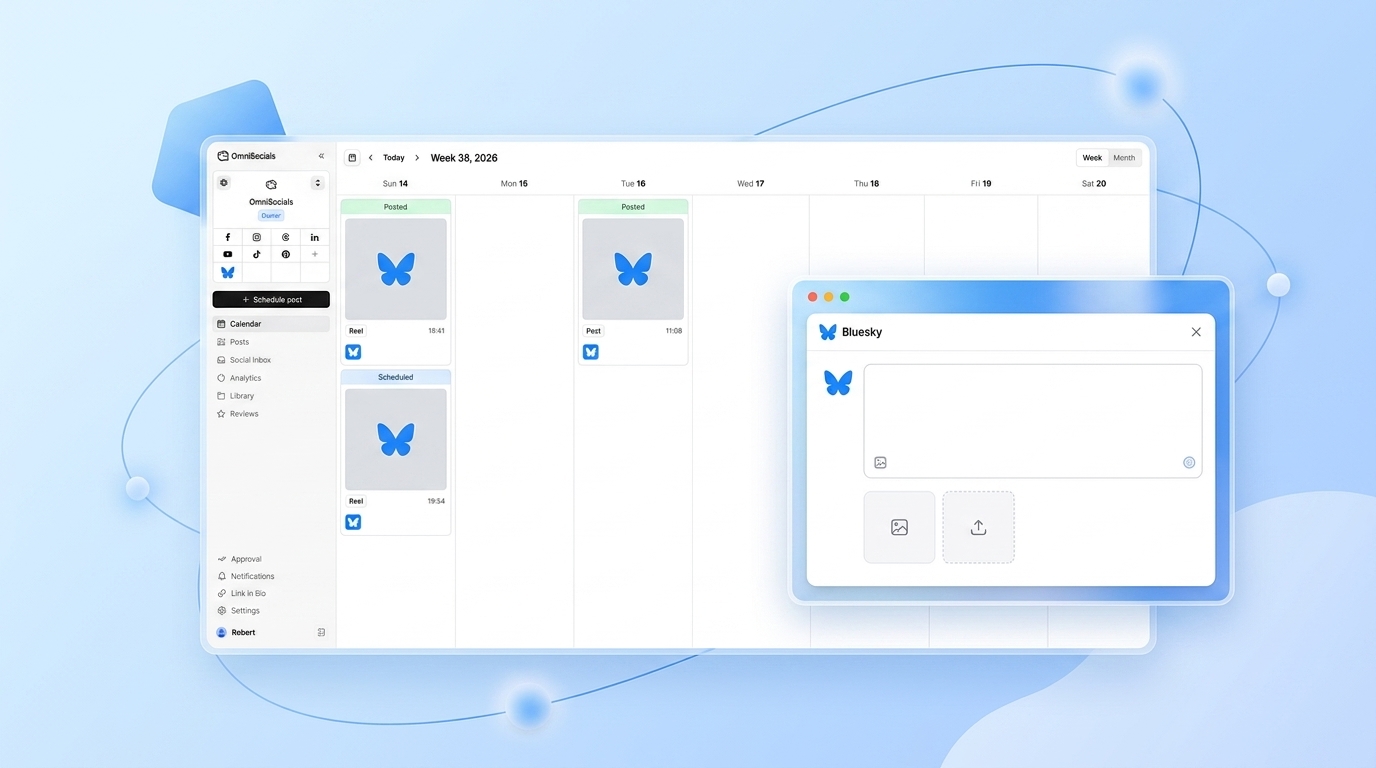
If you're building a social aggregator or multi-platform tool in 2026 and want to include newer, developer-friendly networks, these are the easiest to integrate. Bluesky's AT Protocol is particularly well-designed. The AT Protocol documentation is clean, the auth flow is straightforward, and the community is active.
How to Post to Instagram via API
Here's the full flow, step by step:
- Create a Meta for Developers app — go to developers.facebook.com, create a new app, select Business type, and add the Instagram Graph API product
- Link a Facebook Page and Instagram account — the Instagram account must be a Business or Creator account, not a personal account
- Complete App Review — request
instagram_content_publishand any other permissions your app needs; submit with a clear use case description - Exchange for a long-lived token — short-lived tokens expire in 1 hour; exchange them for a 60-day long-lived token using the
/oauth/access_tokenendpoint - Upload your media to a public URL — Instagram pulls the image from a URL, so host it on S3, Cloudflare R2, or any CDN first
- Create the media container — POST to
/{ig-user-id}/mediawith the image URL and caption - Publish the container — POST to
/{ig-user-id}/media_publishwith thecreation_idfrom step 6
The two-step publish flow (create container, then publish) is by design. It gives the API time to process the media before making it live.
Using a Unified API Instead of Platform-by-Platform
Maintaining separate integrations for Instagram, LinkedIn, TikTok, X, and Pinterest is genuinely painful. Auth tokens expire at different intervals, rate limits work differently on each platform, and any platform API change breaks your integration independently.
One approach I've found useful for projects that need to post to multiple platforms: use a unified social media API that handles the platform-specific complexity for you.
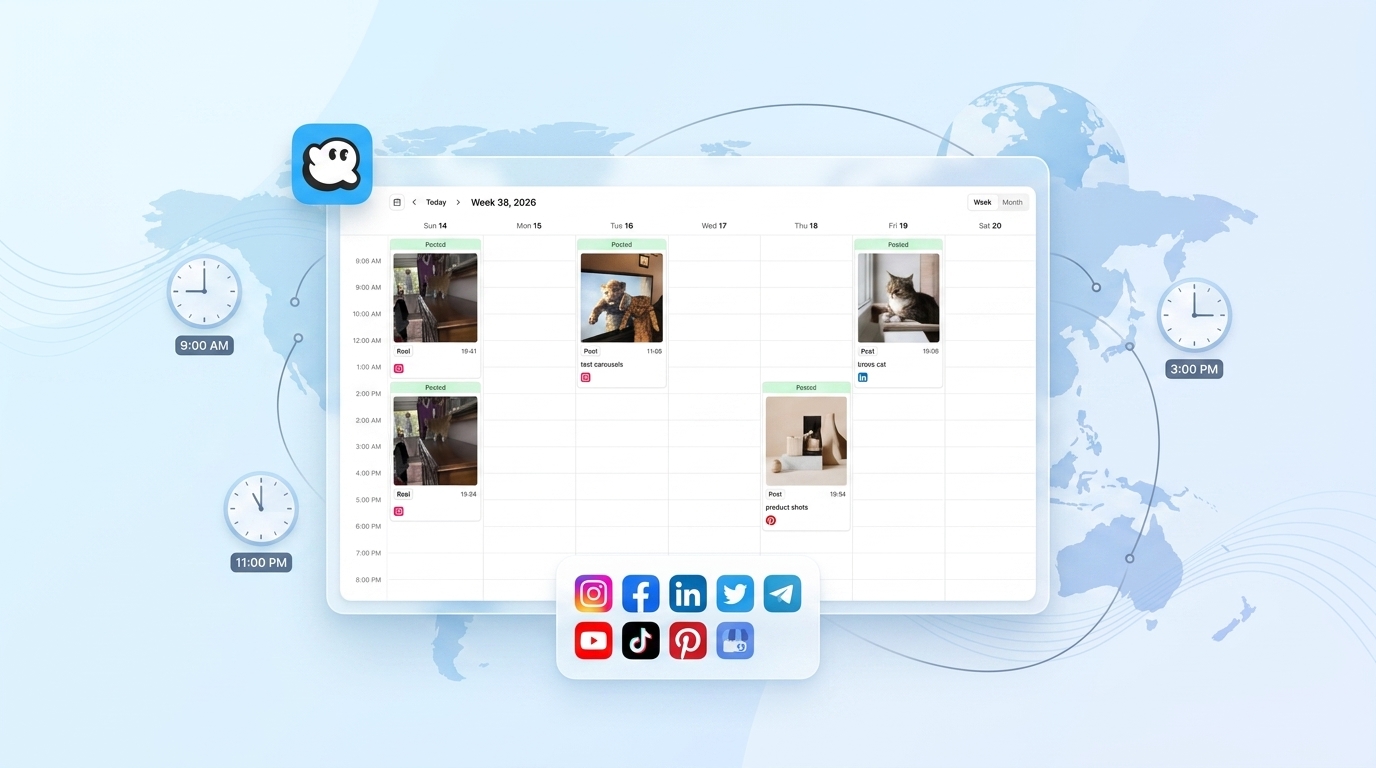
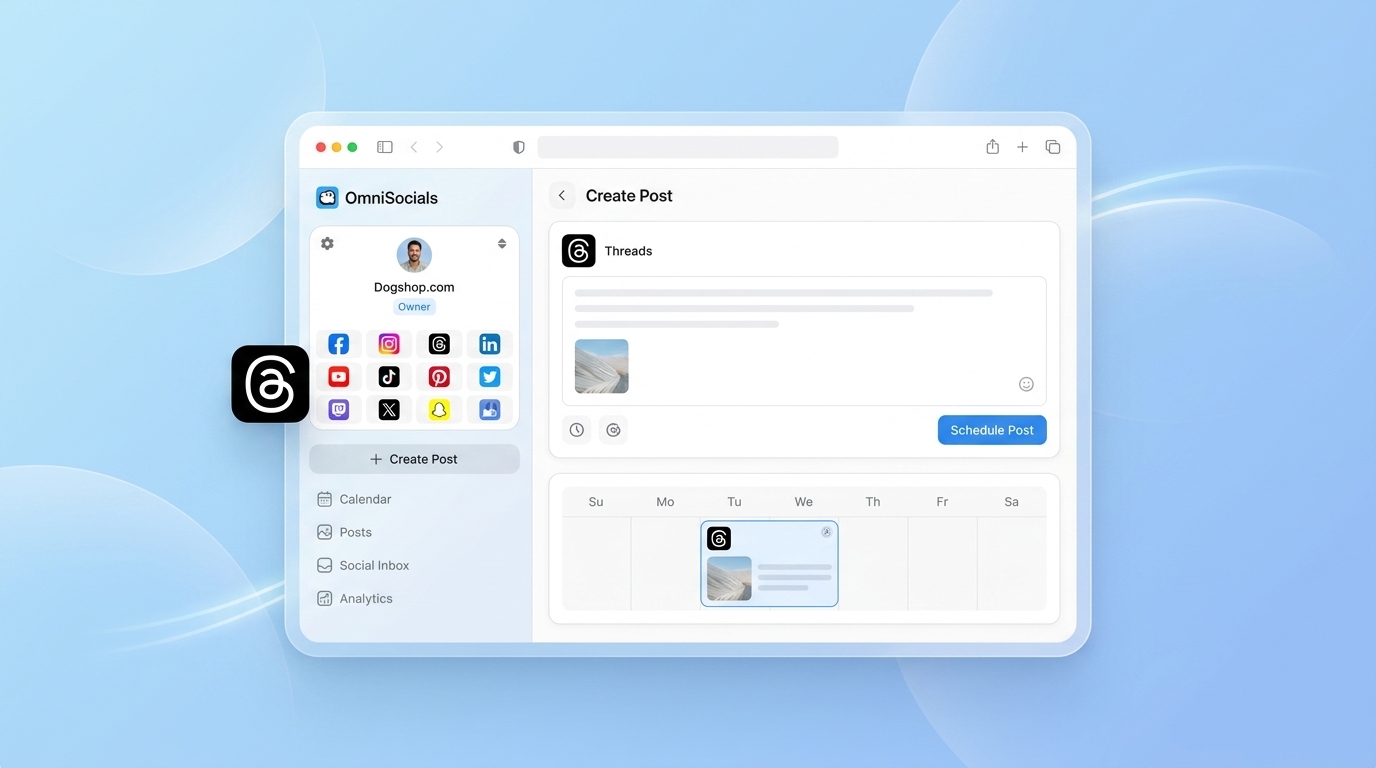
OmniSocials exposes a public API at https://api.omnisocials.com that abstracts across 11 platforms. A single POST request can publish to Instagram, LinkedIn, Bluesky, and TikTok simultaneously, using one consistent auth scheme and response format.
// Publish to multiple platforms via OmniSocials API
const response = await fetch('https://api.omnisocials.com/v1/posts', {
  method: 'POST',
  headers: {
    'Authorization': `Bearer ${omniApiKey}`,
    'Content-Type': 'application/json'
  },
  body: JSON.stringify({
    content: 'Your post caption here',
    platforms: ['instagram', 'linkedin', 'bluesky'],
    media: [{ url: 'https://your-cdn.com/image.jpg', type: 'image' }],
    scheduled_at: '2026-03-10T09:00:00Z' // optional
  })
});

const { post_id, statuses } = await response.json();
// statuses: { instagram: 'published', linkedin: 'published', bluesky: 'published' }
This approach trades flexibility for speed. You lose access to platform-specific features (Instagram Collabs, LinkedIn polls) but gain a single integration surface, one rate limit to manage, and automatic token refresh handling. For Python developers, we'll be publishing a social media API Python guide with copy-paste code examples using the OmniSocials API soon.
Rate Limits: What You Actually Need to Know
Rate limits are where most social media API integrations break in production. Here's what to build around:
- Implement exponential backoff — when you hit a 429, wait and retry with increasing delays. Never hammer a rate-limited endpoint.
- Cache read requests aggressively — follower counts, profile data, and analytics don't change every minute. Cache for 15-60 minutes.
- Separate your tokens by user — platform rate limits are per-token, not per-app on most platforms. Spreading load across user tokens is legitimate and common.
- Monitor 429 responses in production — set up alerting. Silent failures are the hardest to debug.
- Store token expiry times — build a token refresh job that runs proactively, not reactively when a 401 hits in production.
Frequently Asked Questions
Which social media platform has the best API for developers?
LinkedIn and Meta (Instagram/Facebook) offer the most stable, well-documented APIs for developers in 2026. LinkedIn's API is ideal for B2B applications, while Meta's Graph API covers the largest audience. X (Twitter) still works but the free tier is severely rate-limited since 2023.
Does the Twitter API still work in 2026?
Yes, but access is now paid. The free tier allows 1,500 posts per month write-only with no read access. Basic access starts at $100/month for 10,000 read requests. Most small projects have moved to Mastodon or Bluesky's AT Protocol, which are free and open.
Do I need approval to use the Instagram API?
Yes. Instagram's Graph API requires a Meta for Developers account, an approved app, and a connected Facebook Page. For posting and analytics access, your app needs to go through Meta's App Review process, which typically takes 5-10 business days.
Is there a unified social media API that covers multiple platforms?
Yes. OmniSocials offers a public API at https://api.omnisocials.com that lets you publish content to 11 platforms including Instagram, LinkedIn, TikTok, and Bluesky through a single endpoint. This avoids maintaining separate integrations for each platform.
What are the rate limits for major social media APIs?
Rate limits vary widely. Instagram Graph API allows 200 calls per hour per user token. LinkedIn's API caps at 100 requests per day for most endpoints. TikTok's Content Posting API allows 200 posts per day per app. X (Twitter) free tier allows 17 posts per 24 hours.
The social media API landscape in 2026 is a mix of capable-but-gated platforms (Meta, LinkedIn, TikTok), a paywalled X, and genuinely open alternatives in Bluesky and Mastodon. For any project needing a social media API for developers, start with a clear map of which platforms you actually need, what permissions you require, and whether a unified API layer makes more sense than building platform integrations one by one.