How to Schedule Facebook Posts in 2026 (Free and Paid Methods)
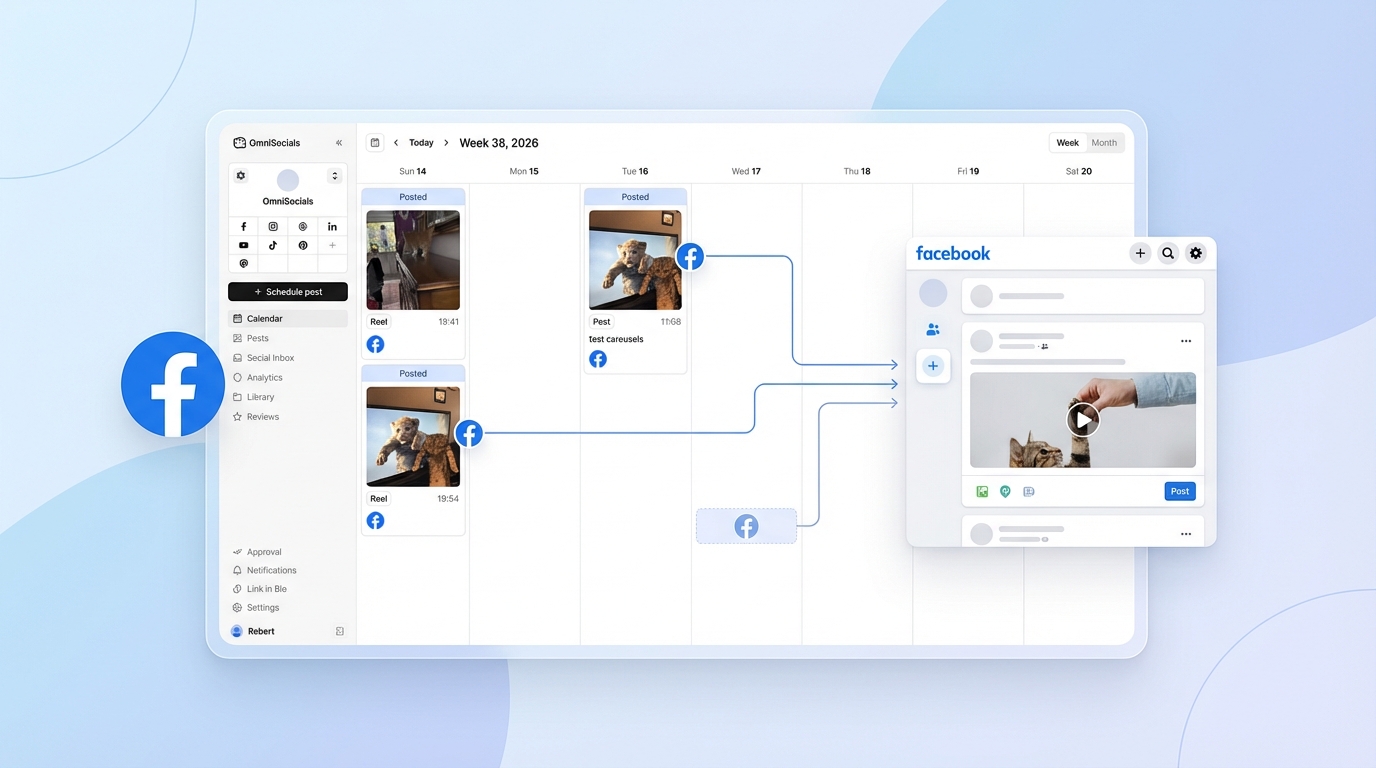
Want to schedule Facebook posts but not sure which method to use? You have options.
Facebook gives you a free built-in scheduler through Meta Business Suite. But it has limits. And if you manage multiple platforms, a third-party facebook post scheduler can save you serious time.
I've tested every method. Here's a complete breakdown of how to schedule Facebook posts in 2026, what you can and can't schedule, the best posting times, and which tools are worth your money.
What Is a Facebook Post Scheduler?
A facebook post scheduler is a tool that lets you create Facebook posts in advance and set them to publish automatically at a specific date and time. You can use Meta's free Business Suite, the Facebook mobile app, or a third-party tool to schedule feed posts, Reels, and Stories to your Facebook Page.
Method 1: Schedule with Meta Business Suite (Free)
Meta Business Suite is Facebook's free scheduling tool. It replaced Creator Studio in October 2023 and is now the official way to schedule posts to Facebook Pages.
It works well for basic scheduling. If you only post to Facebook (and maybe Instagram), this is a solid starting point.
Here's exactly how to do it.
Step 1: Open the Planner
Go to business.facebook.com and click Planner in the left sidebar. This is your content calendar. You'll see all your published and scheduled posts here.
Make sure you've selected the correct Facebook Page at the top if you manage multiple pages.
Step 2: Create a new post
Click Create post in the top-right corner. You can create:
- Feed posts (text, photo, video, link)
- Reels (all videos are now Reels format on Facebook)
- Stories
Write your caption, upload your media, and add any links, tags, or locations. The editor shows a preview of how the post will look in the feed.
Step 3: Set the schedule date and time
This is the key step. Instead of clicking "Publish," click the dropdown arrow next to it and select Schedule.
Pick your date and time. You can schedule anywhere from 20 minutes to 29 days ahead.
Note: You must wait at least 20 minutes between your current time and the scheduled time. And the maximum scheduling window is 29 days. If you need to schedule further out, you'll need a third-party tool.
Step 4: Confirm and schedule
Review the preview, double-check the date and time zone, and hit Schedule. Your post will appear in the Planner calendar with a "Scheduled" label.
You can edit or delete scheduled posts anytime before they go live.
Meta Business Suite Limitations
It's free, but there are some restrictions you should know about:
- Maximum 350 scheduled posts at any time
- 25 posts per day limit
- 20-minute minimum wait between now and the scheduled time
- 29-day maximum scheduling window
- No personal profile scheduling. Business Suite only works with Pages.
- Cross-posting to Instagram is supported, but formatting may differ
- Stories can be scheduled, but interactive features (polls, quizzes) may not carry through
For many small businesses posting a few times per week, these limits won't matter. But if you're managing a content calendar months in advance or handling multiple brands, you'll hit the ceiling fast.
Method 2: Schedule in the Facebook App
You can also schedule posts directly from the Facebook mobile app. This is useful when you're on the go and want to queue something quickly.
Here's how:
- Open the Facebook app and go to your Page
- Tap Create post
- Write your post and add media
- Before publishing, tap the clock icon or look for the Schedule option
- Set your preferred date and time
- Tap Schedule
The mobile scheduling option uses the same backend as Meta Business Suite. That means the same limits apply: 20 minutes to 29 days ahead, 350 post maximum, Pages only.
One thing to watch out for: the mobile interface doesn't always show the scheduling option prominently. If you don't see it, make sure you're posting as your Page (not your personal profile) and that your app is updated.
Method 3: Use a Third-Party Scheduler
If you manage Facebook alongside other platforms, a third-party facebook scheduler is where you'll save the most time.
Here's when it makes sense to go beyond Meta Business Suite:
- You need to schedule more than 29 days ahead
- You want bulk scheduling (upload a CSV or spreadsheet of posts)
- You manage multiple platforms from one dashboard
- You need team approval workflows
- You want better analytics than what Business Suite offers
I've compared six popular tools below. Pricing is current as of February 2026.
Tool Comparison
| Tool | Starting Price | Facebook Support | Total Platforms | Bulk Scheduling | Free Tier |
|---|---|---|---|---|---|
| OmniSocials | $10/mo (annual) | Full | 11 | Yes | 14-day trial |
| Buffer | Free / $6/channel/mo | Full | 8 | Yes (paid) | Yes (3 channels) |
| SocialBee | $29/mo | Full | 9 | Yes | 14-day trial |
| Hootsuite | $99/mo | Full | 10+ | Yes | 30-day trial |
| Later | $25/mo | Full | 7 | Yes | Limited free plan |
| SocialPilot | $30/mo | Full | 9 | Yes | 14-day trial |
A few notes on each:
OmniSocials stands out on value. You get 11 platforms for $10/mo flat on the annual plan. No per-channel pricing, no feature gating. That includes Facebook, Instagram, LinkedIn, TikTok, X, Bluesky, Threads, Mastodon, Pinterest, YouTube, and Google Business Profile. If you're looking for something affordable that covers all your platforms, it's hard to beat.
Buffer has a solid free tier with 3 channels and 10 scheduled posts per channel. Paid plans start at $6/channel/mo. Good if you're only managing 2-3 platforms, but the per-channel pricing adds up with more.
SocialBee ($29/mo) is strong on content recycling. If you have evergreen Facebook posts you want to re-share on rotation, their category-based scheduling system works well.
Hootsuite ($99/mo) is the enterprise-grade option. Powerful features, but the price tag is steep for small businesses and solo creators.
Later ($25/mo) started as an Instagram-first tool but now covers Facebook well. Good visual calendar and media library.
SocialPilot ($30/mo) offers bulk scheduling and white-label reports, which makes it popular with agencies.
Looking for a scheduler that covers Facebook plus 10 other platforms? Try OmniSocials free for 14 days.
What You Can and Can't Schedule on Facebook
Not everything on Facebook can be scheduled. Here's a clear breakdown.
| Content Type | Schedulable? | Notes |
|---|---|---|
| Feed posts (text, photo, link) | Yes | Full support via Business Suite and third-party tools |
| Video posts / Reels | Yes | All videos are now Reels format. Full scheduling support. |
| Stories | Limited | Can schedule via Business Suite (20 min to 29 days). Interactive stickers may not carry through. |
| Group posts | Limited | Third-party access restricted April 2024, partially restored for admin-managed Groups. Business Suite has some Group support. |
| Personal profile posts | No | API removed in 2018. No tool can schedule to personal profiles. Push notification reminders are the only workaround. |
| Photo albums | No | Must be created and posted manually. |
| Events | No | Cannot be scheduled through any tool. Must be created in real time. |
| Live video | No | Live broadcasts cannot be pre-scheduled to auto-start. You can schedule an announcement, but not the stream itself. |
The biggest surprise for most people is the personal profile limitation. If you're used to scheduling everything from a third-party tool, know that Facebook locked down personal profile scheduling years ago. There is no workaround. You can only schedule to Pages.
Best Times to Post on Facebook in 2026
Timing matters on Facebook. With organic reach averaging just 1.65% on Pages, you need every advantage you can get.
Here's what the data shows for 2026.
| Day | Best Times | Best Content Type | Engagement Level |
|---|---|---|---|
| Monday | 9 AM - 12 PM | Link posts, images | Medium |
| Tuesday | 9 AM - 12 PM | All formats | High |
| Wednesday | 9 AM - 12 PM | Video/Reels | High |
| Thursday | 9 AM - 12 PM, 1 - 3 PM | Video/Reels | Medium-High |
| Friday | 9 AM - 11 AM | Images, short-form | Medium |
| Saturday | 10 AM - 12 PM | Casual, behind-the-scenes | Low-Medium |
| Sunday | 7 - 9 PM | Engagement posts | Low |
Key takeaways:
- Tuesday and Wednesday are consistently the best days for Facebook engagement.
- 9 AM to 12 PM is the peak window across all days.
- 1 PM to 3 PM is the sweet spot for video content, especially mid-week.
- 7 PM to 9 PM evenings work well for engagement-style posts (questions, polls).
- Sunday is the weakest day. If you have limited content, skip it.
- Video content gets shared 1,200% more than text and link posts combined. Prioritize Reels in your schedule.
Use these as starting points. After a few weeks of scheduled posts, check your own Page Insights to find when your specific audience is most active.
5 Facebook Scheduling Mistakes to Avoid
1. Scheduling to a personal profile (you can't)
This catches people off guard. Facebook removed personal profile scheduling in 2018 and never brought it back. If you see a tool claiming to schedule to personal profiles, it's either outdated or misleading. Only Pages can be scheduled.
2. Ignoring the 29-day limit in Business Suite
If you're planning a content calendar for the quarter, Meta Business Suite won't cut it. You can only schedule 29 days ahead. For longer planning windows, use a third-party scheduling tool that lets you plan months in advance.
3. Posting at the same time every day
The algorithm notices repetitive posting patterns. Mix up your posting times within the peak windows. Post at 9:15 AM on Tuesday, 11:30 AM on Wednesday, 2 PM on Thursday. Variation keeps your content from being predictable to the algorithm and your audience.
4. Scheduling without checking the preview
Especially when cross-posting from a third-party tool. What looks great on Instagram might get cropped awkwardly on Facebook. Always check the Facebook-specific preview before confirming the schedule. Image aspect ratios, link card formatting, and video thumbnails can all look different.
5. Set-it-and-forget-it mentality
Scheduling saves time, but it doesn't replace engagement. If someone comments on your scheduled post within the first hour, that early engagement signals the algorithm to show it to more people. Check in on your scheduled posts shortly after they go live and respond to comments.
Organic reach on Facebook Pages averages 1.65%. That means out of 1,000 followers, roughly 16-17 will see your post organically. Early engagement is what pushes that number higher. Don't schedule your posts and walk away.
Frequently Asked Questions
Can you schedule posts on Facebook for free?
Yes. Meta Business Suite lets you schedule Facebook Page posts, Reels, and Stories at no cost. You can schedule up to 350 posts at a time, with a maximum of 25 per day. The scheduling window is 20 minutes to 29 days ahead.
You can also explore free social media scheduling tools if you need to cover platforms beyond Facebook.
Can I schedule posts to my personal Facebook profile?
No. Facebook removed the personal profile scheduling API in 2018. Neither Meta Business Suite nor any third-party tool can schedule posts to personal profiles.
The only partial workaround is using a tool that sends you a push notification reminder at your chosen time so you can manually copy and post the content. But there's no way to automate personal profile posting.
How far ahead can you schedule Facebook posts?
With Meta Business Suite, you can schedule up to 29 days ahead. Third-party schedulers like OmniSocials, Buffer, and Hootsuite allow scheduling months or even a full year in advance. If you're planning a social media calendar for the quarter or beyond, a third-party tool is the way to go.
Does scheduling hurt Facebook reach?
No. Facebook does not penalize scheduled posts. Whether you publish in real time or through a scheduler, the algorithm treats the post the same way.
What actually affects reach is content quality, posting time, and early engagement. Not the method of publishing. Schedule with confidence.
Can I schedule posts to Facebook Groups?
It's complicated. Facebook restricted third-party Group scheduling access in April 2024, then partially restored it for admin-managed Groups. Meta Business Suite supports scheduling to some Groups that are linked to Pages.
Third-party tools have limited and inconsistent Group support right now. If Group posting is important to your strategy, test your specific tool's current capabilities before building a full content calendar around it.
Ready to schedule Facebook posts alongside 10 other platforms? Start your free 14-day OmniSocials trial. $10/mo flat. No per-channel fees.