9 Best Instagram Scheduling Tools for 2026 (Tested)
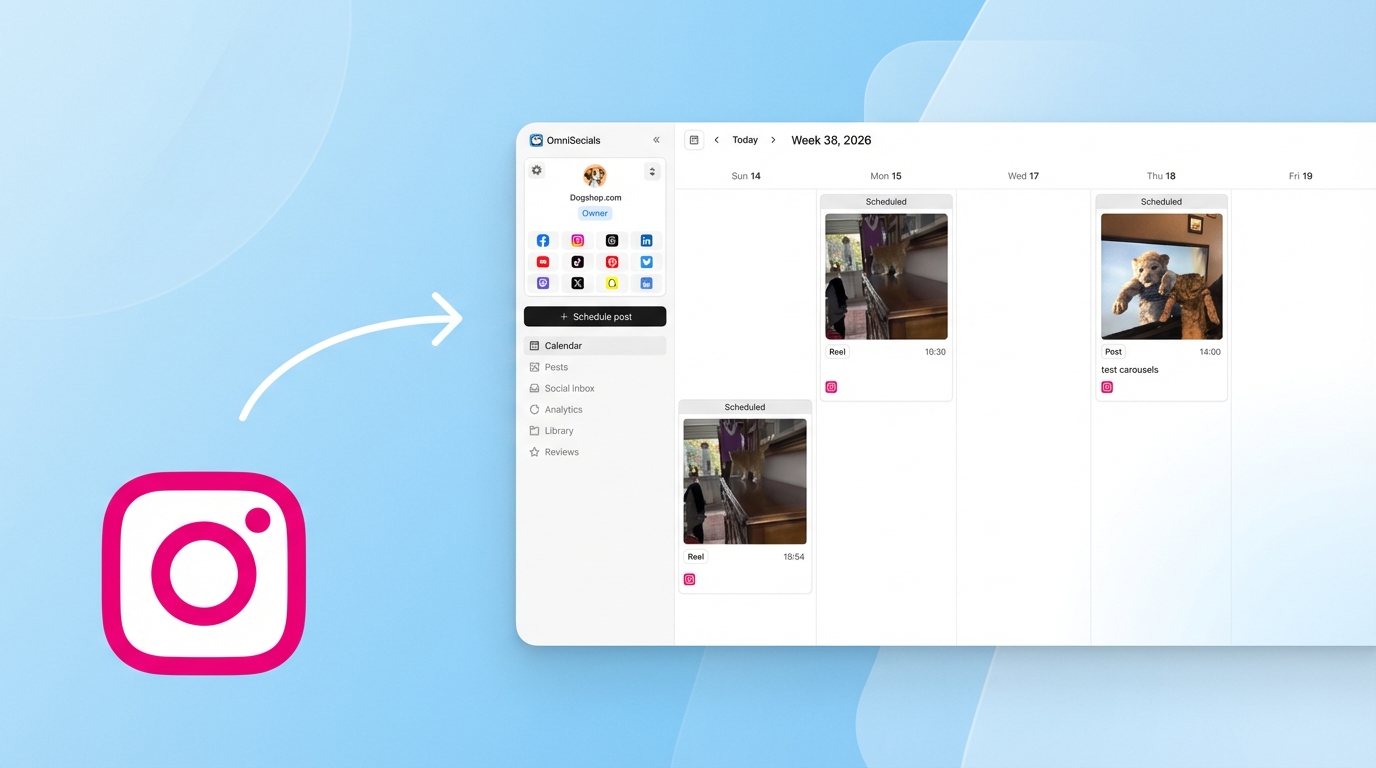
Instagram scheduling used to be simple: pick a tool, write a caption, upload a photo, schedule it.
Now you need a tool that handles feed posts, Reels, Stories, carousels with up to 10 slides, and ideally auto-posts a first comment for your hashtags. Not every Instagram scheduling tool supports all of that.
Instagram Reels reach 30.81% of your audience on average, more than 2x the reach of any other format (Source: Social Insider, 2025). If your scheduling tool can't handle Reels auto-publishing, you're leaving discovery on the table.
I tested 9 Instagram post schedulers to compare what they actually support, what they charge, and where each one falls short.
What Makes a Good Instagram Scheduling Tool?
A good Instagram scheduling tool auto-publishes feed posts, Reels, Stories, and carousels directly to your account without requiring manual intervention. It should support Instagram Business and Creator accounts, offer a visual content calendar, and ideally include features like auto-first-comment for hashtags and grid preview planning.
Here's what to check before picking a tool:
- Reels auto-publishing (essential in 2026, not all tools do it well)
- Carousel support (up to 10 slides via API)
- Stories scheduling (basic Stories auto-publish, but interactive elements can't be automated)
- Auto-first-comment (keeps your caption clean by moving hashtags to the first comment)
- Grid preview (see how your feed will look before posting)
- Multi-platform support (if you're not Instagram-only)
Instagram Feature Support Comparison
Before the detailed reviews, here's what each tool can actually schedule:
| Tool | Feed Posts | Reels | Stories | Carousels | Auto First Comment | Price |
|---|---|---|---|---|---|---|
| Later | Yes | Yes | Yes | Yes | Yes | $25/mo |
| OmniSocials | Yes | Yes | Yes | Yes | Yes | $10/mo |
| Buffer | Yes | Yes | Yes | Yes | No | Free / $6/ch |
| Pallyy | Yes | Yes | Yes | Yes | No | $25/mo |
| SocialBee | Yes | Yes | Yes | Yes | Yes | $29/mo |
| Meta Business Suite | Yes | Yes | Yes | Yes | No | Free |
| Hootsuite | Yes | Yes | Yes | Yes | No | $99/mo |
| SocialPilot | Yes | Yes | Yes | Yes | Yes | $30/mo |
| Iconosquare | Yes | Yes | Yes | Yes | Yes | $49/mo |
Every tool on this list supports the four core content types. The differences come down to pricing, extra features like auto-first-comment, and how well they handle multi-platform scheduling beyond Instagram.
1. Later: Best Instagram Scheduling Tool for Visual Planning
Later is the strongest Instagram-specific scheduling tool. The visual grid planner lets you drag and drop posts to see exactly how your feed will look before anything goes live.
What I particularly like about Later is the Linkin.bio feature. It turns your Instagram feed into a clickable landing page, letting you drive traffic from posts without changing your bio link constantly.
Later supports auto-first-comment, so you can schedule your hashtags to post as a comment automatically. It also has decent hashtag suggestions to help you find relevant tags.
Pros:
- Best visual grid planner on the market
- Auto-first-comment for hashtag scheduling
- Linkin.bio for driving traffic
- Supports Reels, Stories, and carousel auto-publishing
- Hashtag suggestions built in
Cons:
- Starts at $25/mo, not the cheapest option
- Only 7 platforms (no Bluesky, Mastodon, or Threads)
- Analytics locked behind higher tiers ($45/mo+)
- Free plan is very limited (12 posts per channel)
Pricing: Free (12 posts/channel), Starter at $25/mo, Growth at $45/mo.
2. OmniSocials: Best Budget Instagram Scheduler
OmniSocials gives you Instagram scheduling with Reels, Stories, carousels, and auto-first-comment for $10/month flat. That also includes 10 other platforms.
If Instagram is just one of several platforms you manage, OmniSocials offers the best value. You get the visual post editor, a content calendar, unified inbox for Instagram DMs and comments, plus a media library with Pexels and Unsplash built in.
The Instagram-specific features aren't as deep as Later's grid planner, but for scheduling and publishing, everything works. The pricing makes it hard to argue against.
Pros:
- $10/mo flat for Instagram + 10 other platforms
- Auto-first-comment for hashtags
- Unified inbox for Instagram DMs and comments
- Built-in media library (Pexels + Unsplash)
- No per-channel fees
Cons:
- No visual grid planner like Later
- Newer tool, smaller Instagram-specific community
- Hashtag suggestions not as deep as Later or Iconosquare
Pricing: $10/mo (annual) or $12/mo (monthly). 14-day free trial.
Try OmniSocials free for 14 days → Schedule Instagram Reels, Stories, and carousels. Plus 10 other platforms.
3. Buffer: Best Free Instagram Scheduling Tool
Buffer is the simplest option if you want basic Instagram scheduling at no cost. The free plan gives you 3 channels and 10 posts per queue.
Buffer handles feed posts, Reels, Stories, and carousels with auto-publishing. The interface is clean and takes about 5 minutes to learn. If you're just starting with Instagram scheduling and don't want to commit to a paid tool, Buffer is where to start.
Pros:
- Free plan with 3 channels
- Simple and fast to learn
- Supports all Instagram content types
- Good browser extension
Cons:
- 10-post queue limit on free plan
- No auto-first-comment
- No visual grid planner
- Analytics only on paid plans ($6/channel/mo)
Pricing: Free (3 channels, 10 posts/queue), paid at $6/channel/month.
4. Pallyy: Best for Visual Content Creators
Pallyy is built for visual-first content creators. The drag-and-drop calendar and grid preview make planning your Instagram feed intuitive.
Pallyy has been gaining popularity in the creator community for its clean interface and strong Instagram support. It supports auto-publishing for all content types, including Reels and carousels.
Pros:
- Excellent drag-and-drop grid planner
- Clean, intuitive interface
- Strong Instagram focus with good preview tools
- Supports 6 platforms (Instagram, Facebook, TikTok, LinkedIn, Pinterest, Google Business)
Cons:
- No auto-first-comment
- $25/mo starting price
- Smaller platform selection than multi-platform tools
- Free plan is very limited (15 posts/month)
Pricing: Free (15 posts/month), Premium at $25/mo.
5. SocialBee: Best for Content Recycling
SocialBee stands out for its evergreen content recycling feature. You can set posts to automatically re-enter the queue after publishing, so your best content gets reshared without manual effort.
For Instagram, SocialBee supports all content types plus auto-first-comment and hashtag collections. You create groups of hashtags and the tool rotates through them, keeping your hashtag strategy fresh.
Pros:
- Evergreen content recycling (unique feature)
- Auto-first-comment with hashtag collections
- AI Copilot for caption generation
- Supports 8 platforms
Cons:
- No free plan ($29/mo starting)
- No visual grid planner
- Interface is more complex than Buffer or Pallyy
- Recycling feature needs careful setup to avoid looking spammy
Pricing: Starts at $29/mo (Bootstrap plan, 5 profiles).
6. Meta Business Suite: Best Completely Free Option
Meta Business Suite is completely free with no post limits. It supports scheduling Instagram feed posts, Stories, and Reels for Business accounts.
The tool comes directly from Meta, so API compatibility is never an issue. You also get basic analytics, recommended posting times, and a unified inbox for Instagram and Facebook.
The interface isn't as polished as dedicated scheduling tools, and it only works with Meta platforms (Instagram + Facebook). But if you're on zero budget and only use those two platforms, it does the job.
Pros:
- 100% free, no limits
- Direct from Meta (no API issues)
- Supports feed posts, Stories, and Reels
- Built-in analytics and recommended times
Cons:
- Instagram and Facebook only
- No auto-first-comment
- Clunky interface
- No visual grid planner
- Can't schedule interactive Story elements
Pricing: Free.
7. Hootsuite: Best for Enterprise Instagram Management
Hootsuite supports Instagram scheduling alongside 9 other platforms. It's a full social media management suite with scheduling, analytics, social listening, and team workflows.
For Instagram specifically, Hootsuite handles all content types with auto-publishing. The OwlyWriter AI tool helps generate Instagram captions.
The problem is price. At $99/month minimum, Hootsuite is expensive for Instagram-only use. It makes more sense if you need the full enterprise feature set across multiple platforms.
Pros:
- Comprehensive feature set (scheduling + analytics + listening)
- Supports all Instagram content types
- Team collaboration and approval workflows
- AI caption generation
Cons:
- $99/mo minimum is steep
- No free plan
- Interface feels cluttered
- Per-user pricing on higher tiers
Pricing: Professional at $99/mo, Team at $249/mo.
8. SocialPilot: Best for Bulk Instagram Scheduling
SocialPilot lets you bulk schedule up to 300 Instagram posts at once via CSV upload. If you plan content quarterly or manage multiple Instagram accounts, that's a huge time saver.
It supports auto-first-comment and all Instagram content types. The interface is functional without being flashy.
Pros:
- Bulk scheduling (300 posts via CSV)
- Auto-first-comment
- Supports 9 platforms
- Good for agencies with multiple accounts
Cons:
- Interface isn't as polished as Later or Buffer
- No visual grid planner
- Analytics are basic on lower tiers
- Starts at $30/mo
Pricing: Starts at $30/mo (Professional plan).
9. Iconosquare: Best for Instagram Analytics + Scheduling
Iconosquare combines scheduling with deep Instagram analytics. If understanding your performance data matters as much as scheduling posts, Iconosquare is worth a look.
It offers auto-first-comment, saved caption lists (great for reusing hashtag sets), and detailed engagement analytics that go beyond what most scheduling tools provide.
Pros:
- Deep Instagram analytics (best in class for scheduling tools)
- Auto-first-comment with saved captions
- Competitor benchmarking
- Hashtag performance tracking
Cons:
- Expensive at $49/mo starting
- Primarily Instagram and Facebook focused
- No free plan
- Scheduling interface isn't as intuitive as Later or Buffer
Pricing: Starts at $49/mo (Pro plan).
Schedule Instagram and 10 more platforms. OmniSocials: $10/mo flat → Reels, Stories, carousels, auto-first-comment. Free 14-day trial.
What You Can't Schedule on Instagram
No scheduling tool can fully automate everything on Instagram. Here are the API limitations to know about. For the full technical details on the Instagram Graph API and what it allows programmatically, see our guide to posting via the Instagram API.
Stories with interactive elements: Polls, questions, countdowns, quizzes, and link stickers can't be auto-published. Your tool will send a push notification reminding you to post manually.
Carousel limits: The Instagram API supports up to 10 slides per carousel (the native app now supports 20). All frames must share the same aspect ratio, and videos are capped at 60 seconds per slide.
Post limits: Instagram allows a maximum of 50 posts per 24 hours (combined feed posts, Reels, and Stories). Most people won't hit this, but agencies managing multiple accounts should be aware.
Account requirement: Scheduling tools only work with Instagram Business or Creator accounts. Personal accounts cannot connect to third-party scheduling tools via the API.
Reels vs. Carousels: What to Schedule More Of
Here's something most scheduling guides miss. The data on Instagram content formats tells a clear story:
Reels are best for reach. With a 30.81% reach rate and 55% of views coming from non-followers, Reels are Instagram's strongest discovery format (Source: Social Insider).
Carousels are best for engagement. Carousels have a 10.15% engagement rate, about 12% higher than Reels (Source: Adam Connell).
The smart strategy: use Reels to reach new people, and carousels to engage your existing audience. A weekly mix of 2-3 Reels and 1-2 carousels covers both goals. Schedule them in advance so you're consistent with both formats. For Reels specifically, aim for 6-9 PM on weekday evenings when short-form video engagement peaks.
Later is consistently the top pick for visual Instagram planning — if you're comparing it to other tools, our Later alternatives guide covers what it's like to switch.
Frequently Asked Questions
Can you schedule Instagram Reels?
Yes. Most Instagram scheduling tools now support Reels auto-publishing. Later, Buffer, OmniSocials, Hootsuite, SocialBee, and SocialPilot all let you schedule Reels to publish automatically. Upload the video, write the caption, set the time, and the tool handles posting.
Can you schedule Instagram Stories?
Yes, but with limitations. Tools like Later, Buffer, and Hootsuite can auto-publish basic Stories (image or video). Interactive elements like polls, questions, countdowns, and stickers cannot be auto-published via the API. For those, the tool sends a push notification so you can post manually.
What is the best free Instagram scheduling tool?
Meta Business Suite is the best completely free Instagram scheduler with no post limits. It supports feed posts, Stories, and Reels. Buffer's free plan is another option with 3 channels and 10 posts per queue. Later offers a free plan with 12 scheduled posts per channel and a visual grid planner.
Does scheduling Instagram posts hurt engagement?
No. Scheduled Instagram posts perform the same as manually posted content. Instagram's API treats scheduled posts identically to native posts. The advantage is that you can consistently post at optimal times (like 9 AM or 12 PM midweek) even when you're busy or in a different time zone.
Should I post more Reels or carousels on Instagram?
Both, for different goals. Reels have a 30.81% reach rate (2x higher than other formats) and 55% of views come from non-followers, making them best for discovery. Carousels have a 10.15% engagement rate, about 12% higher than Reels, making them best for engagement. Use Reels to reach new people and carousels to engage your existing audience.