Social Media Automation: What to Automate (and What Not To)
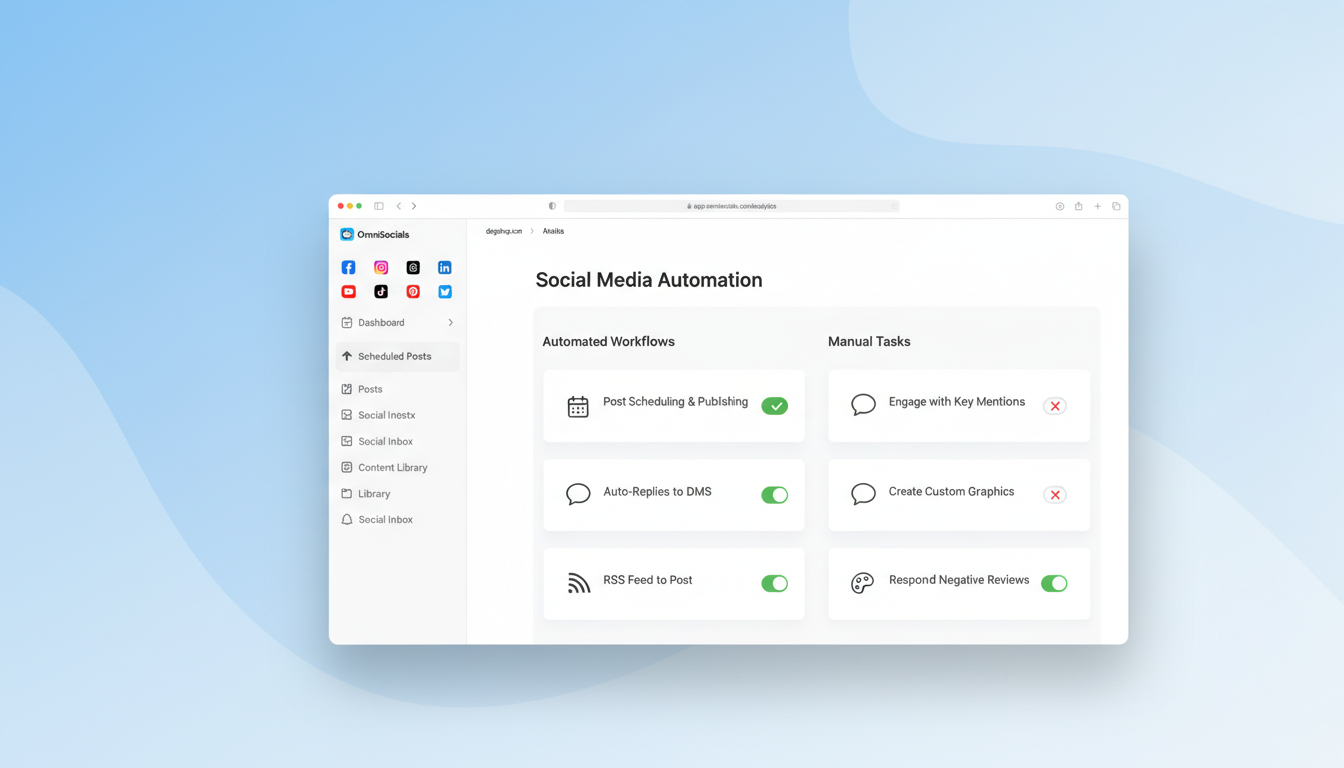
Social media automation saves hours every week. But it can also make your brand look like a bot if you automate the wrong things.
I've been managing social accounts across 6+ platforms for the past few years, and I've seen both sides. The accounts that automate smartly grow faster and stay consistent. The ones that automate everything, including replies and DMs, lose followers and trust.
This guide breaks down exactly what you should automate, what you should keep manual, the best tools for the job, and how to build a social media workflow automation system that actually works in 2026.
What Social Media Automation Actually Means in 2026
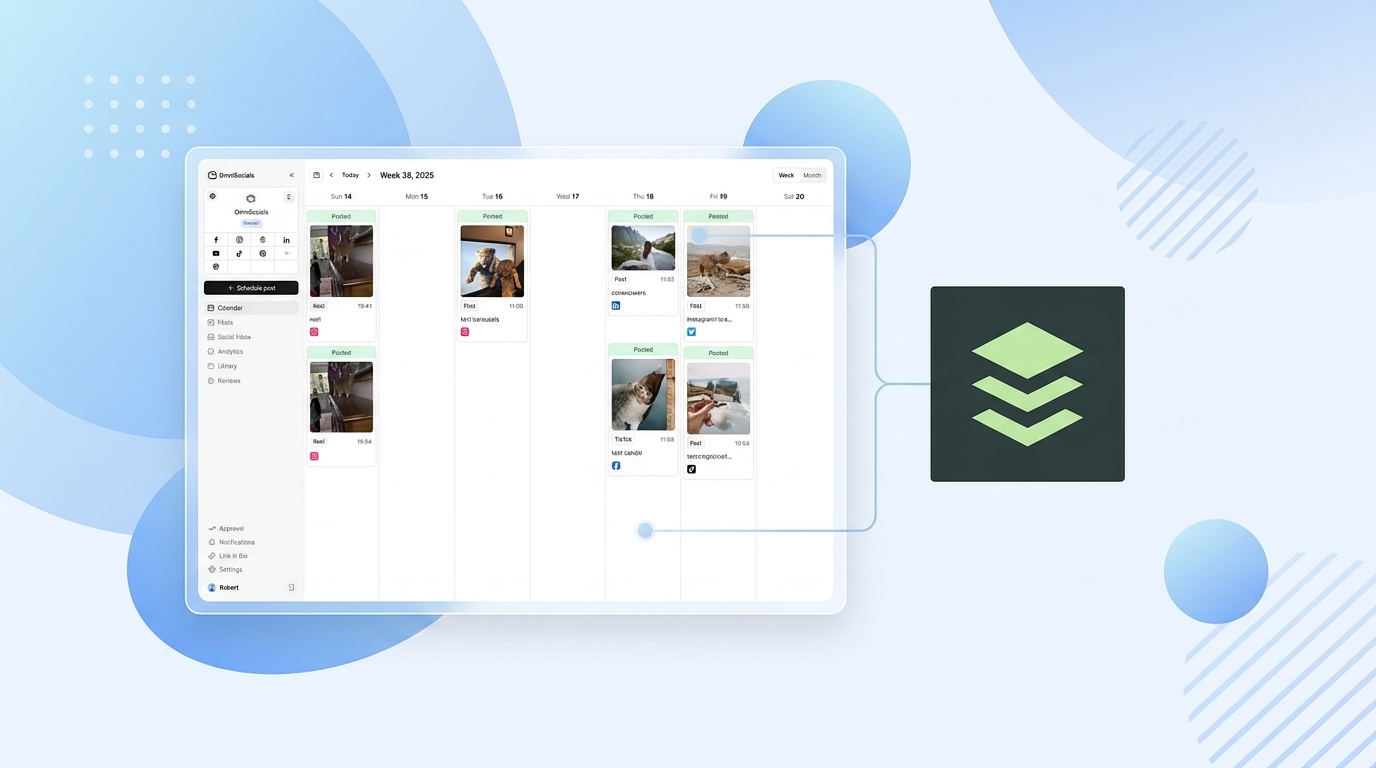
Social media automation is the use of software to handle repetitive social media tasks without manual input. That includes scheduling posts, cross-posting to multiple platforms, pulling analytics, republishing evergreen content, and triggering actions based on rules you set.
It does not mean letting a bot run your entire social presence.
The distinction matters. Five years ago, automation mostly meant "schedule tweets in advance." Now the tools are more capable. You can auto-publish blog posts to 5 platforms the moment they go live, recycle your top-performing content on a 90-day loop, and get weekly performance reports delivered to your inbox without logging into anything.
But the platforms have gotten smarter too. Instagram, LinkedIn, and X all use engagement signals to determine reach. If your audience can tell you're not actually present, your content gets suppressed. Algorithms reward genuine interaction.
The goal of automation in 2026 is simple: automate distribution, keep engagement human.
What You Should Automate on Social Media
These are the tasks that eat time, require zero creativity, and produce better results when handled by software.
Post Scheduling
This is the most obvious one and still the highest-ROI automation for most people.
Instead of logging into each platform separately and posting in real time, you batch-create your content once and schedule it across every channel for the week or month ahead. One session of focused work replaces dozens of scattered posting moments.
If you're not scheduling posts yet, start here. It's the single biggest time-saver in social media management.
For a deeper walkthrough on setting up your schedule, check out our best social media scheduler comparison, or read our step-by-step guide to scheduling social media posts for the exact batching workflow.
Cross-Platform Publishing
You wrote a great LinkedIn post. With slight adjustments, it works on X, Facebook, and Bluesky too.
Cross-posting tools let you write once and customize per platform before publishing everywhere. The key word is customize. Good cross-posting is not copy-paste. It's adapting the format, hashtags, and character count while keeping the core message.
Most scheduling tools handle this natively. You write the post, toggle on the platforms you want, tweak the text for each, and hit schedule.
Content Recycling
Your best-performing posts from 3 months ago? Most of your current followers never saw them.
Content recycling means putting evergreen posts back into rotation on a set schedule. A tip that worked in January still works in April. A product feature highlight from Q1 is still relevant in Q3.
Set up a library of your top 50-100 evergreen posts, assign them to categories, and let your tool cycle through them. This keeps your feed active even during weeks when you're not creating new content.
Reporting and Analytics
Pulling weekly or monthly performance reports manually is a waste of time.
Every serious scheduling tool offers automated reports. Set the frequency, pick the metrics, and get a PDF or dashboard link in your inbox. No logging in, no exporting CSVs, no building spreadsheets from scratch. Our comparison of the best social media analytics tools covers which platforms give you the most actionable data.
This matters for agencies and freelancers especially. Automated client reports save hours per month and look more professional than manual screenshots.
RSS Feed Auto-Publishing
If you publish blog posts, podcast episodes, or YouTube videos, you can auto-share them to social media the moment they go live.
RSS-to-social automation triggers a post whenever your feed updates. You set the template once ("New post: {title} - {link}") and every new piece of content gets distributed automatically.
It's not a replacement for custom promotional posts, but it makes sure nothing falls through the cracks.
Optimal Timing
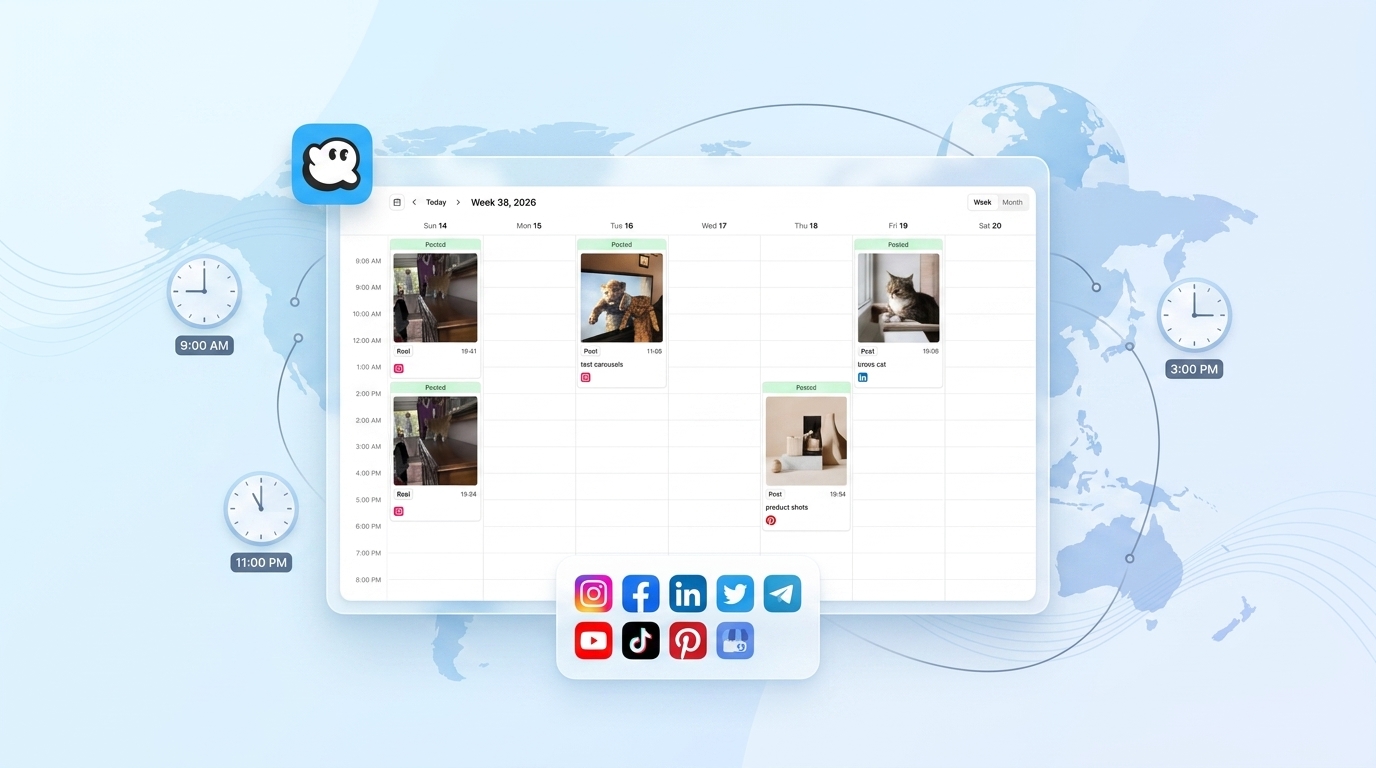
Most scheduling tools now analyze when your specific audience is most active and suggest the best times to post.
This is a small automation that compounds over time. Posting at 9 AM when your audience is active at 7 PM means your content gets buried before they ever see it. Letting the tool pick the optimal window based on actual data removes the guesswork.
What You Should NOT Automate
This is where most people go wrong. These tasks require human judgment, and automating them almost always backfires.
Engagement and Replies
Never automate replies to comments or mentions.
Automated replies are immediately obvious to people. "Thanks for your comment! We appreciate your feedback!" posted under every comment signals that nobody is home. It actively damages trust.
The same goes for auto-liking, auto-commenting on other people's posts, and auto-follow/unfollow schemes. Platforms detect this behavior and penalize it. Instagram has been cracking down on automation-driven engagement since 2019, and the detection has only gotten better.
Reply to people yourself. If you don't have time to reply to everyone, prioritize the comments that ask questions or share detailed feedback.
Crisis Management
When something goes wrong publicly, your pre-scheduled posts keep firing. That's a problem.
Imagine your company faces a PR issue on Tuesday. On Wednesday, your automation pushes out a cheerful product promotion post. It looks tone-deaf at best.
Always have a kill switch. Know how to pause all scheduled content immediately. And never automate the response to a crisis. Those messages need human judgment, careful wording, and real-time adaptation.
Trend-Jacking
Jumping on trending topics can work when done well. But it requires reading the room.
A trending hashtag might look like an opportunity until you realize it's tied to a tragedy or political controversy. Automated trend-jacking tools can't make that judgment call.
If you want to join trends, do it manually. Check the context, make sure your take is appropriate, and post it yourself.
Personal DMs
Auto-DMs to new followers are one of the fastest ways to get unfollowed.
"Hey! Thanks for following us. Check out our latest offer!" sent automatically to every new follower is spam. People recognize it instantly, and it creates a negative first impression.
If you want to welcome new followers or start conversations in DMs, do it selectively and personally. Or skip it entirely. Nobody expects a welcome DM.
Community Building
Building a community means having real conversations, remembering context, and showing up consistently as a human.
You can use automation to remind yourself to engage (notifications, dashboards, scheduled "engagement time" blocks). But the actual interaction needs to be you.
Automated community management is an oxymoron. Community is built on trust, and trust requires a real person.
Best Social Media Automation Tools
Here's a quick overview of the tools that handle automation well. Each has different strengths depending on what you need to automate.
| Tool | Starting Price | Best For | Key Automation Feature |
|---|---|---|---|
| OmniSocials | $10/mo | Multi-platform scheduling | 11 platforms, unified inbox, flat pricing |
| Buffer | Free / $6/channel | Simple scheduling | Clean queue-based scheduling for beginners |
| SocialBee | $29/mo | Content recycling | Category-based evergreen post rotation |
| Hootsuite | $99/mo | Enterprise teams | Bulk scheduling and team workflows |
| Zapier | Free / $20/mo | Custom workflows | Connects 6,000+ apps with if-then automations |
| IFTTT | Free / $3.49/mo | Simple triggers | Basic "if this, then that" automations |
OmniSocials is a solid pick if you want to cover the most platforms for the least money. At $10/mo flat for 11 platforms with unlimited posts, it handles scheduling, cross-posting, and inbox management without per-channel fees. It's newer than Buffer or Hootsuite, so the brand recognition isn't there yet, but the feature set covers everything most small businesses and solopreneurs need. Several newer tools also add AI caption generation and optimal time prediction — we tested those in our AI social media scheduler comparison.
Buffer is the simplest option and has a genuinely useful free tier (3 channels, 10 posts per channel). If your automation needs are basic, it gets the job done.
SocialBee stands out for content recycling specifically. Its category system lets you build evergreen libraries that rotate automatically. If your strategy relies on republishing proven content, SocialBee does it better than anyone.
Hootsuite is the enterprise incumbent. It's expensive ($99/mo minimum), but for large teams that need bulk scheduling, approval chains, and detailed reporting, it's a known quantity.
Zapier and IFTTT are not social media tools specifically. They're automation platforms that connect apps together. Use them to build custom workflows: auto-share new blog posts to social, save Instagram posts to a Google Sheet, trigger a Slack notification when someone mentions your brand. Zapier is more powerful; IFTTT is simpler and cheaper.
How to Build a Social Media Automation Workflow
Here's a practical framework for setting up automation that saves time without sacrificing quality.
Step 1: Audit Your Current Tasks
Spend one week tracking every social media task you do manually. Write it all down. Scheduling, posting, replying, checking analytics, creating graphics, curating content, responding to DMs.
Separate the list into two columns: repetitive tasks (same action, same format, same frequency) and judgment tasks (requires reading context, crafting a unique response, making a decision).
Step 2: Pick Your Core Tool
Choose one scheduling tool as your central hub. Don't use three different tools for three different platforms. That creates more work, not less.
For most people, a tool that handles scheduling + cross-posting + basic analytics is enough. If you need a starting point, here's our social media content calendar guide to help you plan what goes where.
Step 3: Set Up Your Content Categories
Organize your content into categories: promotional, educational, behind-the-scenes, curated, engagement prompts, user-generated content.
Assign each category a posting frequency. Two educational posts per week, one promotional, one behind-the-scenes. This structure prevents you from over-promoting or running out of ideas.
Step 4: Build Your Evergreen Library
Go through your past 6 months of posts. Find the ones that performed well and are still relevant. Add them to a recycling queue.
Aim for at least 30-50 evergreen posts to start. This gives your automation tool enough variety to rotate through without repeating too quickly.
Step 5: Set Up Triggers for New Content
Connect your blog RSS feed, YouTube channel, or podcast feed to your scheduling tool. Configure a template for auto-published posts.
Keep the template simple. A headline, a link, maybe a relevant emoji or hashtag. You can always create a custom promotional post separately for your best content.
Step 6: Schedule Weekly Review Time
Automation does not mean "set and forget."
Block 30 minutes once a week to review what was posted, check engagement, reply to comments you missed, and adjust your schedule for the coming week. This is where the human touch lives.
Common Social Media Automation Mistakes
I've seen these patterns repeatedly across accounts of all sizes. Avoid them.
Over-automating engagement. Auto-likes, auto-comments, and auto-follows are detectable by platforms and annoying to people. They'll get your reach throttled or your account flagged.
Not reviewing scheduled content. A post you scheduled two weeks ago might reference something that's no longer relevant. Always review your queue before it goes live, especially during sensitive news cycles.
Using the same post across all platforms. Cross-posting is fine. Copy-pasting the exact same text to Instagram, LinkedIn, and X is lazy and performs poorly. Each platform has different norms, character limits, and audience expectations. Take 30 seconds to customize. X (Twitter) in particular has a very different content style — see our X post scheduling guide for tips on what works.
Ignoring analytics. If you're automating reports but never reading them, you're just generating PDFs for your inbox. Check the data. Kill what's not working. Double down on what is.
Automating without a content strategy. Tools amplify whatever you put into them. If your content is unfocused, automation just distributes unfocused content faster and to more places. Get the strategy right first, then automate the execution.
Setting and forgetting RSS automations. Auto-published posts from RSS feeds work, but they're generic. If a blog post deserves a real social push, create a custom post for it. Let the RSS auto-post handle the baseline distribution, not the promotion.
Frequently Asked Questions
What is social media automation?
Social media automation uses software tools to handle repetitive tasks like scheduling posts, cross-posting to multiple platforms, pulling analytics reports, and publishing RSS feed content automatically. It reduces the time you spend on distribution so you can focus on creating content and engaging with your audience. The key is automating the repetitive parts, not the human parts.
Is it bad to automate social media?
Not if you automate the right things. Scheduling posts, recycling evergreen content, and auto-generating reports are safe to automate and save real time. Automating replies, DMs, and engagement is where it gets risky. Platforms penalize bot-like behavior, and audiences can tell the difference between a real person and an automated response. Automate distribution. Keep engagement human.
What social media tasks should never be automated?
Never automate direct replies to comments or DMs. Never automate crisis communication. Never auto-post about trending topics without checking the context first. Skip auto-DMs to new followers. And don't try to automate community building. These tasks require judgment, tone, and awareness that software can't replicate reliably. A bad automated reply can do more damage than no reply at all.
The best social media automation setup is the one where your audience never notices the automation. They just see consistent, quality content showing up at the right times, with a real person behind the account when they reach out.
Start small. Automate scheduling and cross-posting first. Add content recycling once you have enough evergreen posts. Layer in RSS triggers and reporting last. And always keep the conversations real.
Want to automate your posting across 11 platforms? Try OmniSocials free for 14 days. Unlimited posts, flat $10/mo pricing.